LinkedIn Directory: Find People & Companies (Plus CSV Exports)
Find LinkedIn people and companies with directory URLs, Google, and search filters. See our access tests and learn which tools export profiles or companies.

By Sasha Bouloudnine
Founder @ lobstr.io
Updated 14 Sept 2026
11 min read
Contents
- What is the LinkedIn directory?
- Inside the directory: the real URL structure
- Does the LinkedIn directory still work in 2026?
- Find public profiles without logging in
- Search the directory: LinkedIn People Search
- Export directory profiles to CSV: our test
- Export people & companies from search results
- FAQ
- Final thoughts
A LinkedIn profile can appear in Google even when the directory won't open. I tested the directory, found an accessible regional page, and turned its profile links into a CSV.
Here's what worked, what failed, and which URLs to use when you want people or companies rather than an error page:
- what the LinkedIn directory is, and where it actually lives;
- what our September 2026 access tests actually showed;
- how to find profiles and export people or company search results.
What is the LinkedIn directory?
The LinkedIn directory is a set of public pages that list members in plain A-to-Z order.
Pick a letter to browse listed names. Each entry links to a profile URL; it isn't a guaranteed list of every matching member.
The page I extracted contained names and links, not contact records. Profile details and email enrichment are separate steps.
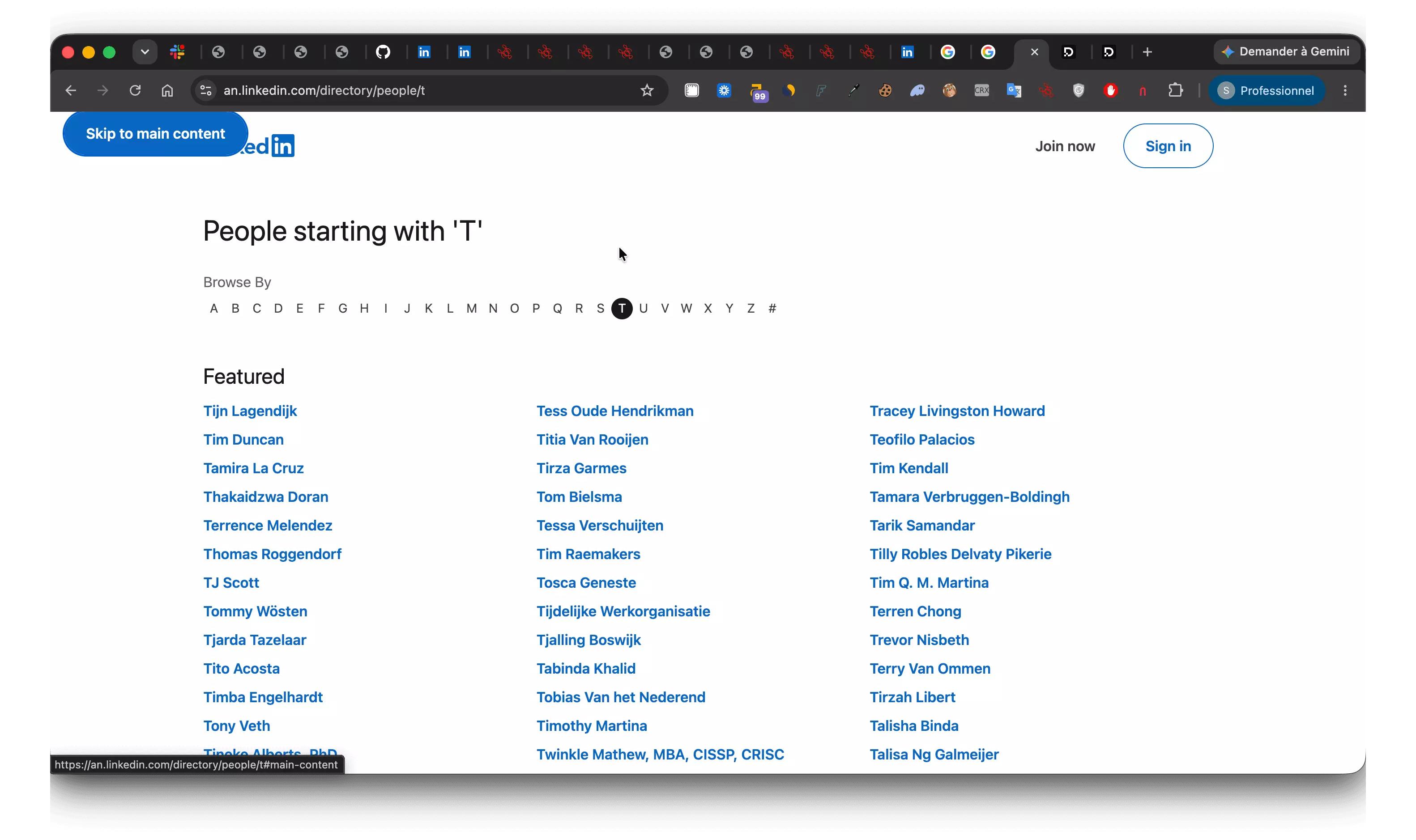
Think of it as a phone book without the phone numbers. Useful for discovering names; less useful for finding a Berlin sales director.
Its links can also help search engines discover profiles. But a directory page, a public profile, and a Google result are different things.
An alphabetical directory is not a downloadable member database. Public visibility, indexing, and live access each have their own limits. Finding a URL doesn't guarantee you can open the page or retrieve every field.
Start by recognizing which kind of URL you have.
Inside the directory: the real URL structure
The directory uses /directory/. These are the people-directory addresses to recognize, not a promise that each will load:
The root opens the index; letter paths select a starting letter:
https://www.linkedin.com/directory/people
https://www.linkedin.com/directory/people/a
https://www.linkedin.com/directory/people/b
You may also encounter the legacy name-directory pattern in search results:
https://www.linkedin.com/pub/dir/+/+
Don't expect a directory page from those. In our September 14, 2026 test, logged in, /pub/dir/John/Smith redirected straight to the people search results, with the name applied as exact-match filters:
https://www.linkedin.com/search/results/people/?origin=SEO_PSERP&firstName=%22John%22&lastName=%22Smith%22
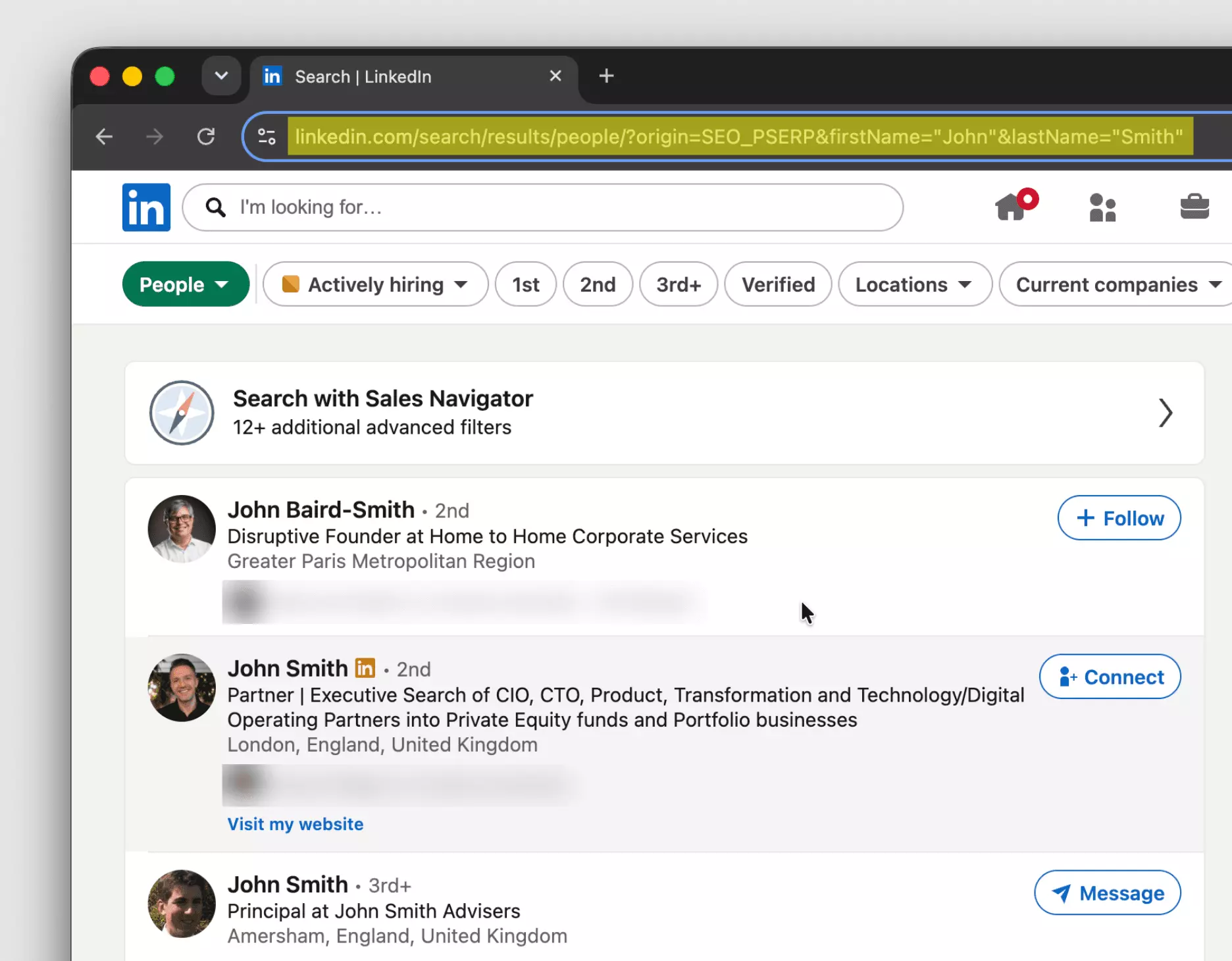
So a legacy link doesn't 404. Logged out, it hits LinkedIn's sign-in wall; logged in, LinkedIn forwards it to a name-filtered people search. The origin=SEO_PSERP parameter — likely "SEO people SERP" — suggests the redirect targets visitors landing from search engines.
People are only one branch. Here are the main directory URLs:
| Directory | Path on linkedin.com |
|---|---|
| People | /directory/people |
| Companies | /directory/companies |
| Jobs | /directory/jobs |
| Posts | /directory/posts |
| Products | /directory/products |
| Featured content | /directory/featured |
The directory also has regional URLs, such as fr.linkedin.com for France and in.linkedin.com for India.
To update our old 67-entry list, I ran subfinder against linkedin.com. It returned 12,418 subdomains.
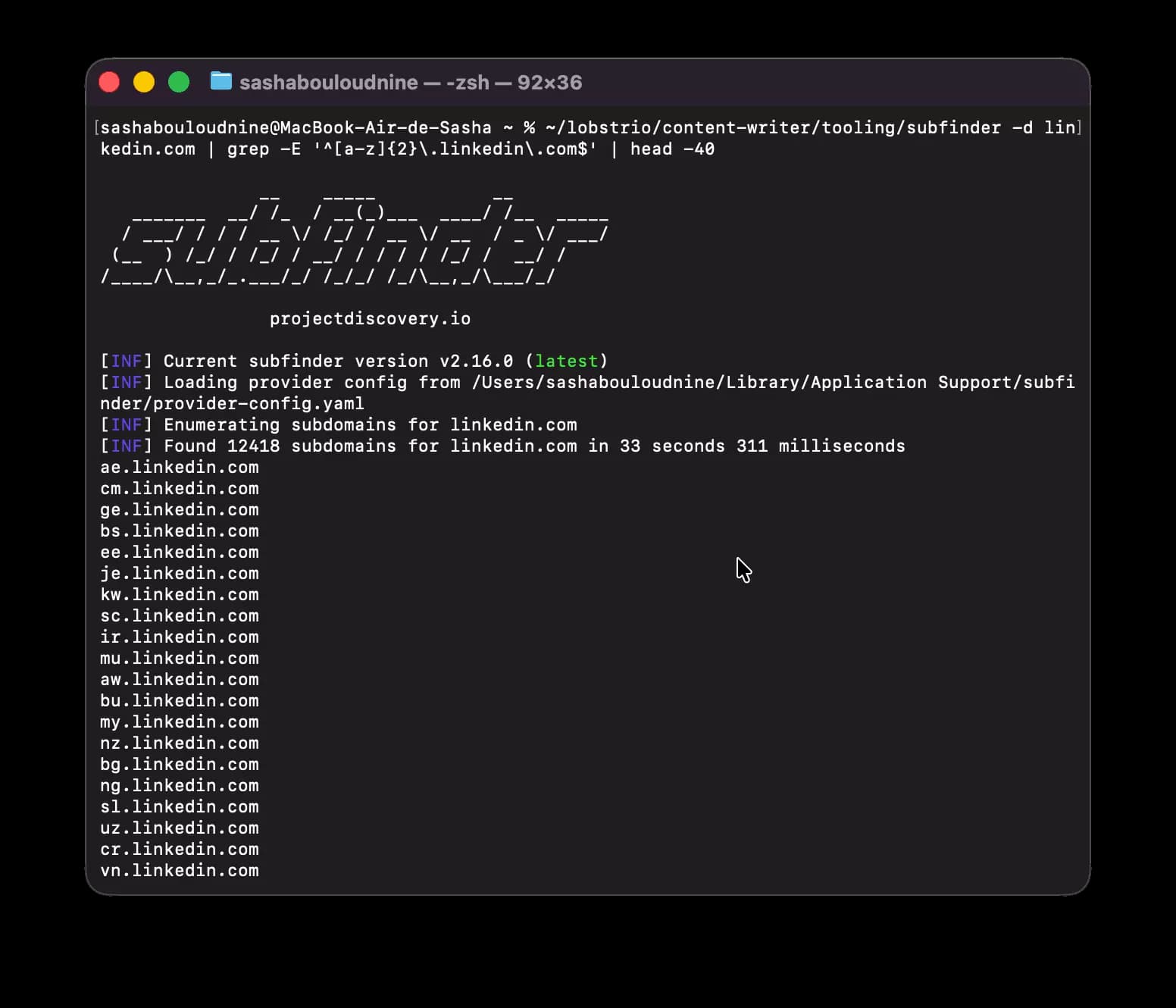
We then cross-referenced those results with Wikipedia's country-code top-level domain list.
The result: 248 LinkedIn subdomains matching country and territory codes.
But do their directory pages still open? We tested that next.
Does the LinkedIn directory still work in 2026?
On September 10, 2026, the main people directory returned an error in our browser test.
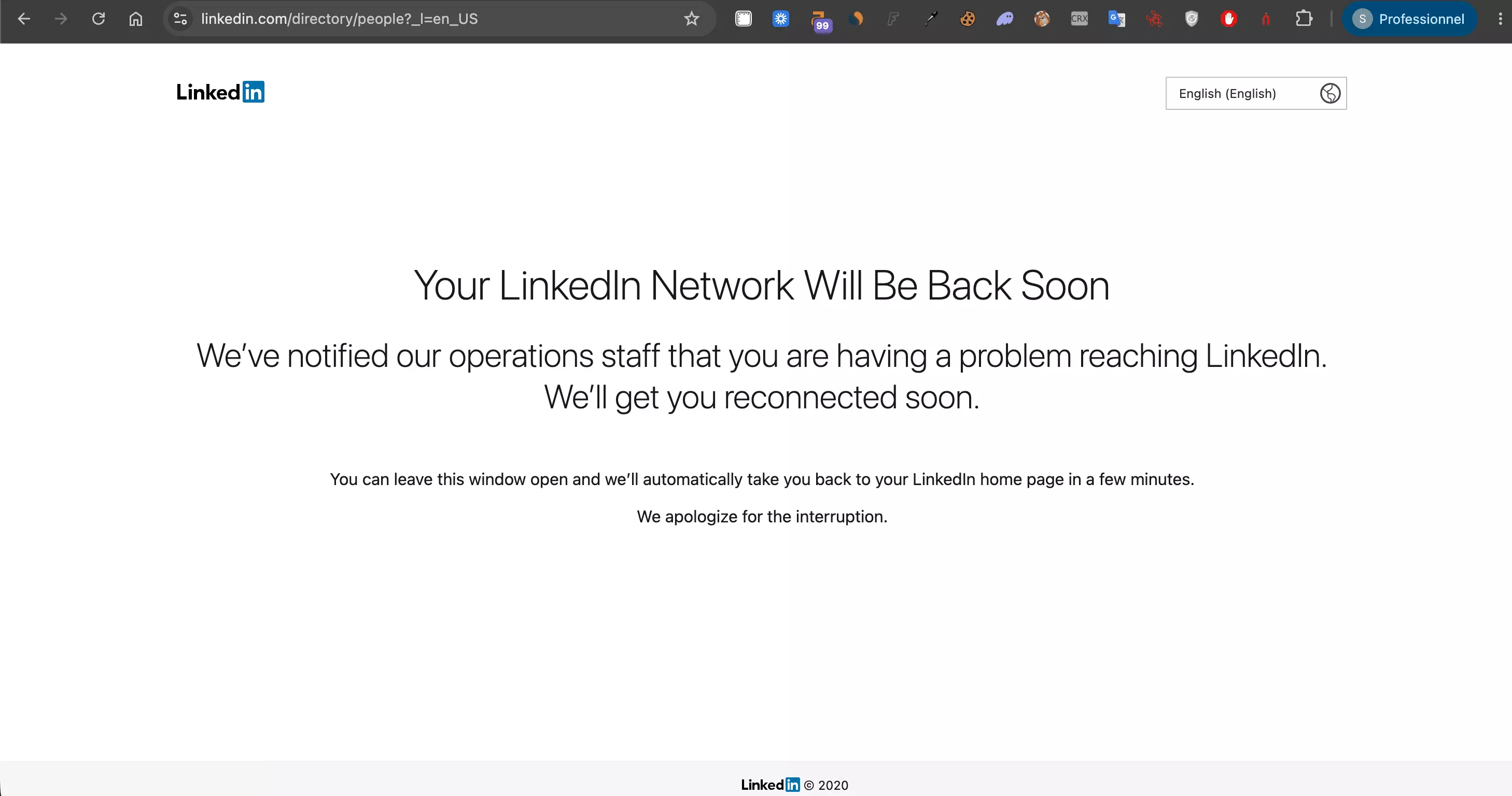
"Your LinkedIn Network Will Be Back Soon." That's the screen I saw in a normal browser window.
The companies directory showed the same message. The footer says 2020, but that doesn't tell us when the directory changed.
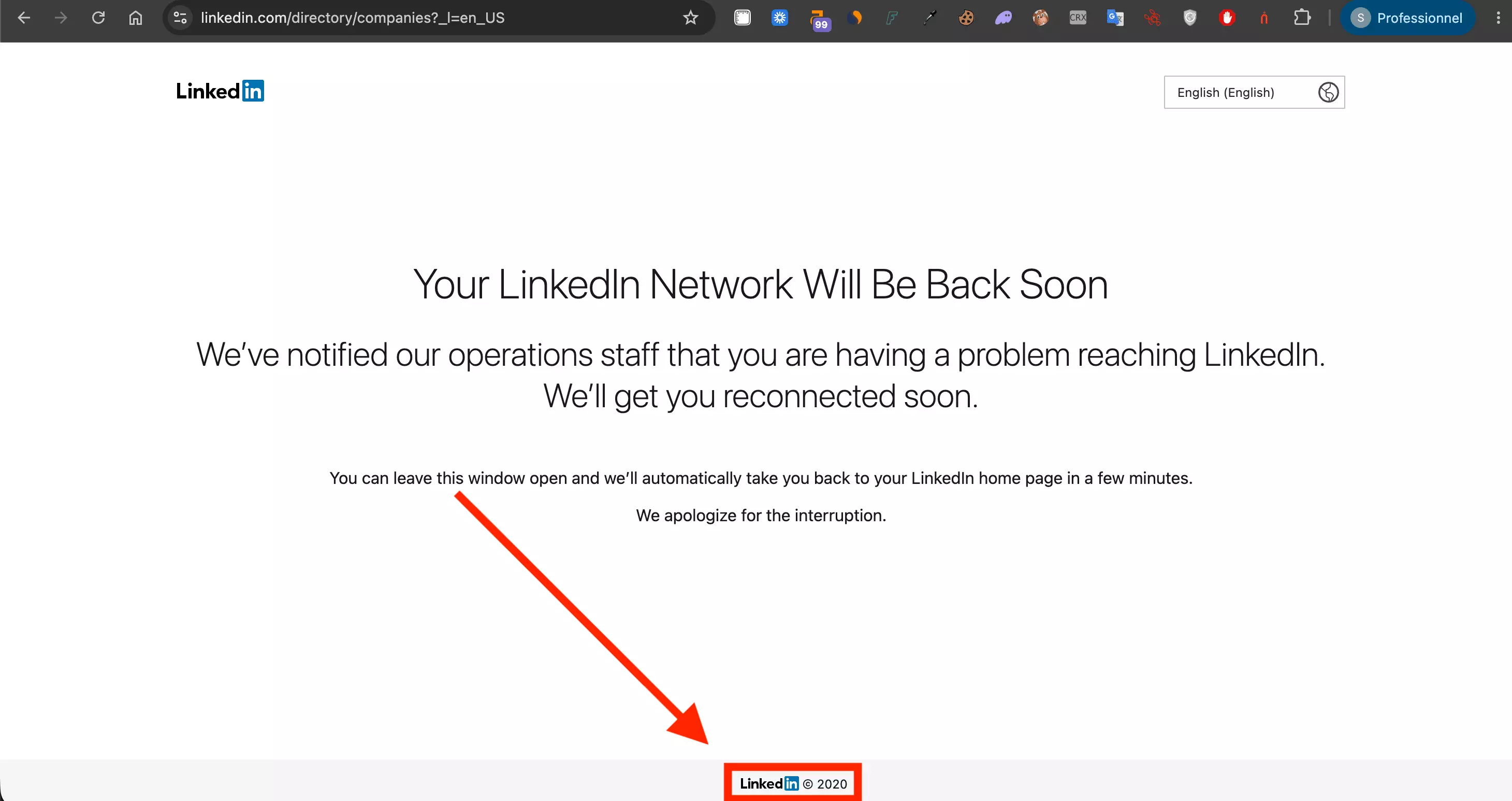
Our automated requests also failed, returning HTTP 999. Here's the people-directory response:
$ curl -sI https://www.linkedin.com/directory/people
HTTP/2 999
999 isn't a standard code in the HTTP status registry. Here, it accompanied a blocked request; it doesn't prove permanent removal.
The browser error alone doesn't identify its cause, either. A screenshot cannot establish whether LinkedIn blocked a session or retired an endpoint.
Yet an.linkedin.com/directory/people/t loaded a directory page in our test, with "Join now" and "Sign in" visible.
Main directory — Error in our September 10 test
Regional directory — Loaded in our September 10 test
That contrast establishes partial access during testing, not a reliable country-by-country availability map. Results varied with request conditions.
Indexed doesn't mean accessible. Google can retain a URL while a direct visit fails. Our tests don't establish a shutdown date, and a regional page that worked for us may fail for you.
If the directory won't open, start with search instead.
Find public profiles without logging in
You can search Google without signing into LinkedIn. The site: operator narrows results to LinkedIn profile URLs:
site:linkedin.com/in/ "recruiter" "curacao"
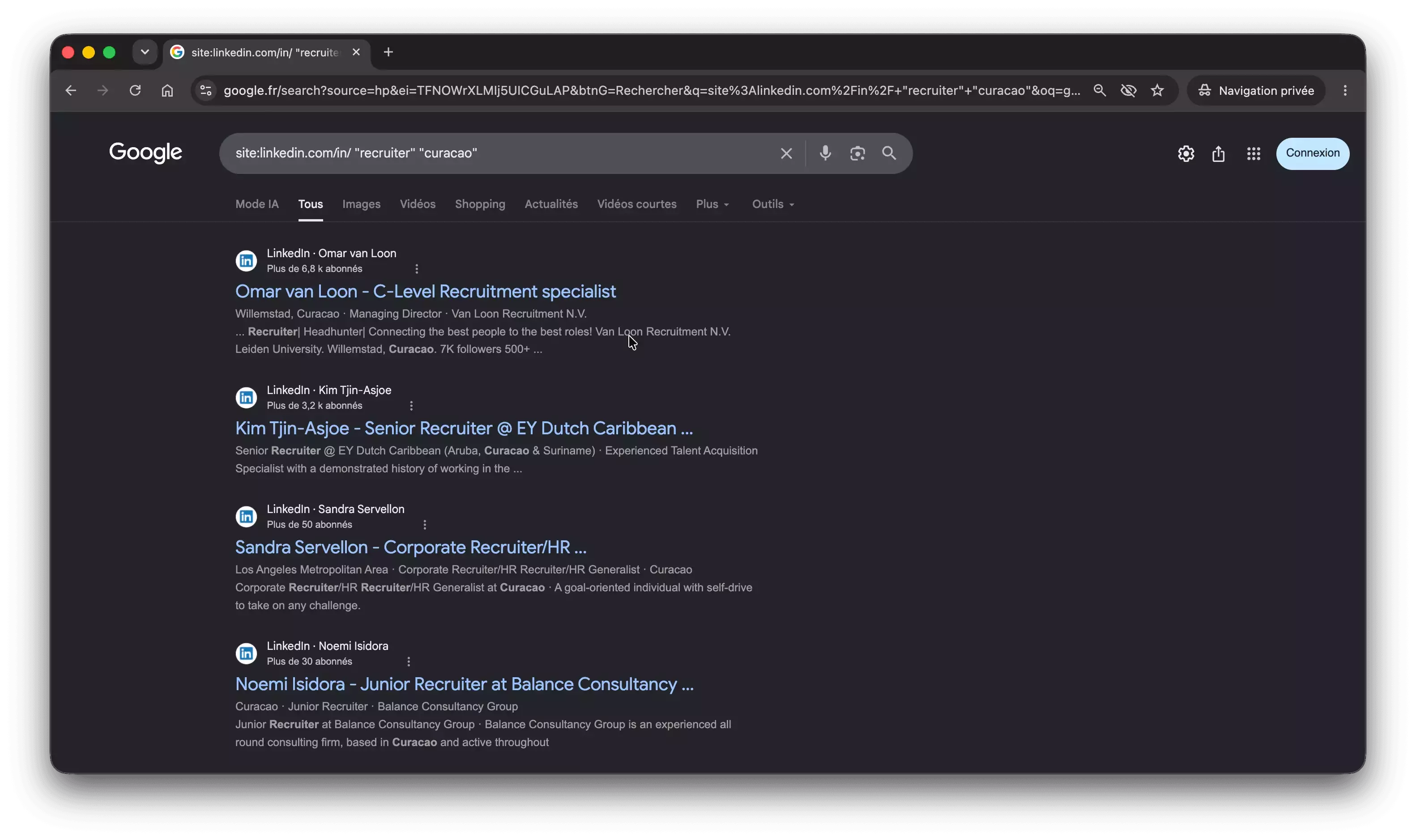
Recruiters call this X-ray search. It searches what Google indexed, not necessarily the full or current LinkedIn profile.
We break down the full operator set in how to find LinkedIn profiles with Google, and go deeper on the dorks in the X-ray search guide.
Stack operators to sharpen it. intitle: forces a word into the page title, and a minus sign drops the noise:
site:linkedin.com/in/ intitle:"head of sales" "berlin" -jobs
Clicking a result may open a public preview, a login prompt, or an error. Google isn't a guaranteed way around LinkedIn's access restrictions.
Even people sharing their own public profile run into this:
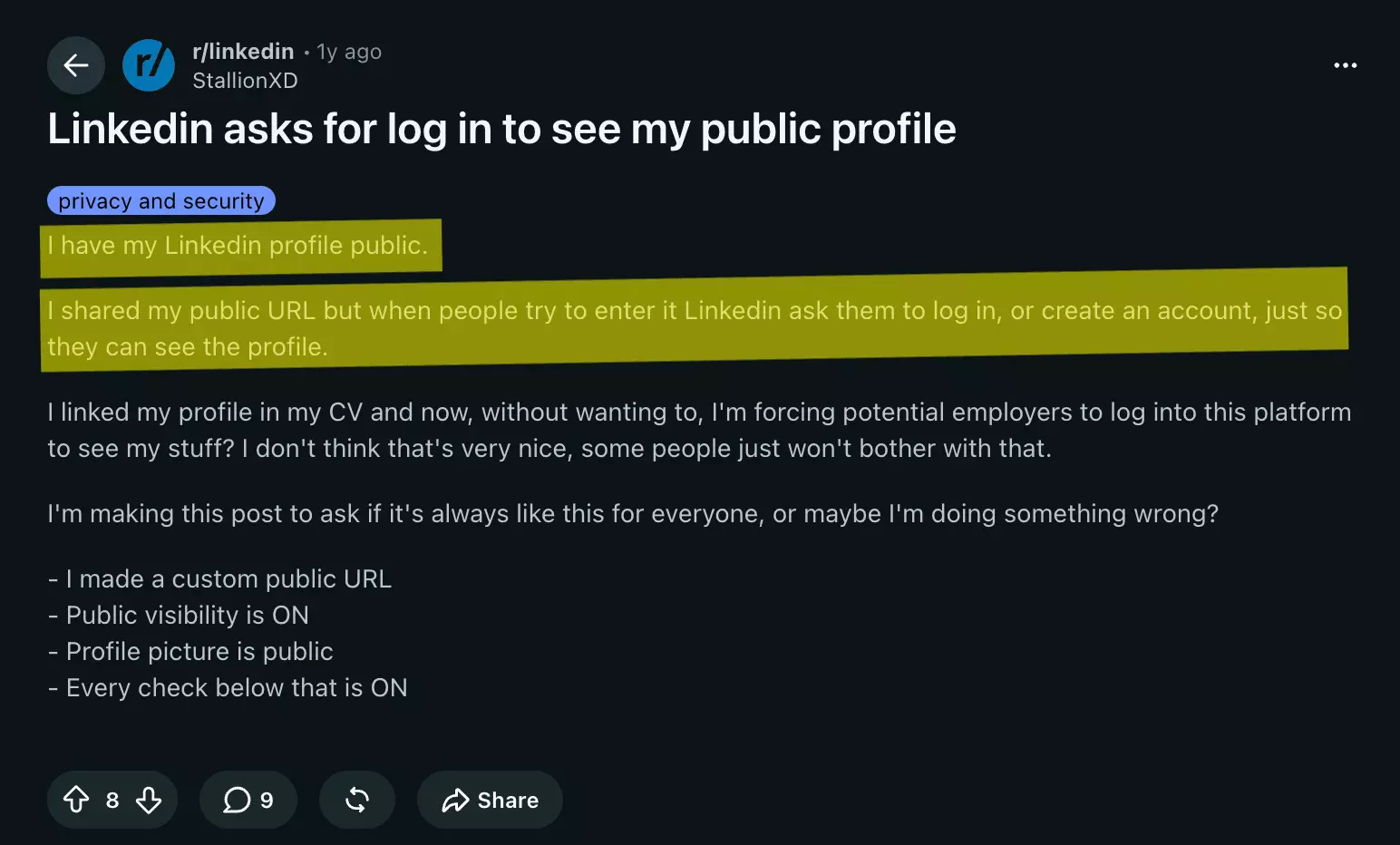
LinkedIn describes public profiles as simplified versions. Members control eligible sections, and search engines can take weeks or months to reflect changes.
Google explicitly says site: results aren't exhaustive. Use X-ray search to discover candidates, not count LinkedIn members or certify that someone's profile doesn't exist.
Need structured filters instead of keyword matches? Use LinkedIn's own search.
Search the directory: LinkedIn People Search
Once you are logged in, the raw directory is the wrong tool anyway.
LinkedIn's People Search is the searchable front end to the same member base. It lives at a stable URL:
https://www.linkedin.com/search/results/people/
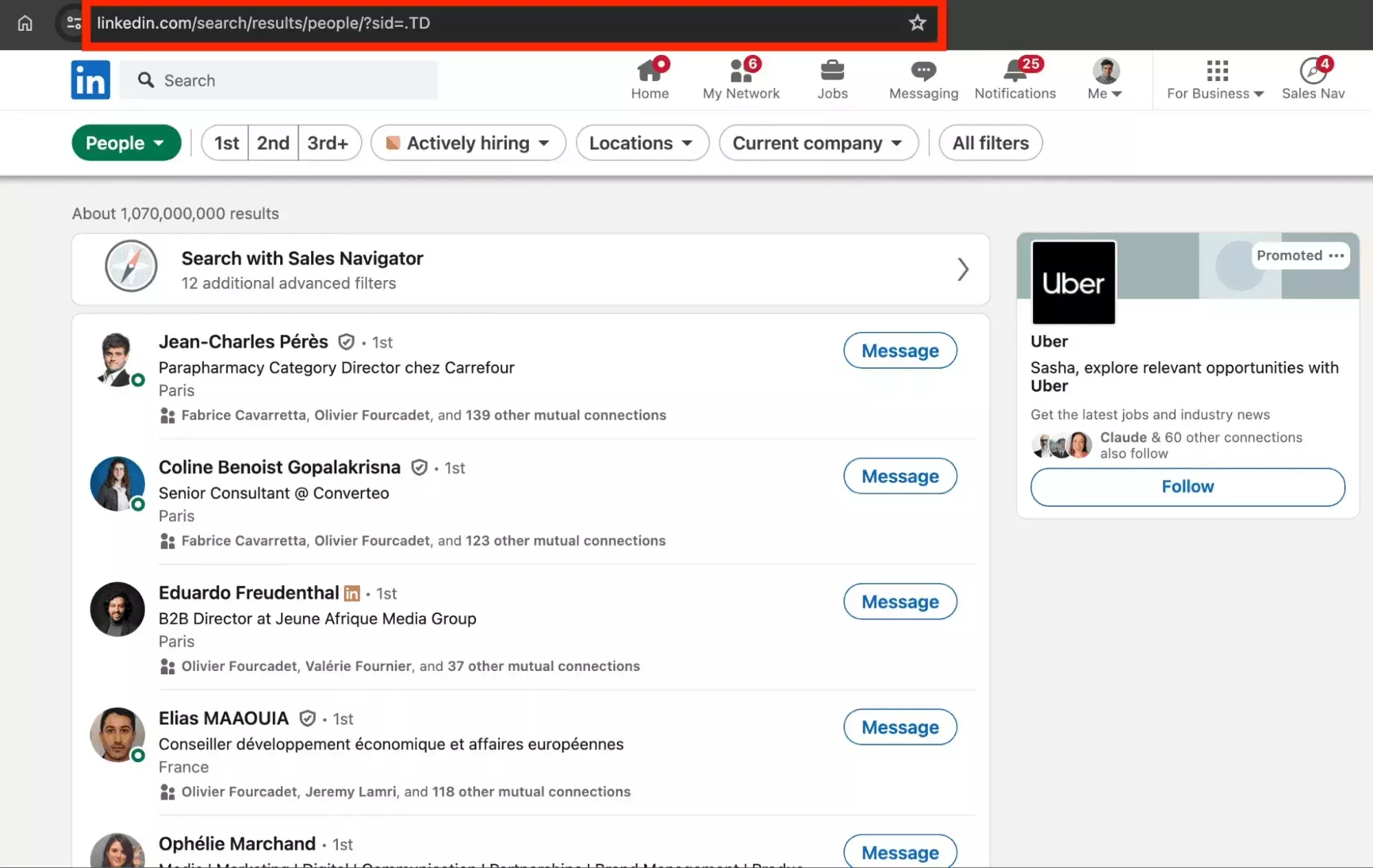
Where the directory only sorts by letter, People Search filters.
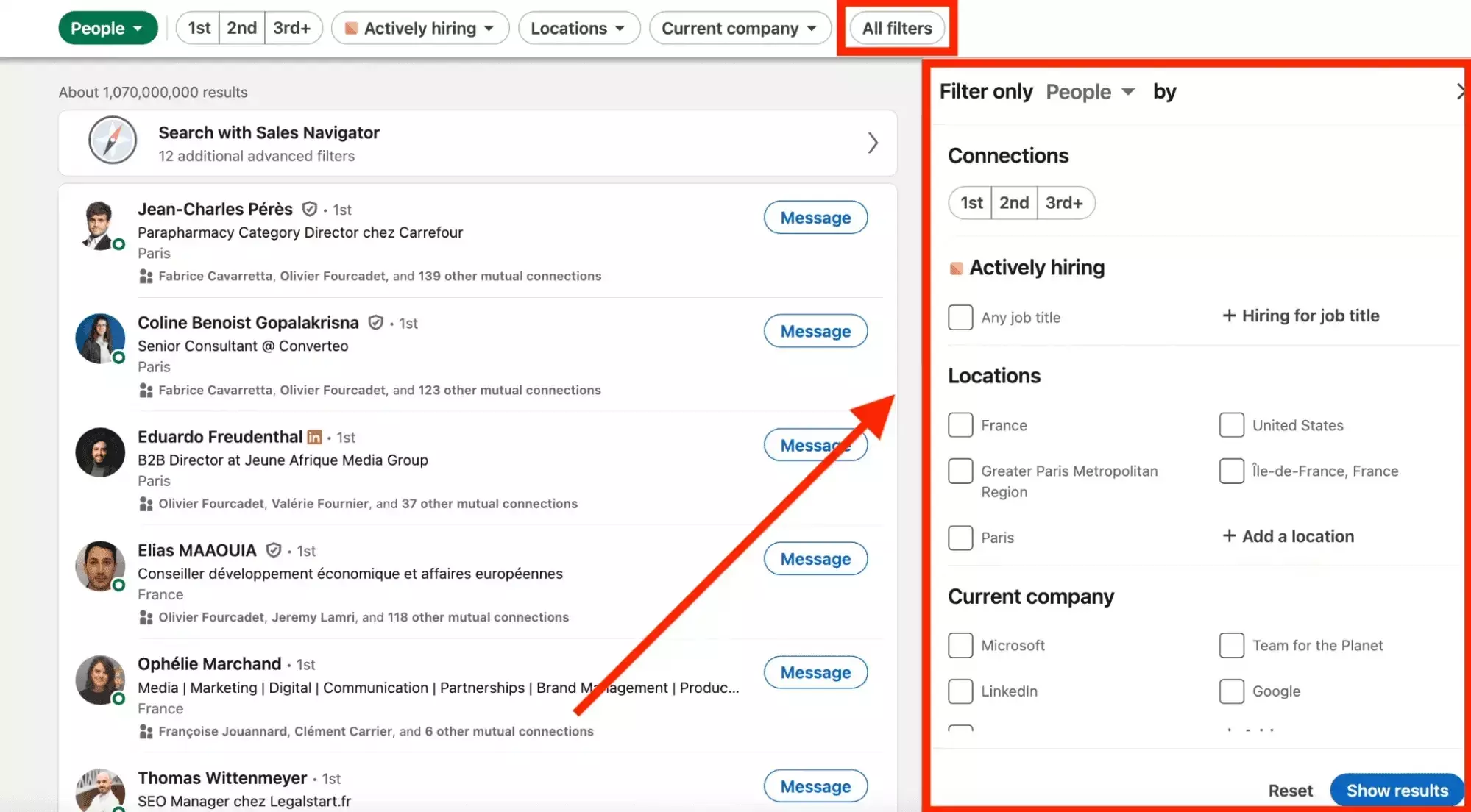
Click All filters to narrow the search. Available options include companies, locations, and connection degrees; the interface varies by account.
LinkedIn also supports Boolean operators. For example:
"amazon" AND ("yale" OR "mit") AND NOT "harvard"
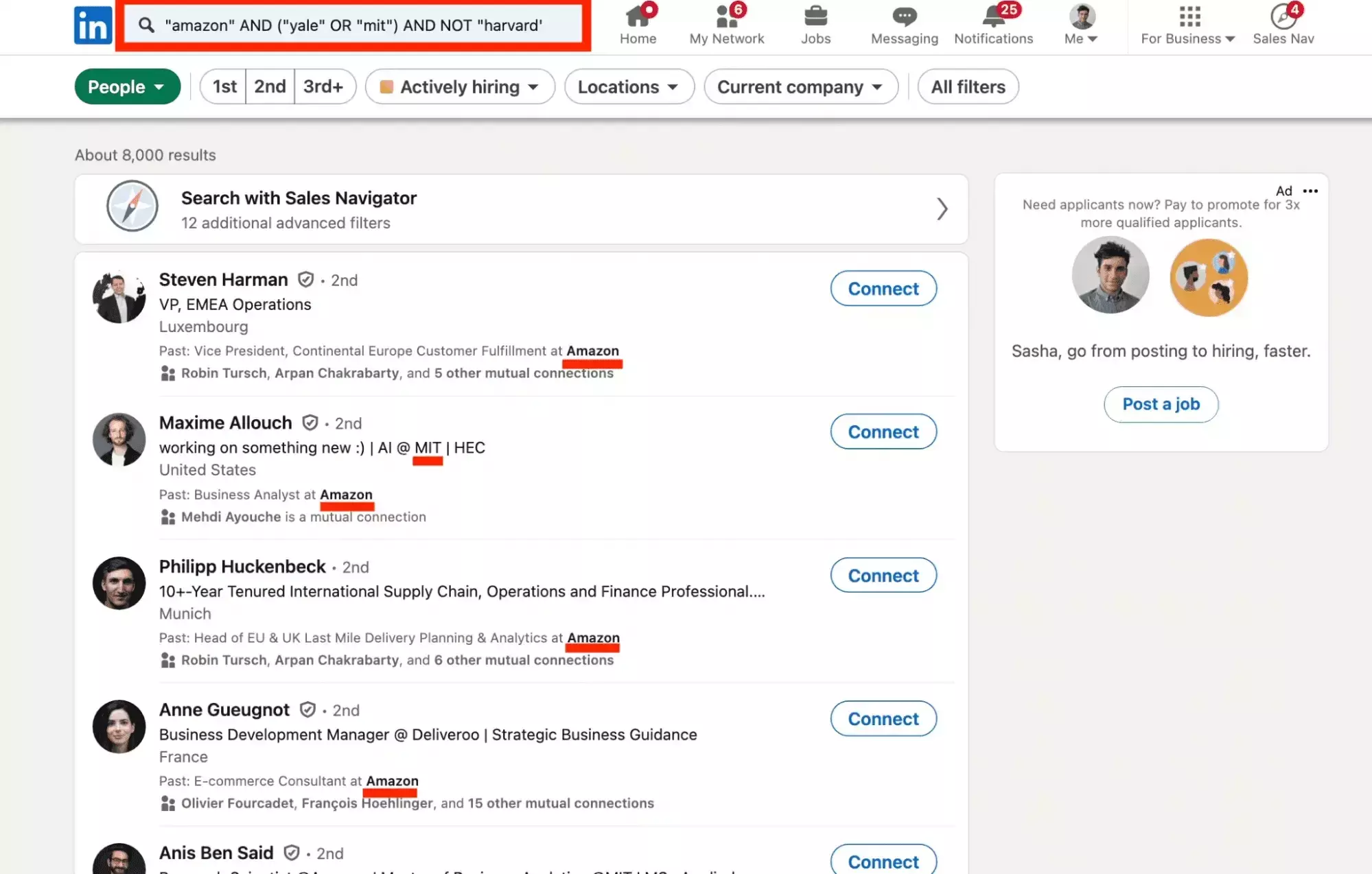
These are keyword matches. Use company and school filters when you need employment or education criteria, not just those words somewhere in a profile.
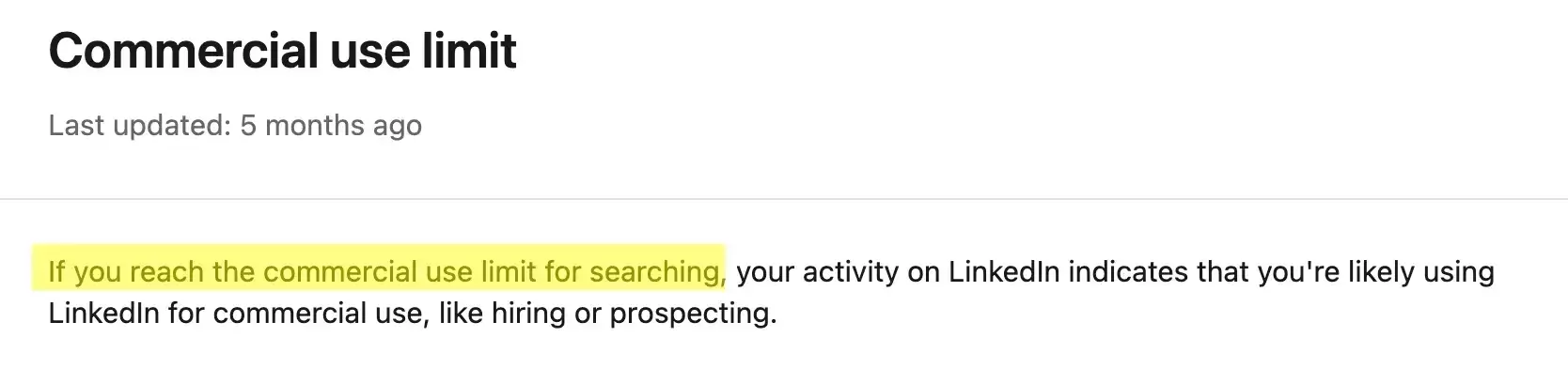
The commercial use limit can restrict searching based on activity. It isn't a fixed late-month cutoff; see our LinkedIn limits guide.
One genuine change: LinkedIn introduced AI-powered people search in November 2025, initially for U.S. Premium subscribers. That's a search feature, not a reopened directory.
Browse, Google, or search — all three still leave you clicking one profile at a time. The job most people actually have is turning the directory into a file.
Export directory profiles to CSV: our test
The directory page had no CSV download. So I made one.
From an.linkedin.com/directory/people/t, we extracted 492 name-and-profile-URL rows into a CSV. That is the captured page's output, not a country-wide total.
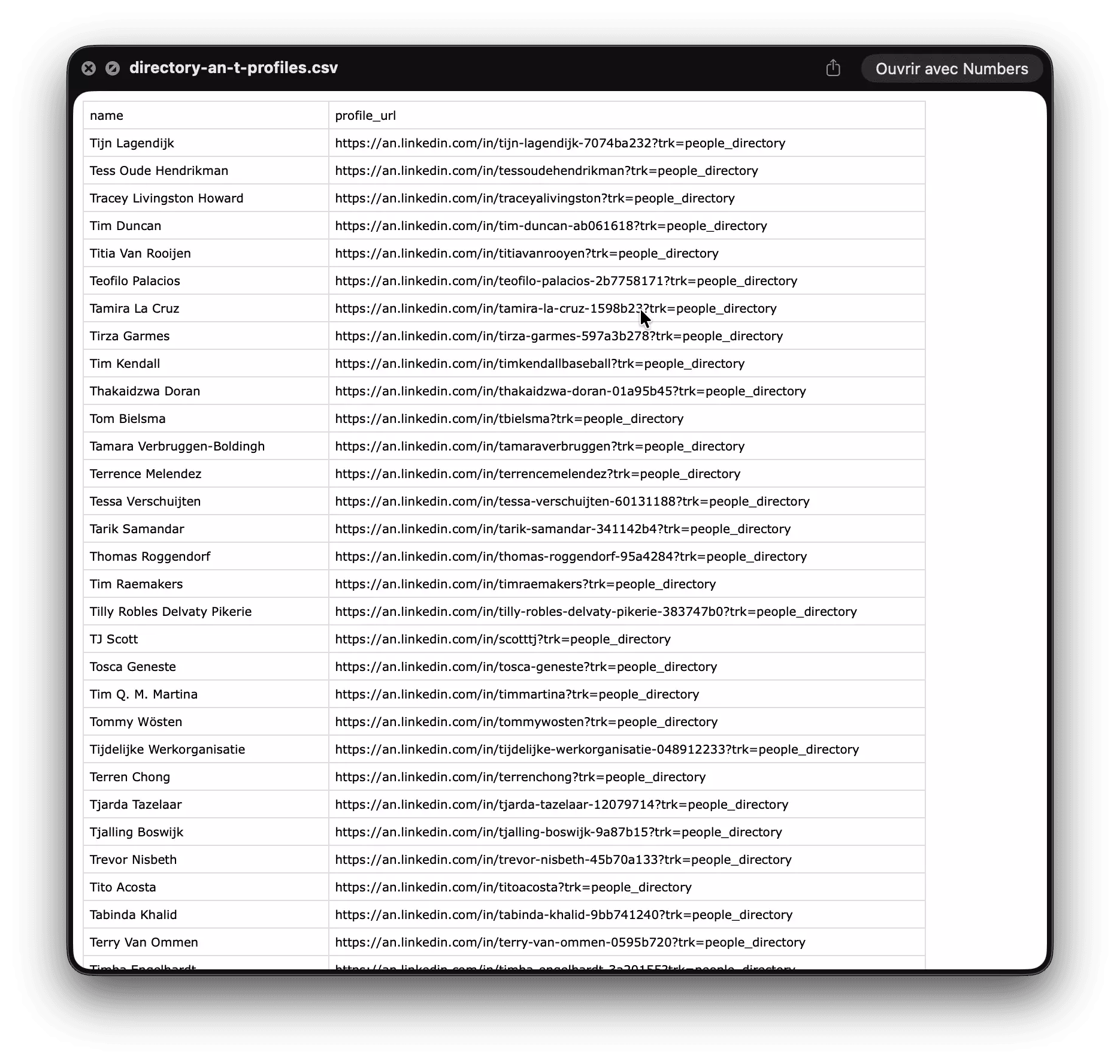
Next, choose a small batch of profile URLs. There is no reason to enrich the entire list before checking relevance.
The LinkedIn Profile & Email Scraper (No Login) accepts individual profile URLs without connecting your LinkedIn account. You still need a lobstr.io account.
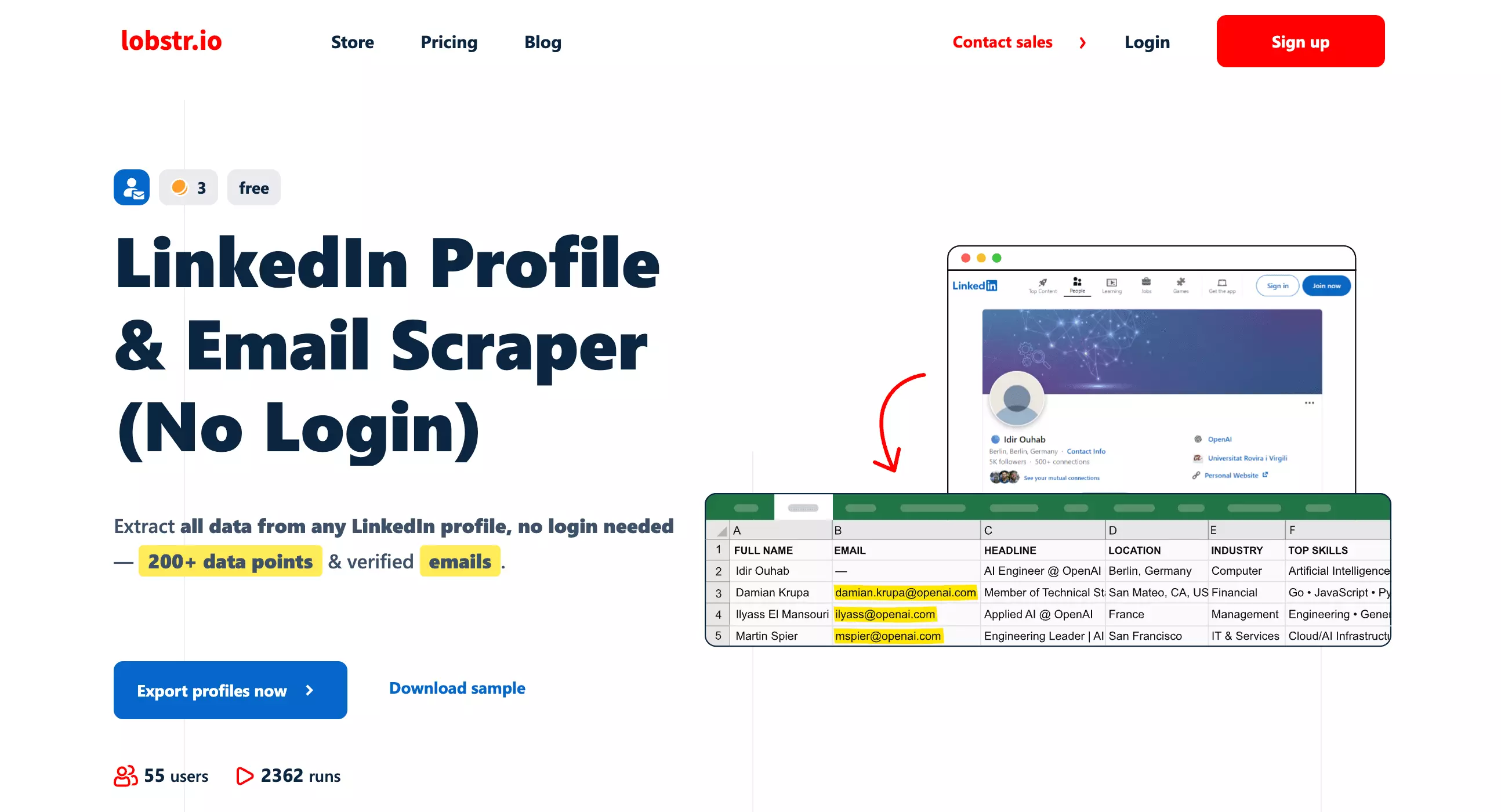
I ran 10 of those directory profiles through it.
The run returned nine records. Three had an email with status "valid"; six had no email value.
| Measured step | Result |
|---|---|
| Directory rows extracted | 492 names and profile URLs |
| Profile URLs submitted | 10 |
| Output records | 9 |
| Emails marked valid | 3 |
Here is the actual export behind those counts. The table above summarizes it without the technical ID columns.
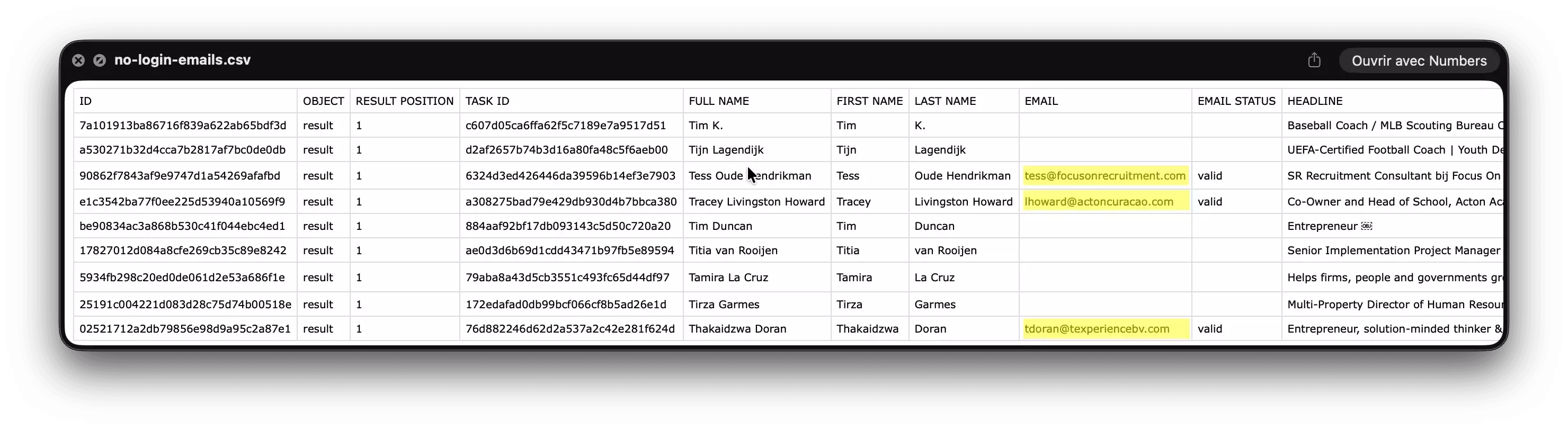
That status is the tool's validation result. It doesn't establish that the address was publicly displayed on LinkedIn or guarantee delivery.
Email enrichment and profile extraction are distinct. Our LinkedIn email extraction guide explains the options; this small sample isn't an expected success rate.
Export LinkedIn Profiles Without Connecting LinkedIn
No code needed — paste URLs, launch, download the CSV.
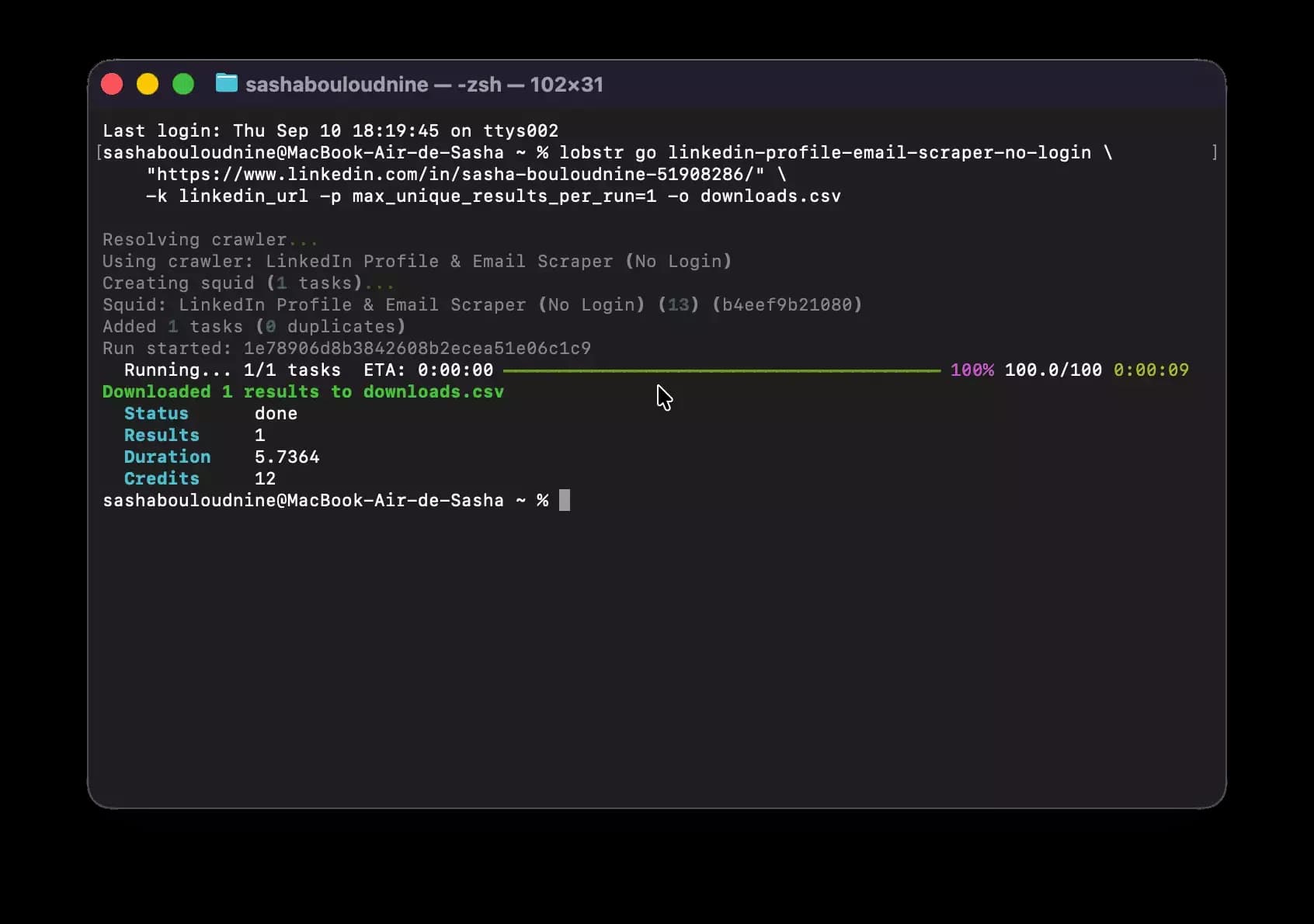
Prefer the terminal? The lobstr.io CLI can create and run the No-Login scraper directly:
pip install --upgrade lobstrio
lobstr config set-token YOUR_API_TOKEN
lobstr go linkedin-profile-email-scraper-no-login \
  "https://www.linkedin.com/in/some-profile/" \
  -k linkedin_url -p max_unique_results_per_run=1 -o downloads.csv
Replace the profile URL with yours. This example caps the run at one result, waits for completion, and saves it to downloads.csv.
Prefer an AI agent? Connect the lobstr.io MCP server and authorize your lobstr.io account.
For Claude Code, the setup command is:
claude mcp add --transport http lobstr https://mcp.lobstr.io/mcp
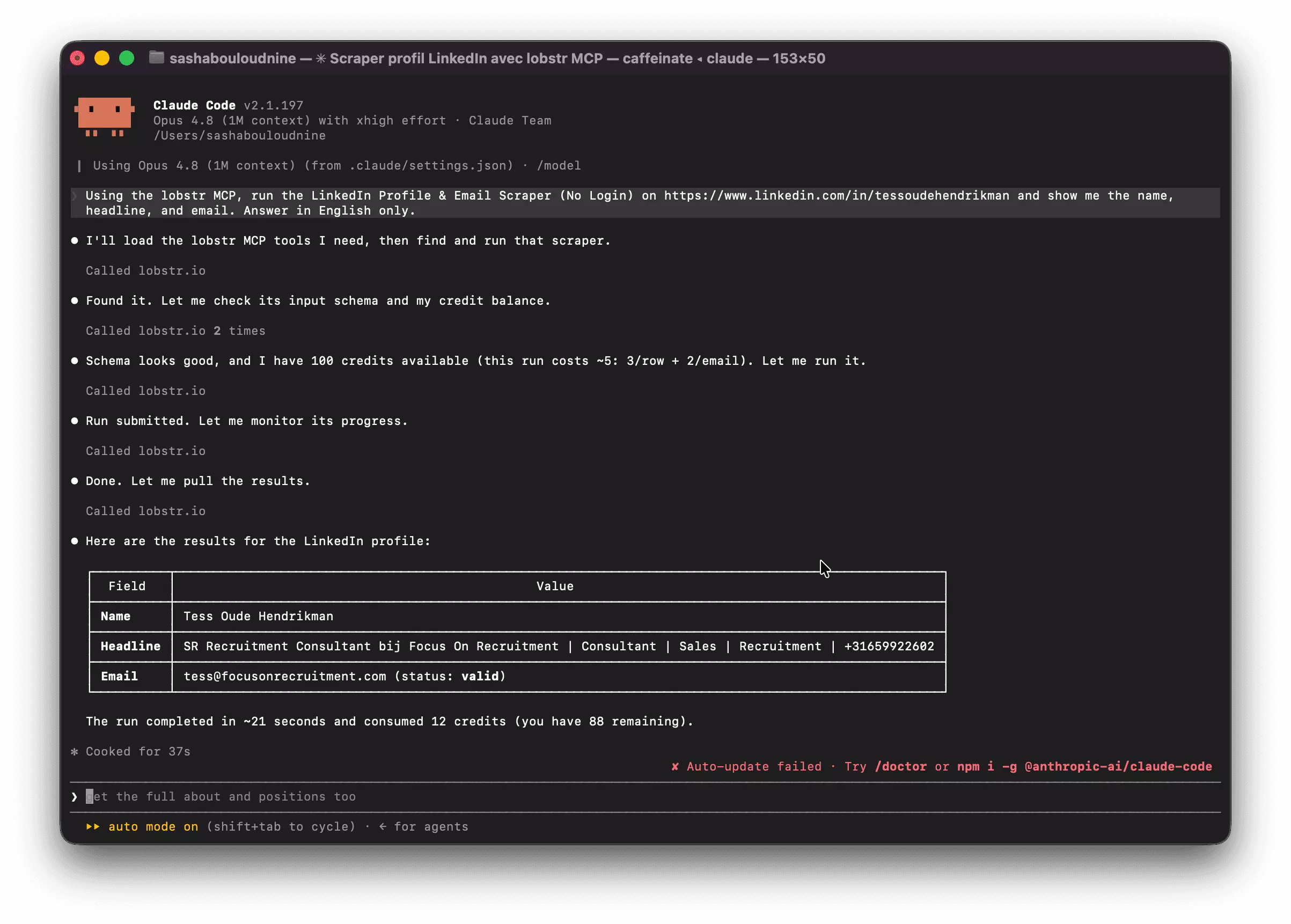
Ask the agent to inspect inputs, submit your selected URLs, monitor the run, and retrieve results. Runs consume credits; check scope before confirming.
CLI and MCP are alternative controls for the workflow, not separate data sources. Neither turns missing fields into guaranteed results.
Export people & companies from search results
Already know your target audience? Skip alphabetical browsing. Build a filtered search, then give its URL to the matching scraper.
| You have | Use | LinkedIn access needed |
|---|---|---|
People Search URL: /search/results/people/ | LinkedIn Leads Scraper | Connected LinkedIn account |
Sales Navigator lead-search URL: /sales/search/people | Sales Navigator Leads Scraper | Connected Sales Navigator account |
Sales Navigator account-search URL: /sales/search/company | Sales Navigator Companies Scraper | Connected Sales Navigator account |
Connect your account, paste your search URL into the matching scraper, launch, and download the CSV.
Browse all our LinkedIn and Sales Navigator scrapers in the store.
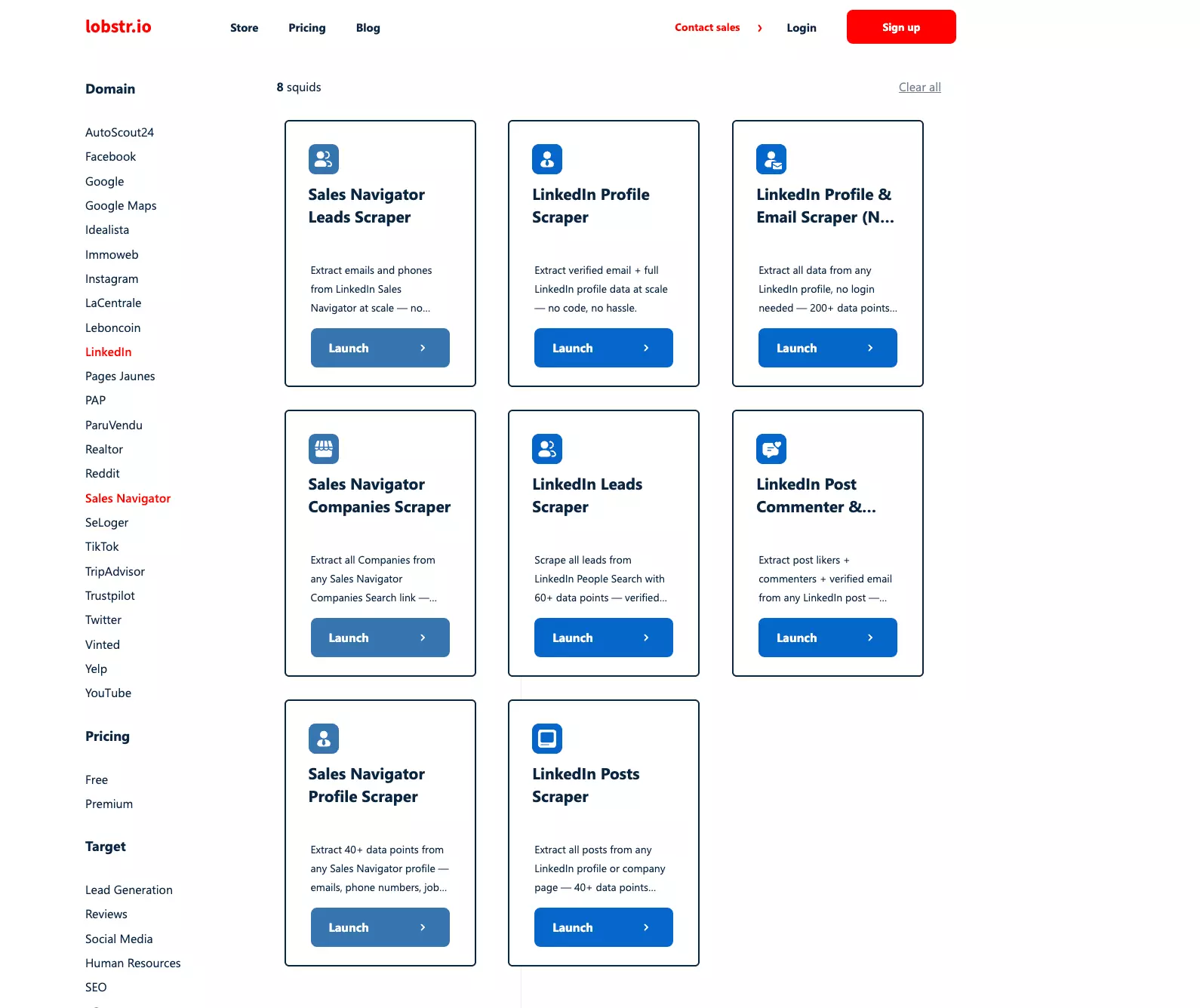
The Companies Scraper exports company names, LinkedIn URLs, industries, and employee counts. For the setup, see our Sales Navigator export walkthrough.
Export Sales Navigator Companies to CSV
Check relevance, duplicates, and missing fields before importing into your CRM. Review contact permissions before using the file for LinkedIn outreach.
FAQ
Is the LinkedIn people directory still available in 2026?
Partly. Our September 10 tests found errors on the main people and company directories, but an accessible regional people page. That's an observation, not a guarantee of access from your browser.
What is the LinkedIn directory URL?
People: https://www.linkedin.com/directory/people. The company directory uses /directory/companies. These identify the directory endpoints; they may return errors. Individual profiles generally use /in/, not /directory/.
Can I browse the LinkedIn directory without an account?
Sometimes. Our regional page loaded logged out. You can also search Google without LinkedIn credentials, but opening a result may require login. Neither method guarantees complete profile access.
How many profiles are in the LinkedIn directory?
Unknown. We haven't established a complete directory count. LinkedIn's total membership is not the number of accessible directory entries. Our captured letter page yielded 492 name-and-URL rows.
Is it legal to scrape the LinkedIn directory?
It depends. LinkedIn's User Agreement prohibits scraping and expressly addresses members and visitors. Logging out doesn't settle contractual or privacy obligations. See our legal overview; assess your use case with qualified counsel.
How do I export directory profiles to a CSV?
In stages. Extract profile URLs from an accessible page, then submit selected URLs to a profile scraper. For filtered prospect lists, use a search scraper instead. Email availability and populated fields vary.
What's the difference between the directory and LinkedIn search?
Sorting versus filtering. The directory offers alphabetical browsing. People Search provides an interactive interface with filters and Boolean operators. It requires a LinkedIn account and is subject to usage limits.
Can I export companies instead of people?
Yes. Sales Navigator Companies Scraper accepts account-search URLs and requires connected Sales Navigator access. Use a leads scraper for people. A company export doesn't automatically include its employees or their email addresses.
Final thoughts
The directory is worth understanding, but not depending on. Our test produced a real CSV from one accessible page, not a universal access method.
Use Google for discovery, LinkedIn search for filtering, and the scraper matching your input for export. Check the resulting data before using it.
Got questions? Ping me on LinkedIn — or find me the way this guide would:
site:linkedin.com/in/ "sasha bouloudnine"
Scrapers in this article
Sales Navigator Leads Scraper
Sales Navigator
Extract emails and phones from LinkedIn Sales Navigator at scale — no code, no hassle, easy.
Sales Navigator Companies Scraper
Sales Navigator
Extract all Companies from any Sales Navigator Companies Search link — seamless, exhaustive, worldwide.
LinkedIn Leads Scraper
Scrape all leads from LinkedIn People Search with 98 data points — verified emails included
LinkedIn Profile & Email Scraper (No Login)
Extract all data from any LinkedIn profile, no login needed — 200+ data points & verified emails.
Keep reading
- Sasha Bouloudnine27 Mar 2024Sales NavigatorGet Contact Number from LinkedIn & Sales Nav for Free [2024]
- Sasha Bouloudnine7 Sept 2026LinkedInUse Google to Find LinkedIn Profiles + Emails
 Shehriar Awan10 Sept 2026No CodeHow to Scrape LinkedIn Sales Navigator Leads With Verified Emails
- Shehriar Awan1 Oct 2026LinkedInLinkedIn MCP: Let Claude Pull Jobs, Leads & Posts for You
- Sasha Bouloudnine22 Sept 2026LinkedInLinkedIn Search: The Complete Guide (25+ Operators & Filters)