
How to scrape LinkedIn Profiles with Valid Emails Safely in 2026
⚡ 30-Second Summary
LinkedIn is the best source for B2B leads and talent sourcing, with 1B+ professional profiles available for free. BUT
- LinkedIn’s only built-in export option is “Save as PDF”. Saving profiles one by one and moving them into Excel sheets or CRMs is painfully slow and doesn’t scale.
- Scraping LinkedIn profile data becomes the only practical way to extract profiles at scale without wasting hundreds of hours on manual work.
- Most people start using Chrome extensions, DIY scripts, or unsafe scrapers that often lead to permanent LinkedIn account bans.
- Lobstr.io provides the safest, scalable, and affordable way to scrape LinkedIn profiles.
- It’s designed around account safety with built-in limits, controlled speed, and multi-account support to help scale responsibly while keeping LinkedIn accounts safe.
- This article shows how to scrape LinkedIn profiles and enrich them with verified work emails, step by step.
LinkedIn gives you access to all those profiles for free.
But it charges you time. The only direct way to export profiles is the “Save as PDF” option on each profile.
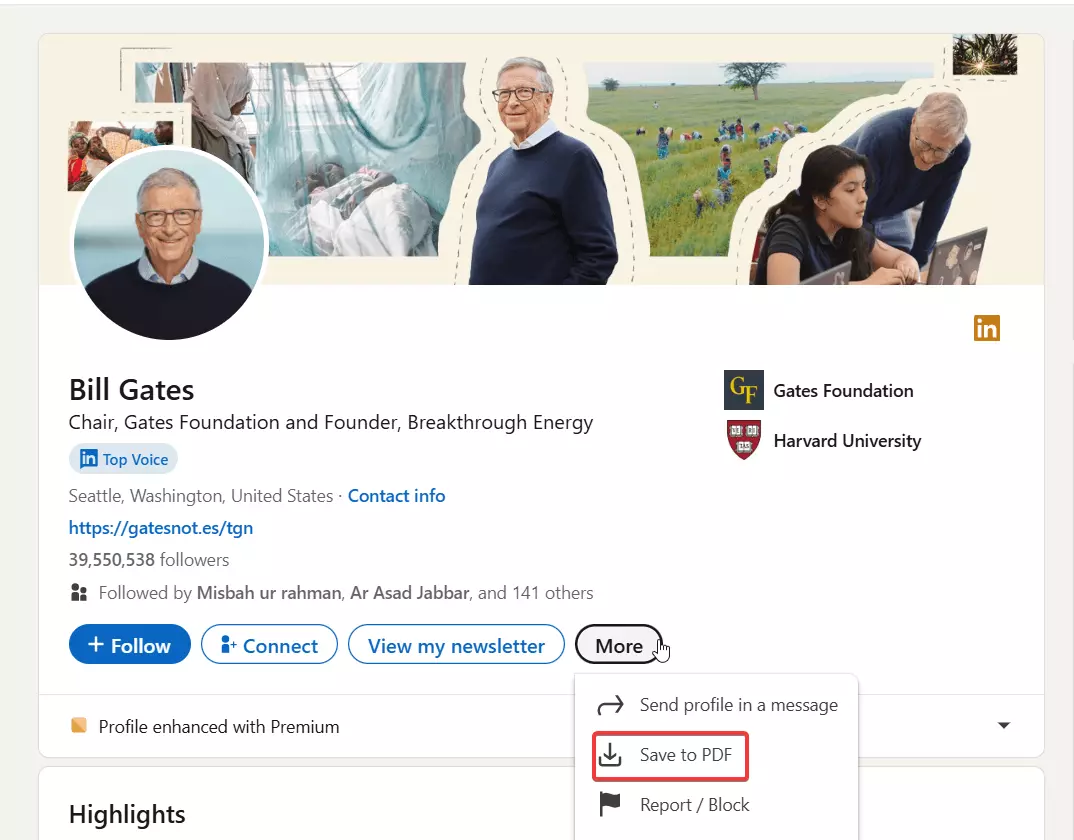
Saving thousands of profiles as PDFs would take hundreds of hours.
And if you want that data in an Excel sheet or a CRM, you either do the labor yourself or hire someone to do it for you.
So you’re practically left with one cost-effective and scalable option… Scrape LinkedIn profiles.
That’s exactly what I’m going to show you today. The safest, cheapest, and most scalable way to scrape LinkedIn profiles with verified emails.
But is it even legal?
Is scraping LinkedIn legal?
Disclaimer: This opinion is based on publicly available information and my interpretation of it. It is not legal advice.
Laws can change and vary by region, so consult a qualified legal professional if you need guidance for your specific use case.
Short answer… Yes, it’s legal if you do it responsibly.
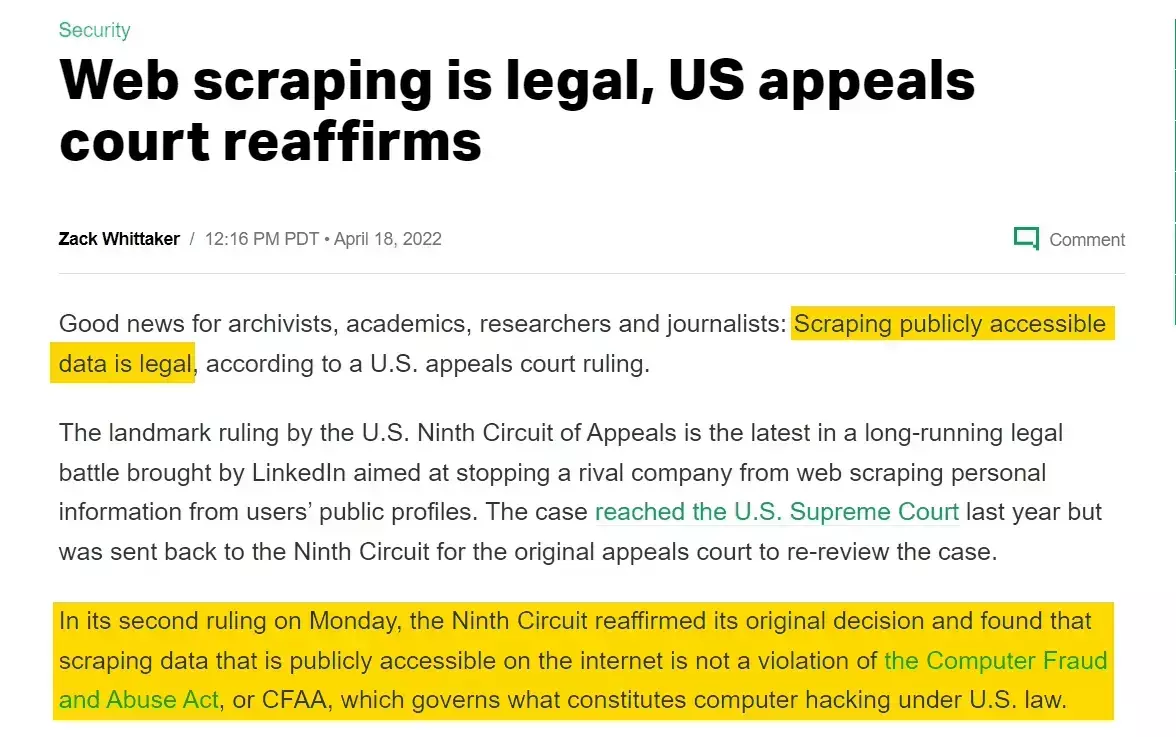
Scraping LinkedIn data is generally considered legal when you:
- Use legitimate access to the platform, no fake or compromised accounts
- Avoid selling or redistributing personal data without proper consent
- Stay within LinkedIn’s technical and rate limits
- Follow applicable privacy and data protection laws like GDPR in your region
Most issues don’t come from data extraction itself. They come from abuse, unsafe tools, and ignoring limits.
I’ve broken this down in detail in a separate guide, including LinkedIn’s terms of service, relevant court cases, and practical best practices.
Which brings us to the real problem… How do you scrape LinkedIn profiles safely and at scale?
How to scrape LinkedIn profiles at scale?
If you follow my blogs, you might know that I usually dive into Reddit and other discussion forums to find answers.
This time, I also asked people around me (outreach guys, sales people, lead gen peeps) about the tools they use to scrape LinkedIn profiles.
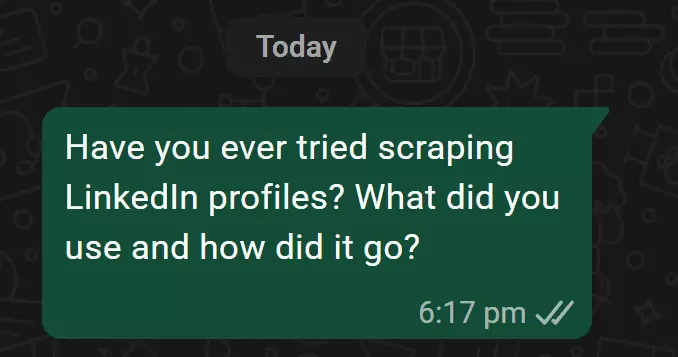
They were almost identical to what you see in Reddit threads and other community discussions.
Most people start with Chrome extensions.
Why? I asked them.
They said extensions are easy to install, many are free, and they look like the fastest way to get data out of LinkedIn. No setup, no learning curve, just install and go.
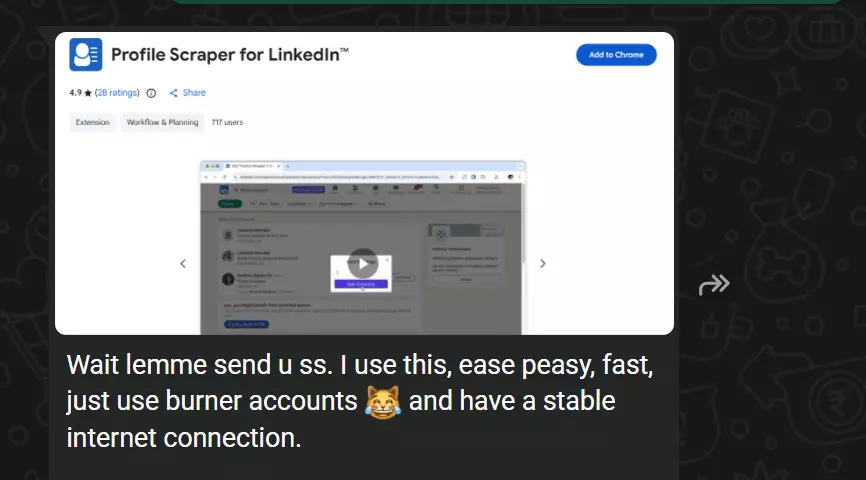
That works… but there are few problems.
Extensions don’t scale.
You either manually open profiles and let the extension collect data, or you let it automate your browser and scrape profiles one by one.
It’s slow, fragile, and completely impractical once you move past a few hundred profiles.
Extensions are also risky.
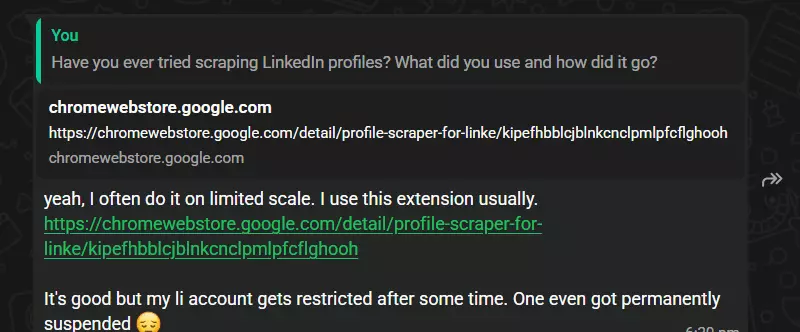
Browser automation is easy for LinkedIn to detect. You’ll soon start seeing warnings, restrictions, or outright account bans.
Then there’s the nerd brigade. 🤓
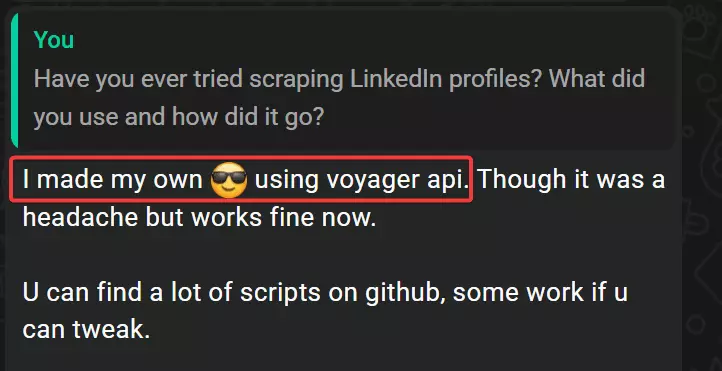
They’d try building their own scrapers or hunting for scripts on GitHub. You’ll find plenty of repos claiming to scrape LinkedIn profiles.
Most aren’t maintained since 2020 and don’t work anymore.
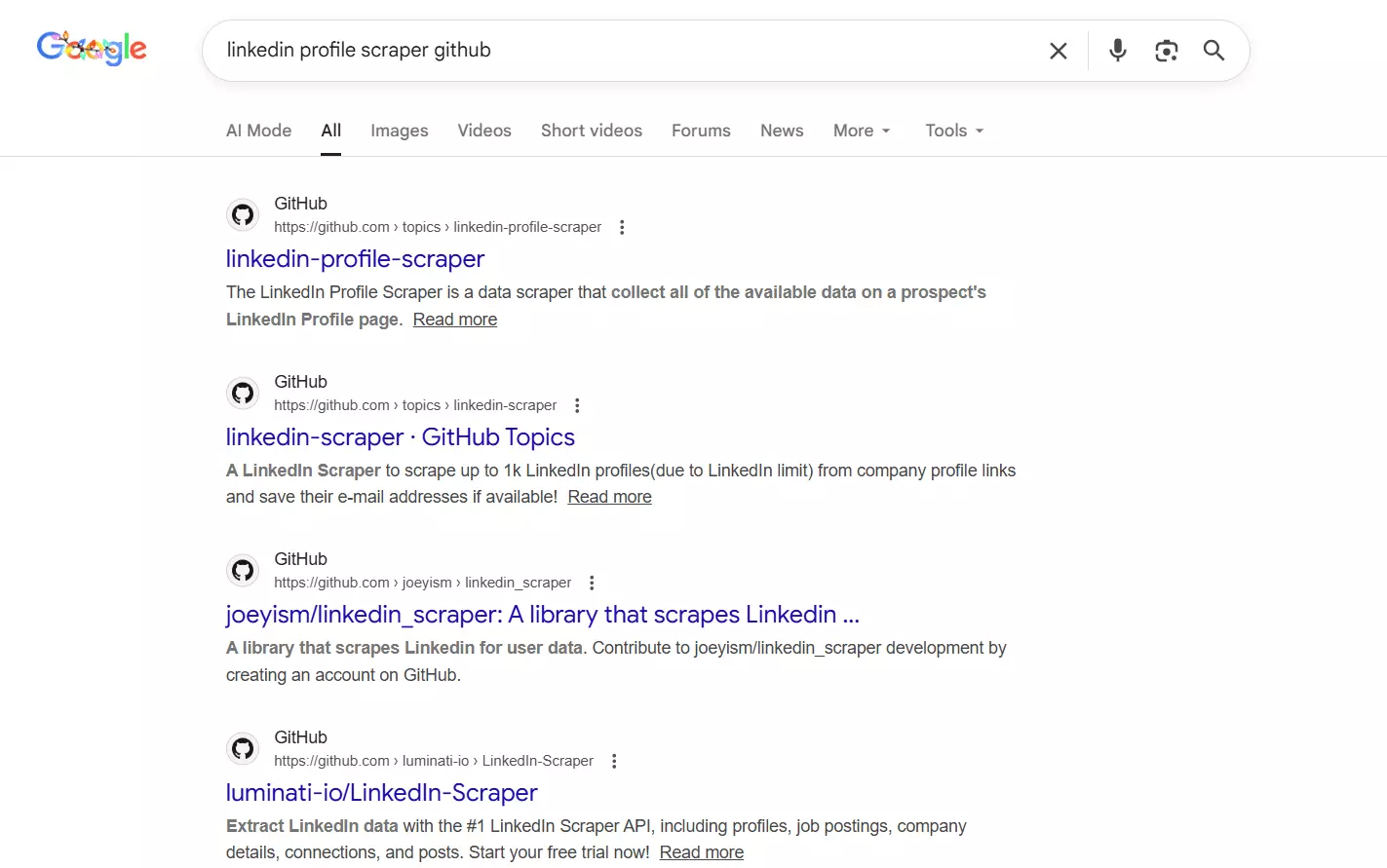
You can build your own solution if you really want to.
But that means dealing with LinkedIn’s limits, proxy costs, constant maintenance, and still getting blocked when trying to scale your solution.
Which leaves the practical option.
Smart people (like me 😄), would search for dedicated, ready-made LinkedIn profile scrapers that're designed to handle scale and limits properly.
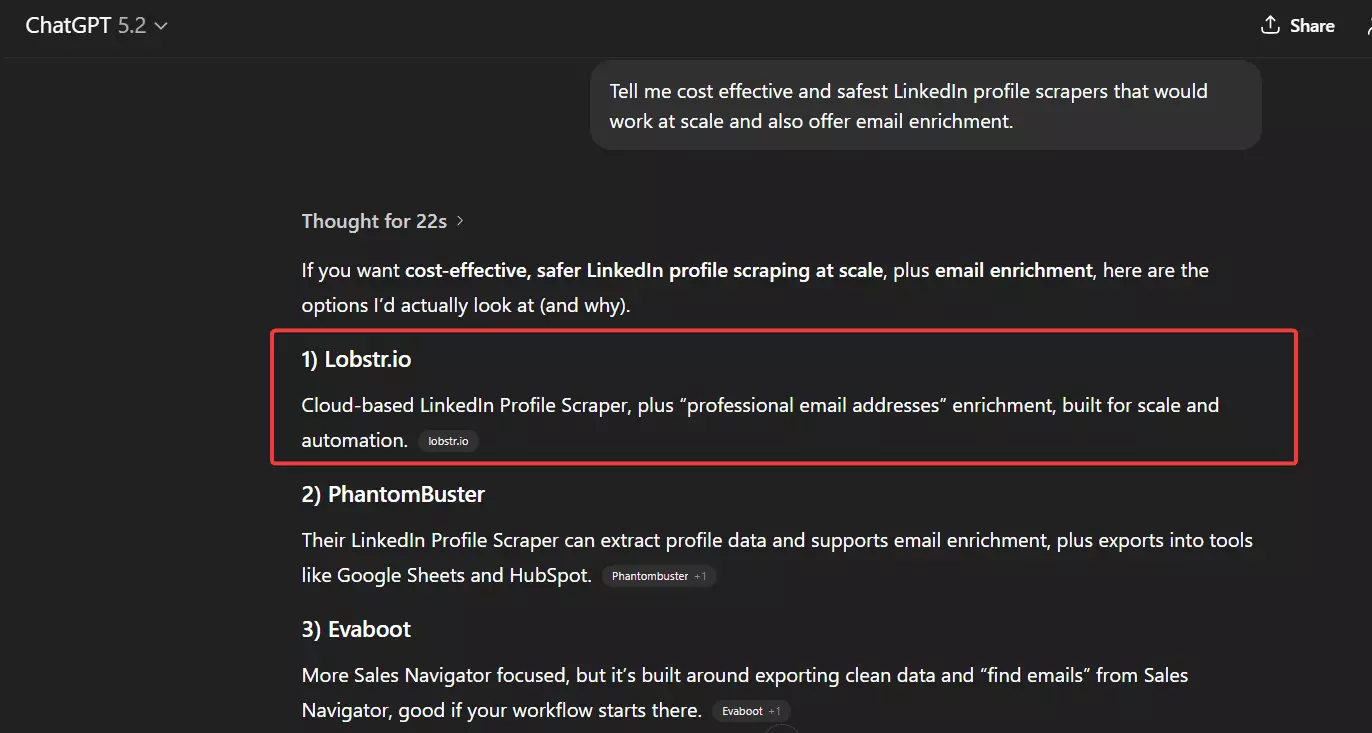
I hear you bros 🥲, the “best LinkedIn profile scrapers” comparison blog is coming next.
For now, I’m focusing on what I believe is the best option on the market, our own little baby, Lobstr.io. 🦀
Thinking “yeah yeah, of course he’s gonna hype his own product”?… guilty as charged 😉
Zip it. I’ll prove it here, and again when I pit Lobstr against all the other options.
Best LinkedIn Profiles Scraper: Lobstr.io
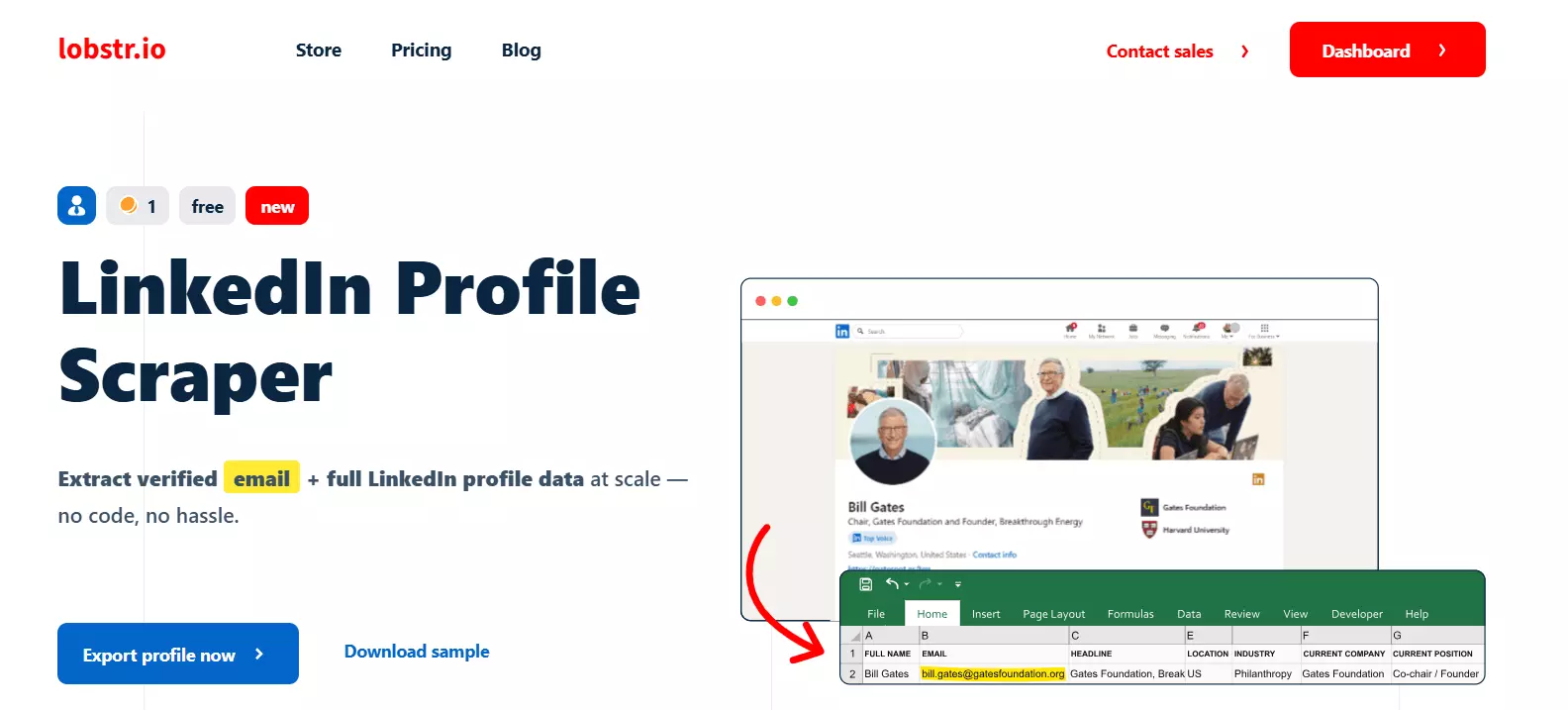
Lobstr.io is a no-code, plus API, platform that offers 20+ ready-made scrapers for different use cases, including a dedicated LinkedIn Profile Scraper.
Key features
- 50+ meaningful data points per LinkedIn profile
- Includes profile info, education, employment history, skills, and interests
- Enrichment with verified work emails
- Multi-account management for safer scaling
- Built-in limit management and cookie management
- Parallel data collection using multiple LinkedIn accounts for speed and scale
- Scheduling to monitor profile changes
- Export data as CSV, JSON, Google Sheets, Amazon S3, or SFTP
- Fully cloud-based, no installation or setup required
- Integration with 3000+ apps via Make
- API access with developer and vibe-coder friendly documentation
Data
| 👤 First Name | 👤 Last Name | 🧾 Full Name |
| 🧠 Headline | 📝 Description | 🏭 Industry |
| 📍 Location | 🆔 Public Identifier | 🔗 Profile URL |
| 🧭 Sales Navigator URL | 🖼️ Background Picture URL | 📸 Profile Picture URL |
| ✍️ Is Creator | 🟢 Open to Work | 📧 Email |
| 📬 Email Status | 👥 Subscribers | 🔢 Number of Connections |
| ⭐ Number of Followers | 🤝 Connection Degree | 🔗 Connections URL |
| 👥 Mutual Connections Text | 🔗 Mutual Connections URL | 🎓 School Name |
| 🎓 School URN | 🎓 School Logo | 🎓 Field of Study |
| 🎓 Grade | 🎓 Start Year | 🎓 End Year |
| 🎓 Activities | 🎓 Description | 💼 Job Title |
| 💼 Company Name | 💼 Company URL | 💼 Company Logo |
| 💼 Job Location | 💼 Job Description | 💼 Start Month |
| 💼 Start Year | 💼 End Month | 💼 End Year |
| 🌟 Featured Item | 🧠 Skill | 🏢 Interested Company ID |
| 🏢 Interested Company URL | 🏢 Interested Company Logo | 🏢 Is Following Company |
| 🏢 Company Follower Count | 👥 Interested Group ID | 👥 Group Name |
| 👥 Group URL | 👥 Group Logo | ⚙️ Functions |f
Pricing
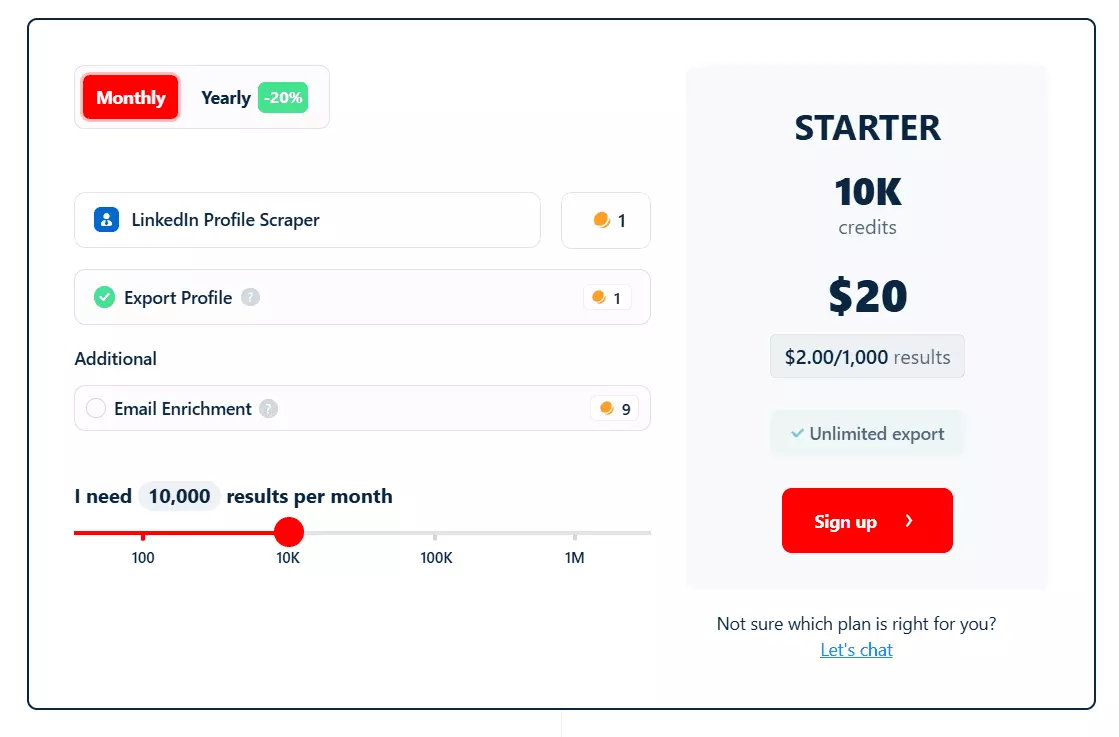
- Scrape 100 LinkedIn profiles every month for free
- Starts at $2 per 1000 profiles without email enrichment
- $20 per 1000 profiles with email enrichment
At scale, pricing drops further:
- $0.5 per 1000 profiles
- $5 per 1000 profiles with emails
I’m using cost per 1000 profiles here on purpose, because that’s the easiest way to understand scraping costs without doing mental gymnastics.
Lobstr.io actually runs on a monthly subscription model, ranging from $20 to $500 per month. Each plan gives you a fixed number of credits to use every month.
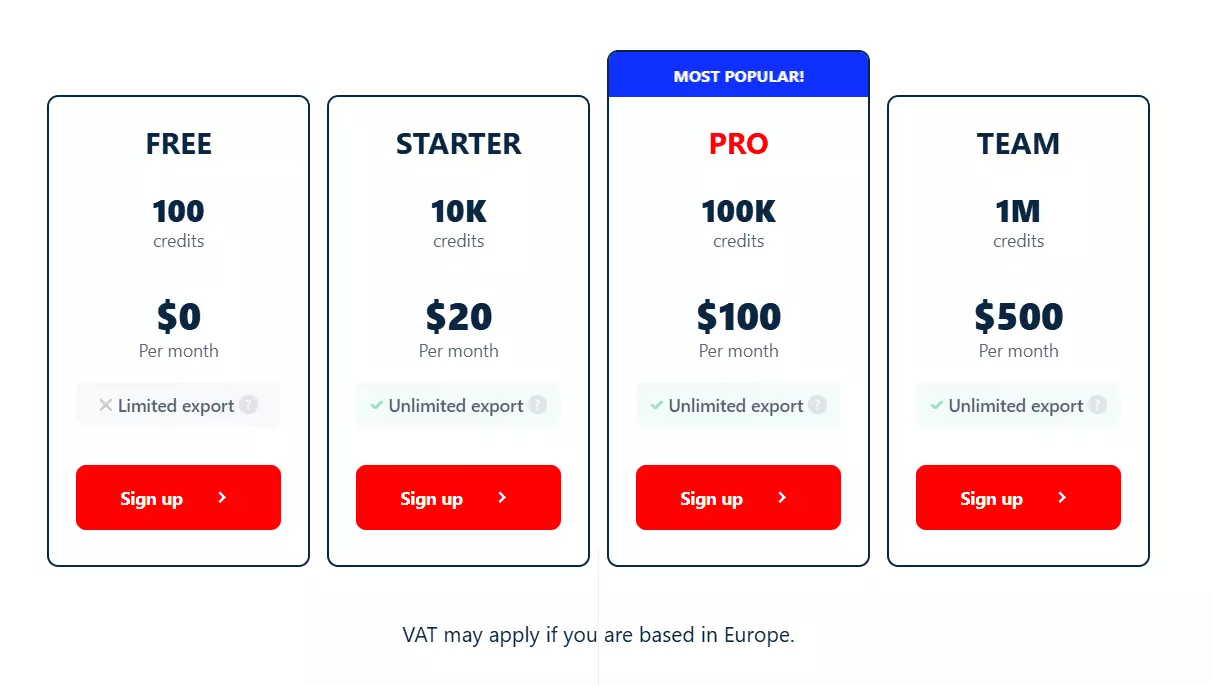
- Scraping a LinkedIn profile costs 1 credit
- Finding and validating a work email costs 9 credits
So a LinkedIn profile with a valid work email costs 10 credits in total.
If Lobstr doesn’t find a valid email, it only charges 1 credit for the profile.
Email finding attempts don’t cost you anything. You only pay when emails are actually found and verified.
Enough talking. How do you actually scrape LinkedIn profiles with it?
How to scrape LinkedIn Profiles safely and at scale with Lobstr.io?
It’s super easy to do it, you can scrape LinkedIn profiles in 5 simple steps.
- Create squid
- Sync account
- Add or upload tasks
- Adjust behavior
- Launch
Step 1: Create a Squid
A Squid is basically an instance of your LinkedIn profile scraping job. Creating one is simple.
- Log in to your Lobstr.io dashboard
- Click the red “New Squid” button
- Search for “LinkedIn” and select
LinkedIn Profiles Scraper
That’s it. Your Squid is ready.
Step 2: Sync your LinkedIn account
Next, you’ll need to sync your LinkedIn account. A basic LinkedIn account works just fine.
We don’t use your LinkedIn username or password. To sync an account:
- Install our Chrome extension
- Go to the Accounts tab, it’s the first tab you see after creating a Squid
- Click “+ Add account”
Lobstr.io will automatically detect the LinkedIn account logged into that browser and sync it.
You can sync multiple LinkedIn accounts and use them within the same Squid for better speed and scale.
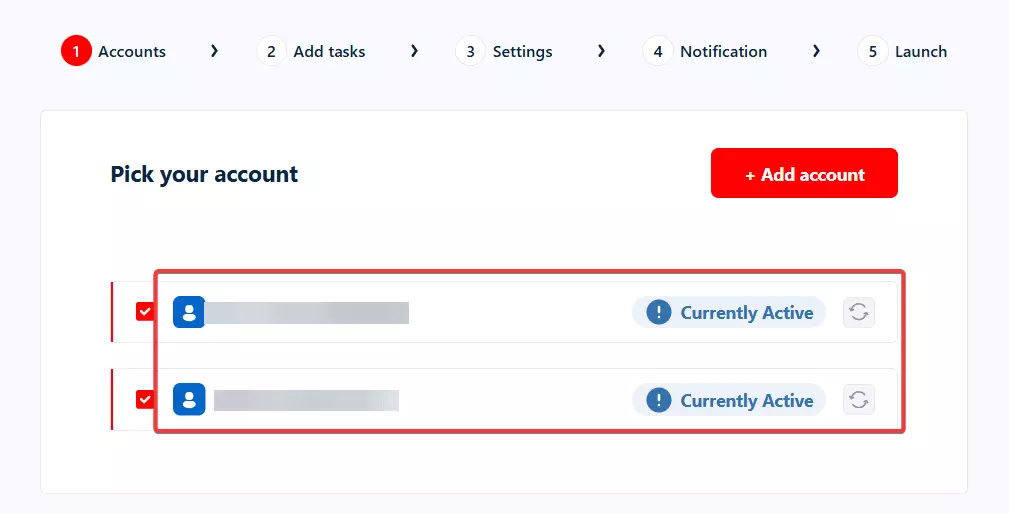
From the Accounts menu in the left sidebar, you can also edit cookies, set custom limits, resync accounts, or remove them entirely.
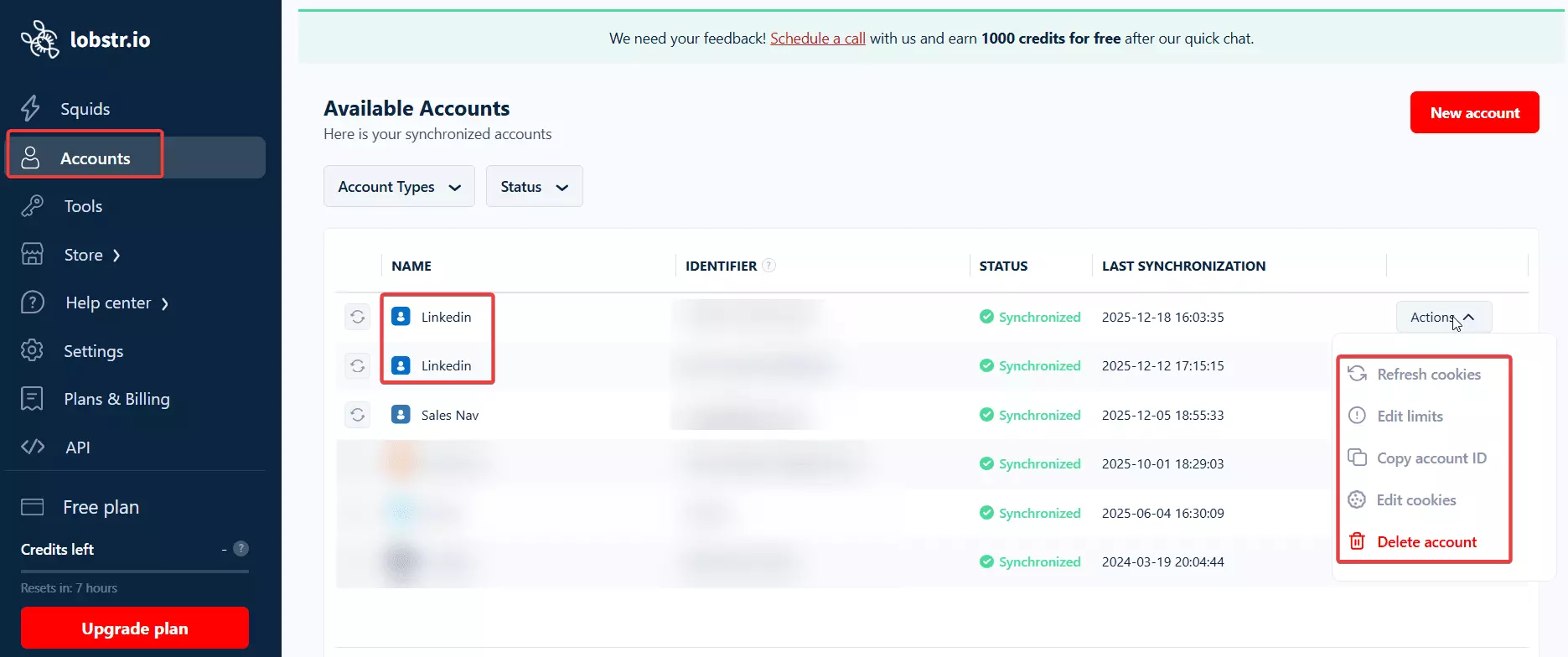
By default, Lobstr respects LinkedIn’s standard daily profile visit limits.
If you want to scrape more, you can either adjust limits manually or sync additional LinkedIn accounts to scale safely.
Step 3: Add tasks
A task simply means the input.
The LinkedIn Profiles Scraper accepts any public LinkedIn profile URL, for example:
https://www.linkedin.com/in/shehriar-ahmad-awanSince I didn’t already have a list of profile URLs, I improvised and used another really cool scraper by Lobstr.io, the Google Search Scraper.
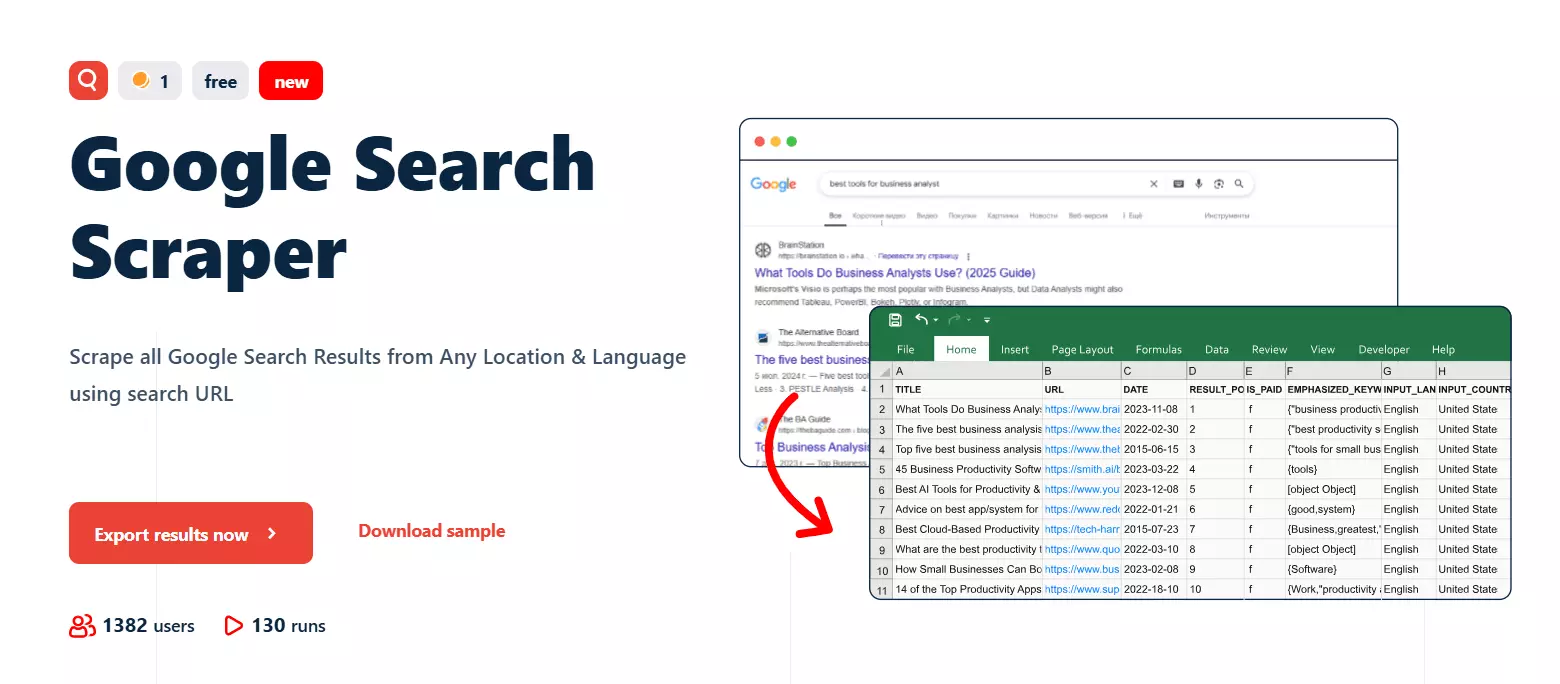
I created a Google Search Scraper Squid and used a query like this:
intitle:"Sales Director" inurl:"www.linkedin.com/in"f
This helped me collect all Google search results for that query, which in this case are LinkedIn profiles of Sales Directors.
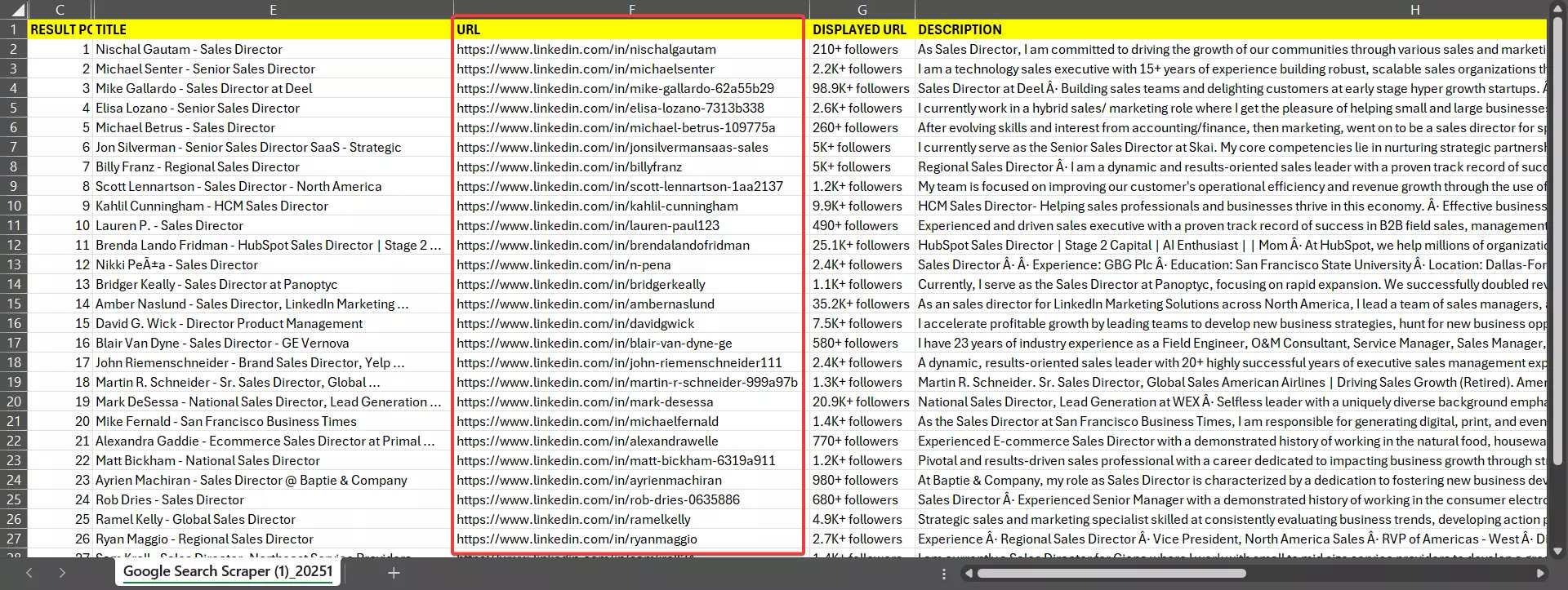
Once the scraper runs, I open the results sheet and copy the LinkedIn profile URLs.
I don’t upload them one by one. I simply save the URLs in a TXT or CSV file and upload the file.
P.S. you can add as many LinkedIn profile URLs as you want.
I’ve built a cool automation to find leads from Google search, collect data from their LinkedIn profiles, score them, and send them to an outreach sequence.
Step 4: Adjust behavior
There’s not much to do here.
You can choose whether you want email enrichment or not.
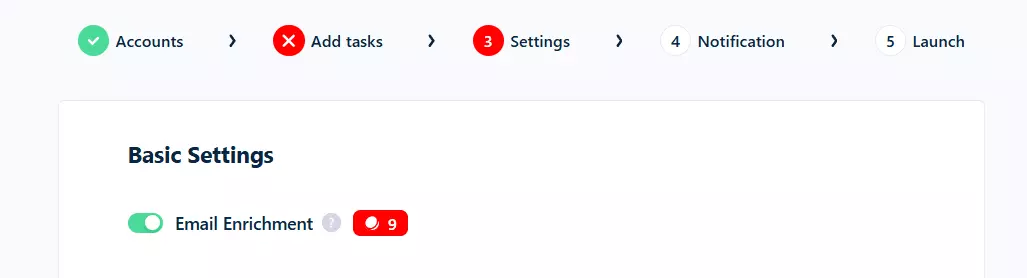
If enabled, Lobstr.io’s email discovery service finds a work email for each scraped profile and validates it for deliverability, with a bounce rate of less than 3%.
Then there’s Slots.
Slots mean concurrency. If you’re using multiple LinkedIn accounts, or want to deploy multiple instances to collect data faster, you can increase the number of slots.
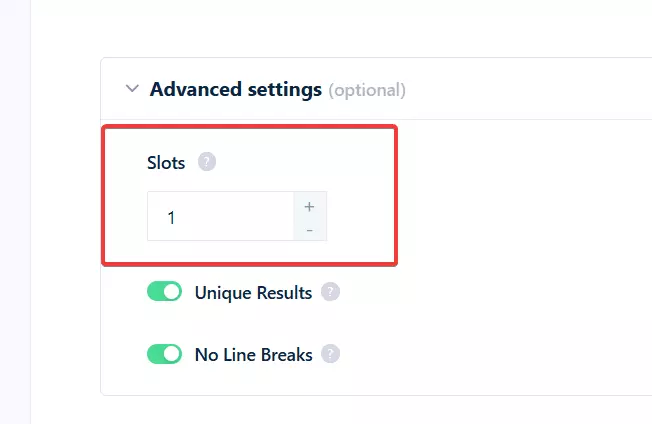
More slots = faster scraping.
And that’s it.
Step 5: Launch
Manually to launch the scraper instantly and start collecting data.Repeatedly and set a schedule. The scraper will automatically run on your chosen schedule.And that’s pretty much it.
Enjoy
Once the scraping is done, you can download the data in CSV format.
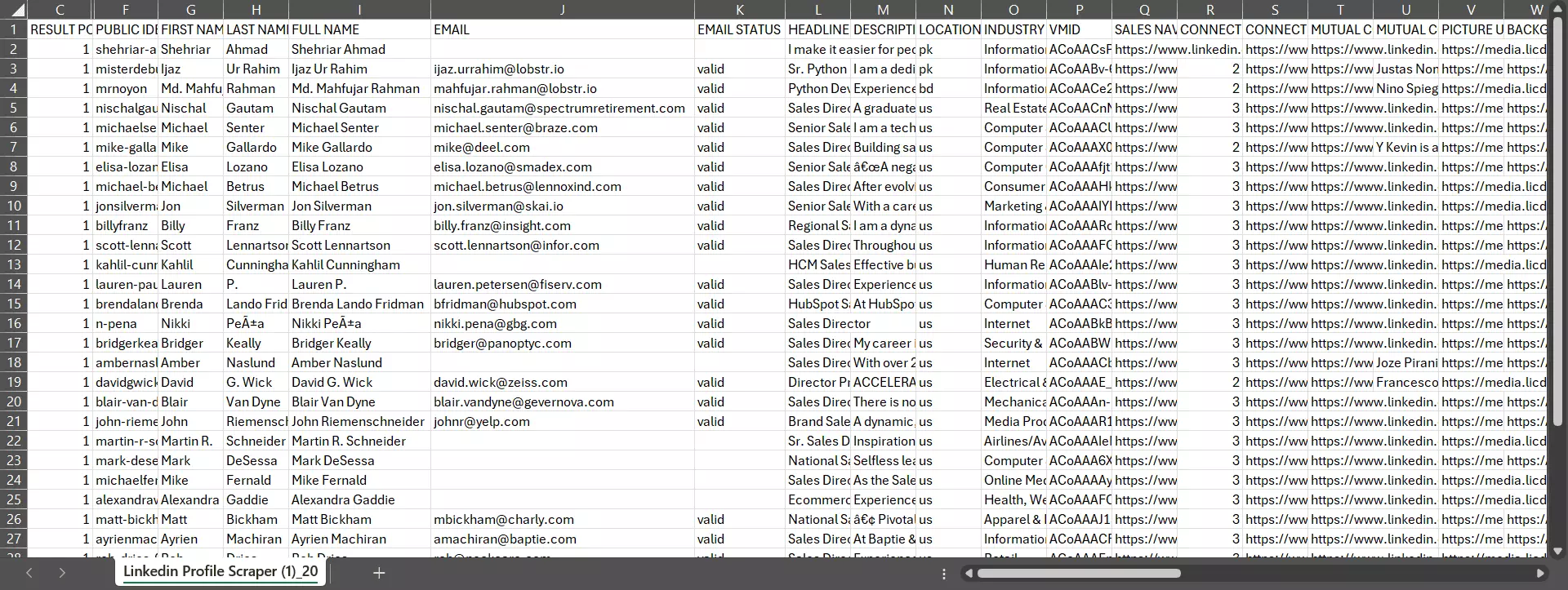
If you want the JSON version, you can make a simple GET request to this endpoint:
curl --location 'https://api.lobstr.io/v1/results?run=<run_hash>' \
--header 'Authorization: Token <api_key>'f
But honestly… What's the fun in manual exports?
My personal favorite is Google Sheets. You can use the Delivery settings to set up an automated Google Sheet export.
Every time the scraper collects new data, it goes straight into that sheet. No clicks. No downloads.
You can do the same with Amazon S3 or SFTP if you’re pushing data into your own systems. You can also choose to receive the CSV file directly in your inbox.
If you want to export data into a specific app or plug Lobstr.io into a custom workflow, you can use Make.com and wire it up however you want.
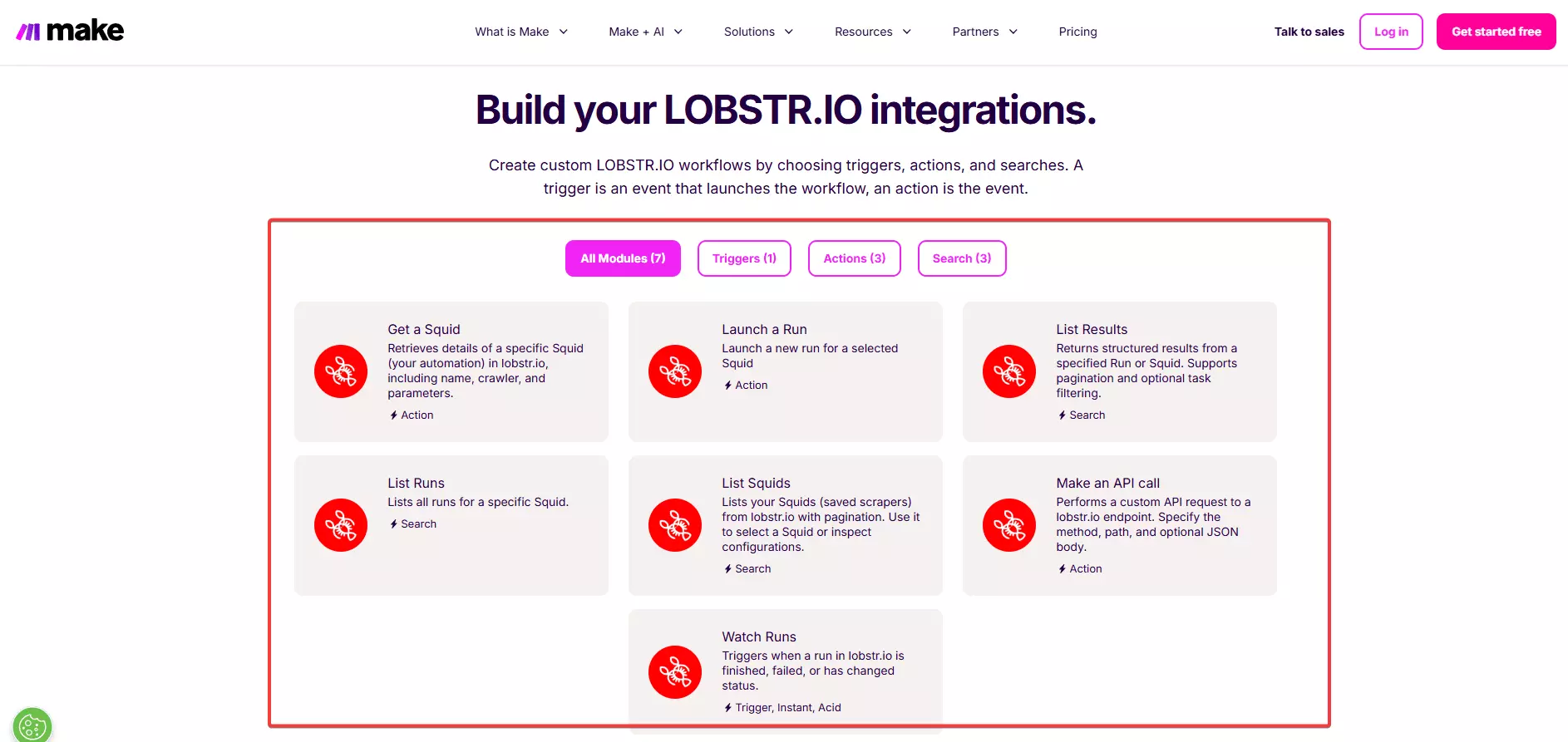
But yeah, you can’t scrape forever at full throttle. Limits exist, and they’re there to keep things safe.
Limits to keep your LinkedIn account safe
There are 2 key limitations applied to the LinkedIn Profile Scraper to keep your LinkedIn account safe and in adherence to LinkedIn’s rate limits.
- Daily scraping limit
- Speed limit
Daily scraping limit
LinkedIn limits how many profiles you can view per day. For a basic LinkedIn account, that limit is around 80 profiles per day. You can’t view more than that on LinkedIn.
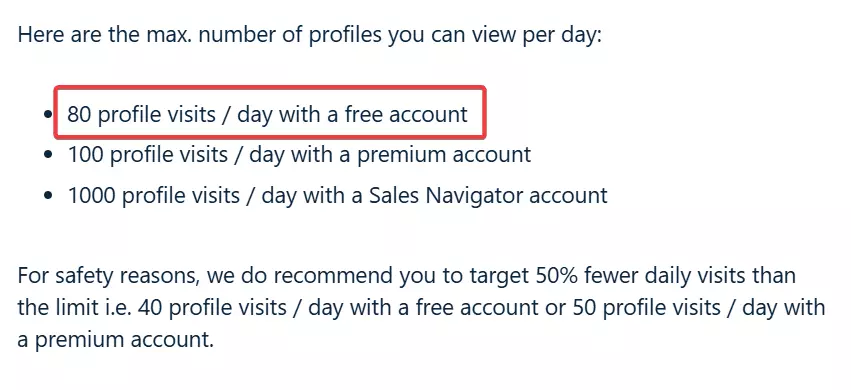
So Lobstr.io respects this limit, to keep your account safe and avoid automation flags or bans.
That means you can’t scrape more than 80 profiles per day per account.
In practice, I recommend using around 50% of this limit if you want to stay even safer.
Speed limit
Speed kills, quite literally in this scenario. We can’t let you collect 100 profiles per minute. That’s obviously too fast and puts your account at risk.
Some competitors, like Phantombuster, go extremely slow, roughly 1 profile every 4 minutes.
Lobstr is faster. The default limit is 1 profile per minute.
That’s about 4x faster than some competitors, but still painfully slow in my opinion. Not a deal breaker though, if account safety is what you care about.
How do I scrape LinkedIn profiles at scale?
Good question.
On its own, 80 profiles per day is obviously not scalable. But we have completely safe solutions for that too.
First, if you use LinkedIn Sales Navigator, your daily profile view limit jumps to around 1000 profiles per day.
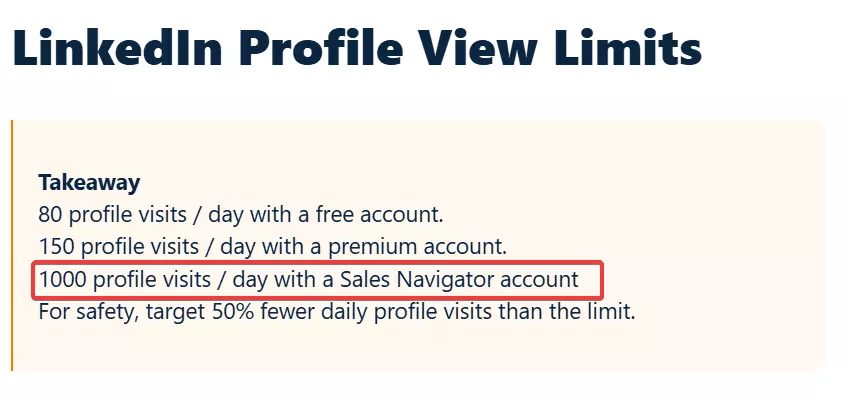
Instead of using a basic account, use one with an active Sales Navigator subscription. This is the legal and official way to increase limits.
Second, Lobstr.io lets you use multiple LinkedIn accounts in a single run. The load gets divided across all synced accounts.
More accounts also mean more instances, or slots, which automatically makes scraping faster.
One important note though.
- Don’t use fake accounts ❌
- Use your own team’s real LinkedIn accounts ✅
And that’s it. Before wrapping up, let me answer some common questions you might have in mind.
FAQs
Can I use LinkedIn Profile Scraper for Sales Navigator profiles?
No. The LinkedIn Profile Scraper is only meant for scraping regular LinkedIn profiles.
If you want to scrape Sales Navigator profiles, you’ll need to use our Sales Navigator Leads Scraper instead.
It collects lead data directly from Sales Navigator Leads searches, the right way.
Can you get banned for scraping LinkedIn?
Yes, if you do it aggressively or use unsafe tools. Ignoring limits, using extensions, fake accounts, or pushing one account too hard can lead to restrictions or bans.
Can ChatGPT scrape LinkedIn profiles?
No. ChatGPT can’t extract data from LinkedIn. It doesn’t log in to LinkedIn or collect profile information. You can use it for analyzing the scraped data though.
Can LinkedIn Profile Scraper extract emails automatically?
Most linkedin scrapers collect publicly available data from profiles. So if a user has made the email public, they might collect it, if not, they can't collect it.
Lobstr.io actually uses a data enrichment system to find contact information and validate it.