
Best Instagram Reels Scrapers [No-Code Edition]
TL;DR
- I tested and compared the best Instagram Reels scrapers that balance scale, cost, safety, data, and speed.
- I skipped API-focused and browser-based scrapers, and focused only on no-code tools built to handle large volumes, without logging in.
- Lobstr.io is the most affordable no-code option.
- It requires no logging in, and can handle large volumes.
- The only trade-off with Lobstr.io is speed.
- Apify also requires no login to scrape. No risk of getting banned.
- But the data quality isn't fully reliable. There was a quality issue with how recent the Reels were.
- Bright Data is another safe option for higher scale projects, but it's too expensive with the monthly commitments and scalability is unreliable.
- In this blog, I break down the best no-code tools for scraping Instagram Reels, which tool fits which priority, and why some didn't make the cut.
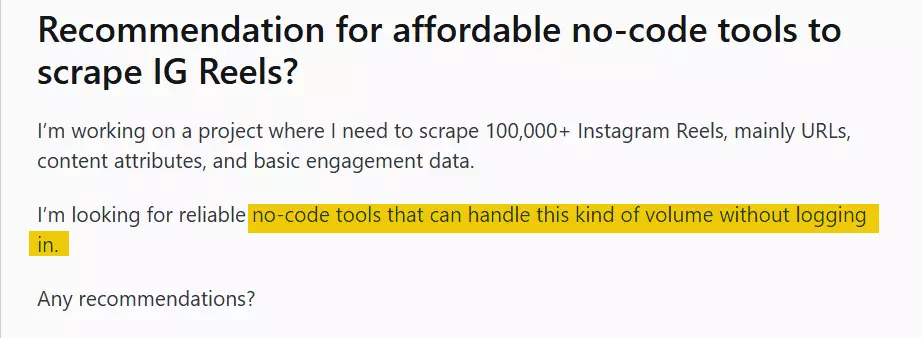
Finding no-code Instagram Reels scrapers that can handle large volumes, without getting you banned, is harder than it sounds.
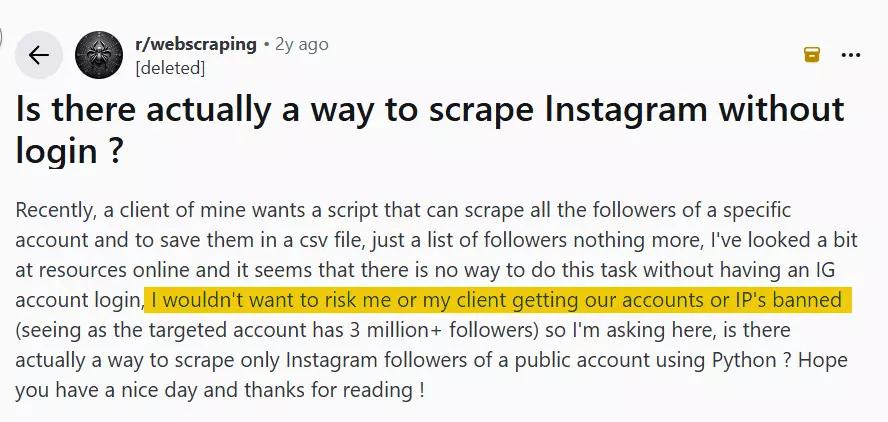
And I'm clearly not the only one running into this problem:
So I decided to test and compare the best IG Reels scrapers that balance scale, cost, safety, data, and speed.
Here are my top picks.
| Criteria | Lobstr.io | Apify | Bright Data |
|---|---|---|---|
| User rating | 5 | 4.8 | 4.8 |
| Data points | 40+ | 40+ | 40+ |
| Data quality/accuracy | 💯 | 👎 | 💯 |
| Scale pricing | $0.5 | $1.3 | $1 |
| Large volume handling | 💯 | 👎 | 👎 |
| CSV import | ✅ | ❌ | ✅ |
| Login requirement | ❌ | ❌ | ❌ |
| Has profile monitoring | ✅ | ✅ | ❌ |
| Scheduling ease | 💯 | 👍 | ❌ |
| Export options | 💯 | 💯 | 💯 |
| Speed | 👍 | 💯 | 💯 |
| Customer support | 💯 | 💯 | 💯 |
Before we go into further detail, let's clear the air… is it even legal?
Is scraping Instagram Reels legal?
⚠️ Disclaimer
The information in this section is for general informational purposes only. It reflects publicly available sources and my own interpretation of them.
It does not constitute legal advice and should not be treated as such. Laws vary by jurisdiction and can change.
If you need guidance on compliance, data use, contracts, or platform-specific risks, consult a qualified legal professional who can evaluate your situation in detail.
To answer this question, let's clear something out first.
Does Instagram allow it?
Not according to their rules.

That means scraping Reels without permission violates their contract with users.
So is it illegal?
Is scraping public Instagram Reels illegal?
No, not really.
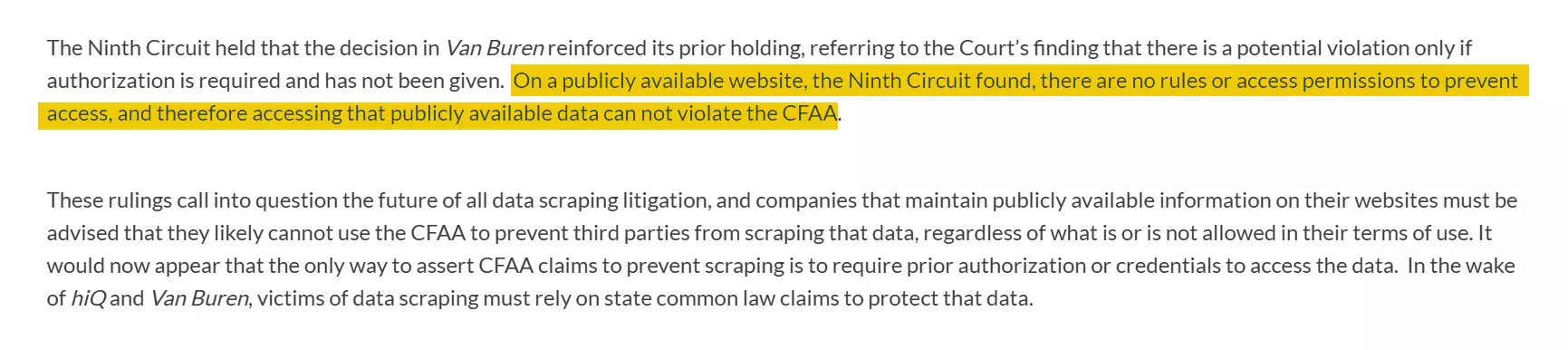
If you are scraping public Reels, you're not violating the law.
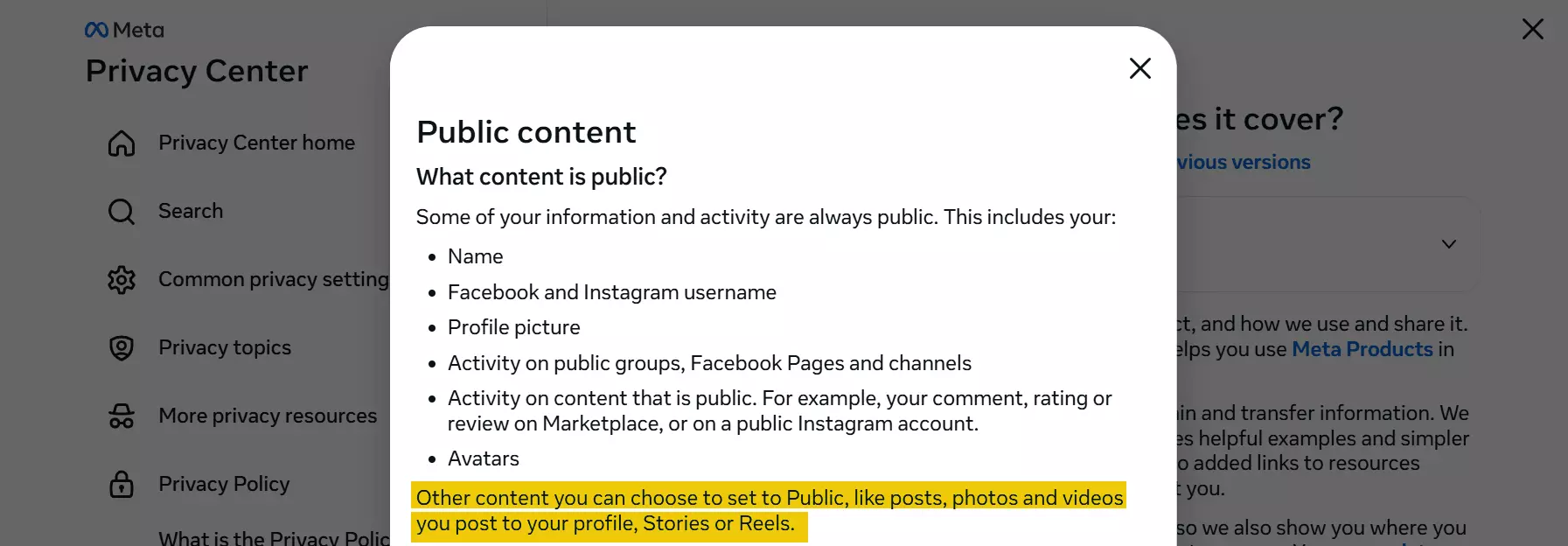
However, legal risks mainly come from how the data is used.
For example, if you store or republish the data without permission, you could get sued with copyright infringement.
But as long as:
- The content is publicly viewable
- No hacking or bypassing of protections is involved
- The scraped data isn't misused, redistributed, or stored in a way that breaks copyright or privacy rules like GDPR
You're good to go.
But I recommend you also read these articles if you want to explore in detail.
Now let me show you how I chose the best scrapers.
How did I choose the best Instagram Reel scrapers?
First, I looked into what users struggle with when scraping Reels.
So I turned to community posts and user reviews.
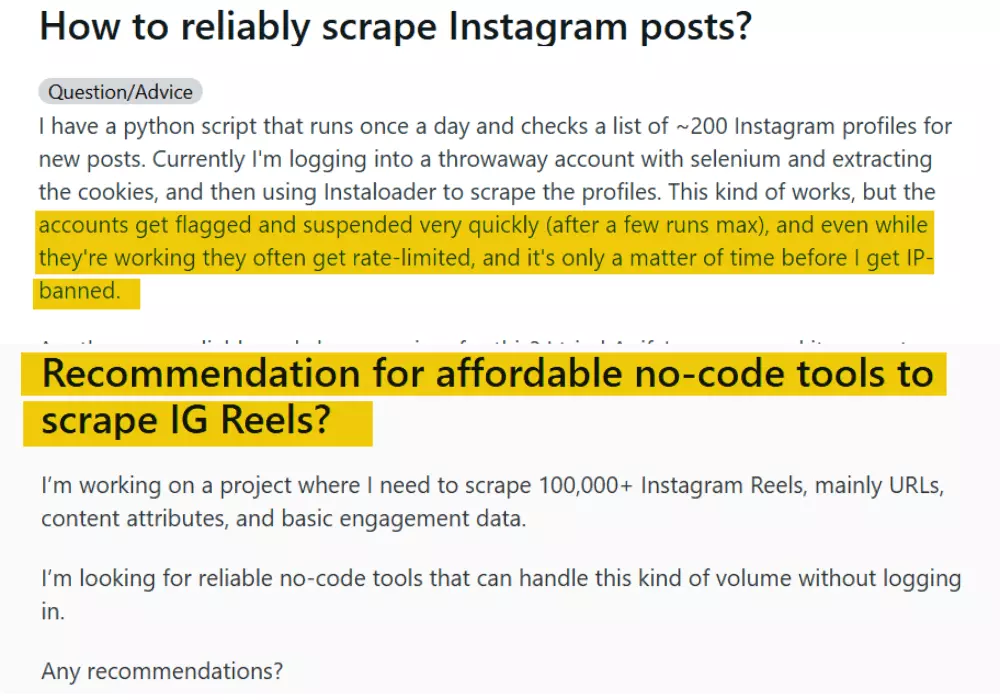
Based on that, I shortlisted 5 common pain points:
- Data
- Affordability
- Scalability and safety
- Ease of use
- Speed
For data, I evaluated both how many data points each scraper returns — quantity — and how useful or detailed those points are — quality.
This includes things like media download links, engagement metrics, author and tagged user details, content metadata like captions, hashtags, and more.
For the affordability, I simplified pricing down to cost per 1,000 Reels. I also checked both entry level and scale level costing.
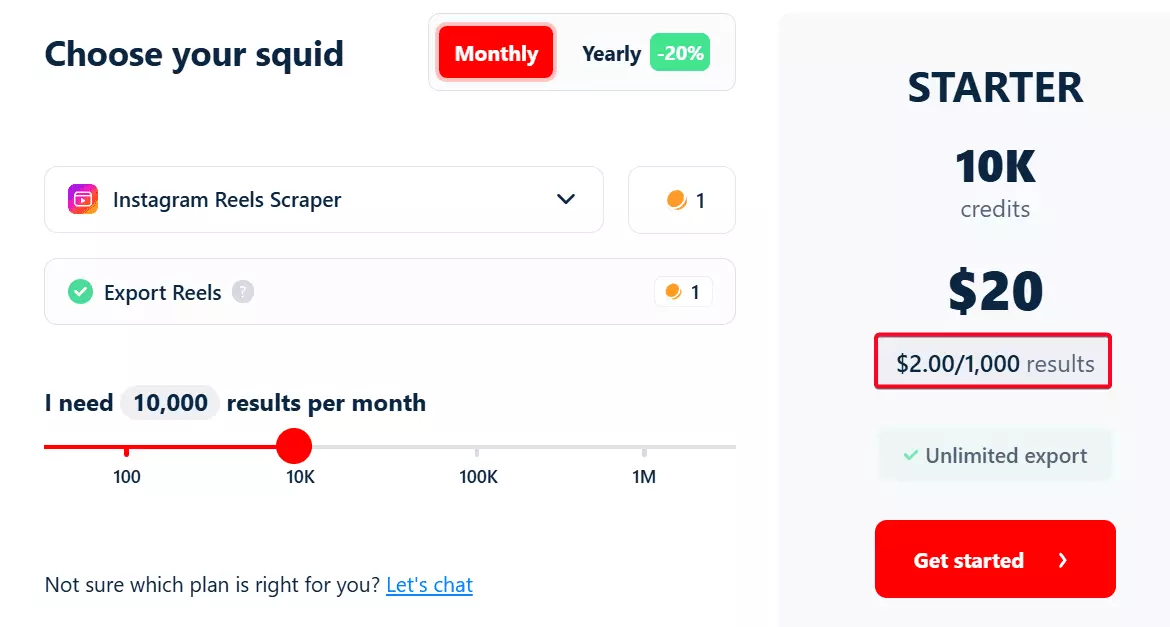
For scalability, I checked if the tool could handle large volumes without breaking, or getting blocked by Instagram.
For safety, I focused on whether you can scrape Reels without logging in. Scraping without login lowers the risk of getting flagged and losing your account.
For ease of use, I checked if the tool has a simple UI and doesn't require excessive clicks. I also checked the available export options and any automation integrations.
For speed, I checked which tools could handle batches quickly, and measured how many Reels they scraped per minute.
Lastly, I checked out their customer support, because if something stops working, you need quick answers.
Next, I listed out all the tools I could find across Google and AI recommendations.
And honestly? The internet is full of crap.
I ran into tools that fall apart the moment you upload a large list, and API platforms that expect you to write code.
So I filtered out the junk.
I ruled out browser-based scrapers because they're slow and struggle with scale, often running into IP blocks.
I also skipped API-focused platforms, since my focus was entirely on no-code tools.
The next step was putting them to the test.
But to test them, I needed a list of Instagram profiles/Reels.
So I used Lobstr.io's Google Search Scraper.
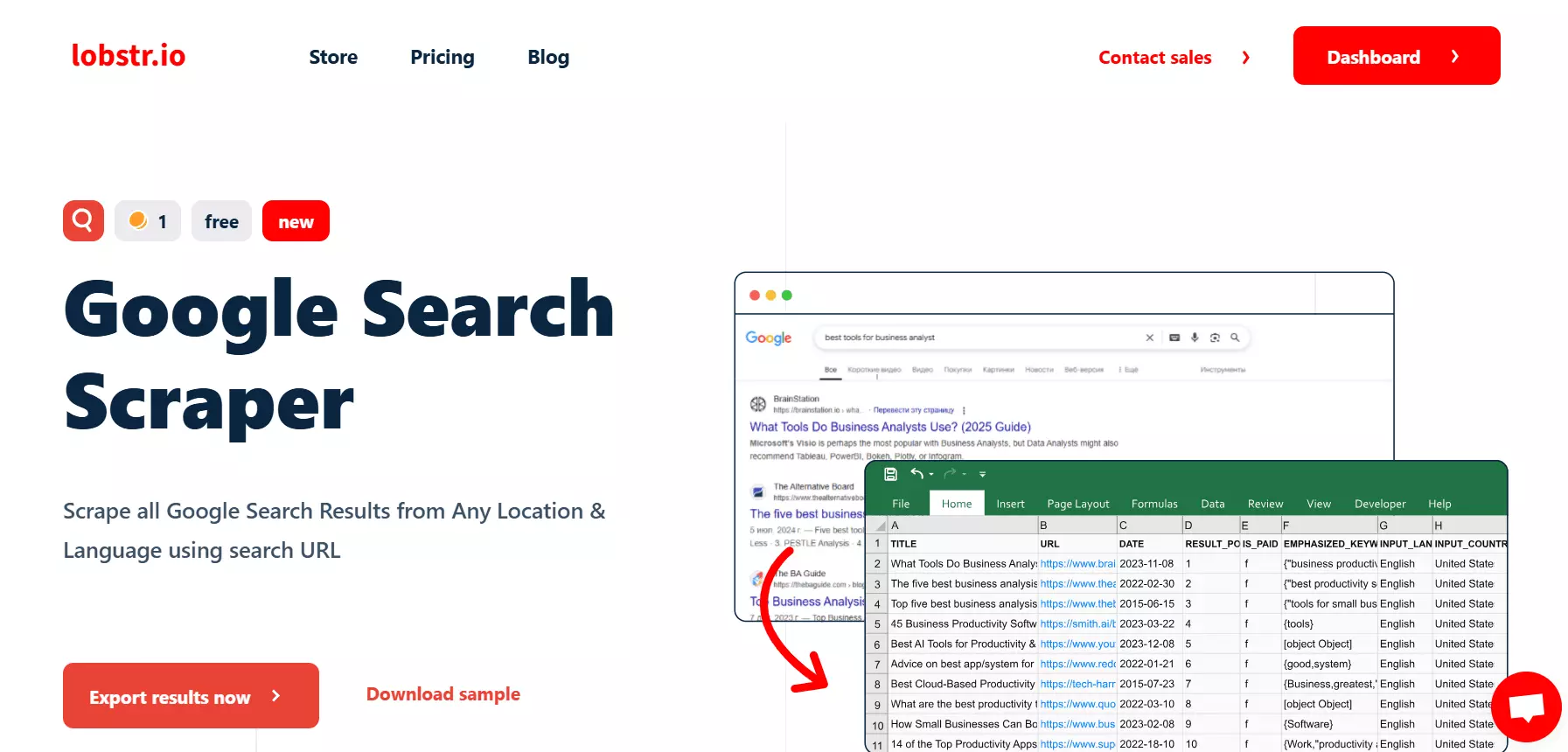
You can use it to collect multiple profiles in your niche from google search without logging in.
site:instagram.com Gym + Seattle.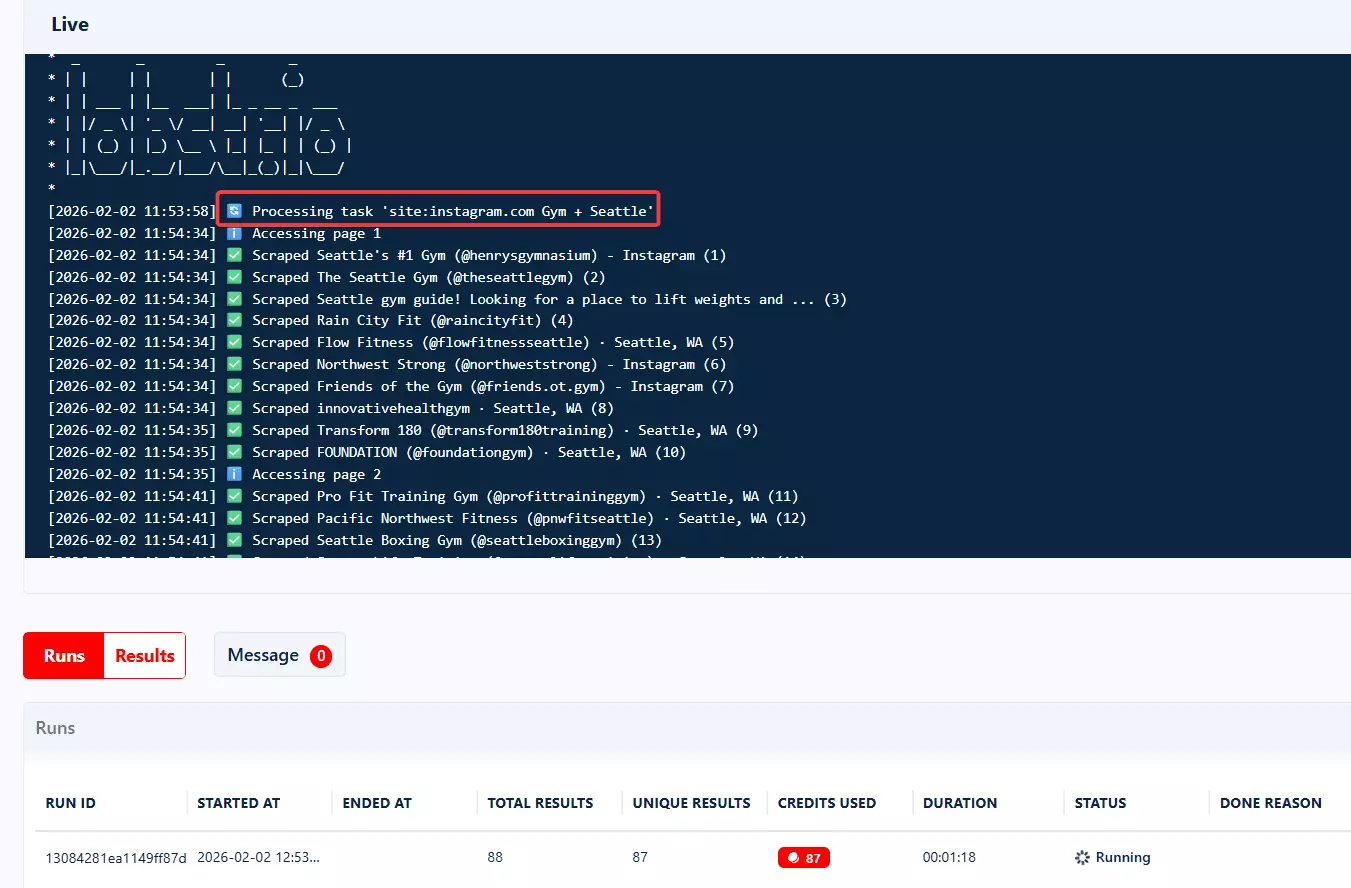
Well, it's no-code and pretty easy to use, but if you still want a detailed walkthrough, here's the step by step tutorial:
Now, let's get into the tools.
Best no-code Instagram Reels scrapers
| Criteria | Lobstr.io | Apify | Bright Data |
|---|---|---|---|
| User rating | 5 | 4.8 | 4.8 |
| Data points | 40+ | 40+ | 40+ |
| Data quality/accuracy | 💯 | 👎 | 💯 |
| Scale pricing | $0.5 | $1.3 | $1 |
| Large volume handling | 💯 | 👎 | 👎 |
| CSV import | ✅ | ❌ | ✅ |
| Login requirement | ❌ | ❌ | ❌ |
| Has profile monitoring | ✅ | ✅ | ❌ |
| Scheduling ease | 💯 | 👍 | ❌ |
| Export options | 💯 | 💯 | 💯 |
| Speed | 👍 | 💯 | 💯 |
| Customer support | 💯 | 💯 | 💯 |
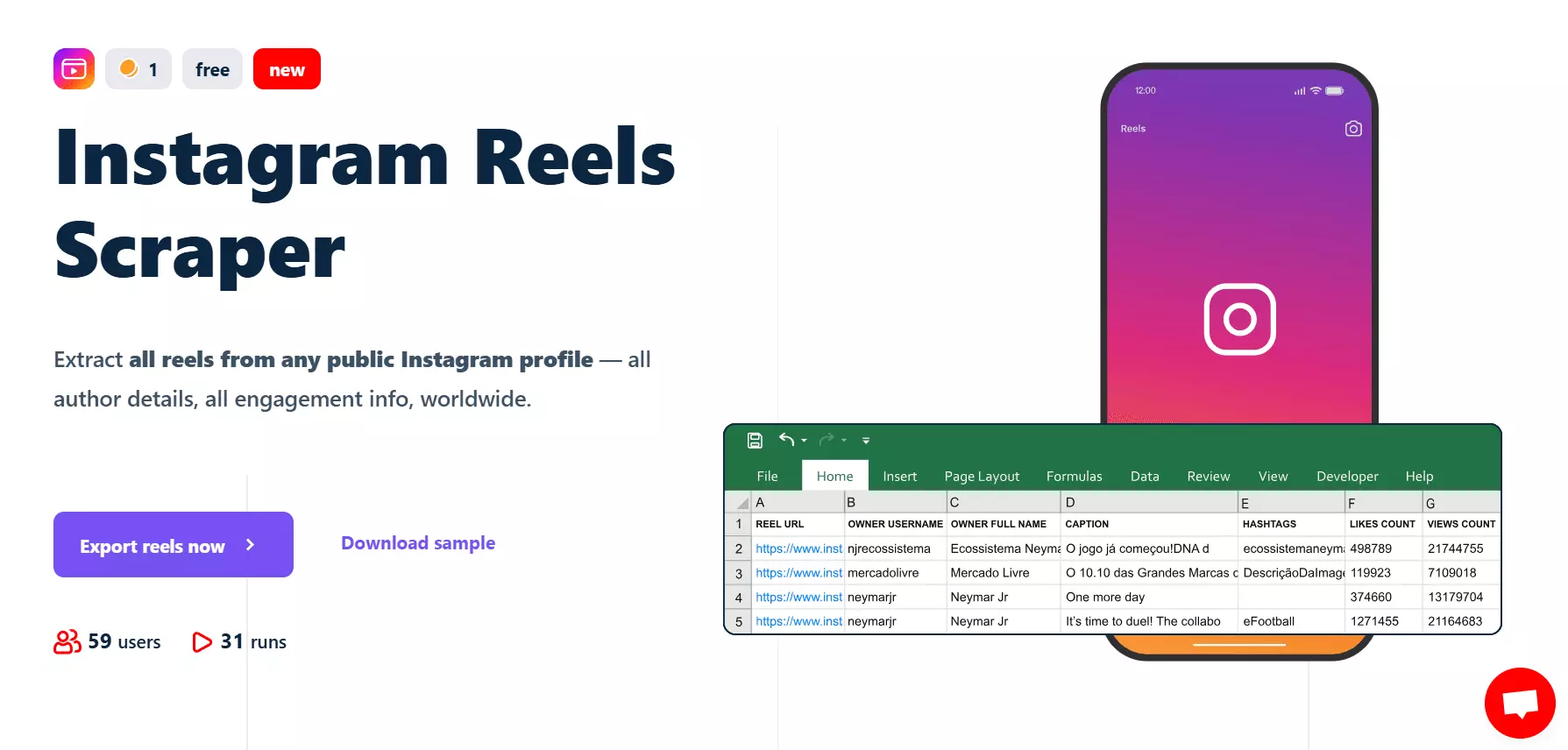
1. Lobstr.io
User rating: 5/5
| Pros | Cons |
|---|---|
| 40+ data points for each Reel | It's slightly slow |
| Affordable | |
| Simple UI | |
| Beginner friendly | |
| No login required |
Key features
- Scrape a single Reel or all Reels from any public profile
- 40+ meaningful data points for each Reel
- Includes content details, owner details and engagement metrics
- Allows you to skip pinned Reels
Hours backlets you scrape Reels published X hours ago- No Instagram account login required
- Cloud based, no installation
- Schedule feature to collect fresh Reels daily/weekly/monthly
- Export to CSV, Google Sheets, or S3
- Integrates with Make.com and connects to 3,000+ other apps
Data
Lobstr.io provides 40+ data points per Reel including content metadata, engagement metrics, author info, and post details including timestamps and location tags, and more.
For proper context, here's what the full dataset in each Reel includes:
| 🆔 Reel ID | 🔗 Reel URL | 🆔 Shortcode | 🧩 Product type |
|---|---|---|---|
| 👤 Owner username | 👤 Owner full name | 🆔 Owner ID | 📌 Native ID |
| ❤️ Likes count | 👁️ Views count | 💬 Comments count | 🔁 Viewer reshare allowed |
| 🚫 Comments disabled | 🙈 Likes & views disabled | 📍 Sponsored | 🧪 Functions |
| ✍️ Caption | 🏷️ Hashtags | 📣 Mentions | 👥 Co-authors |
| 🕒 Timestamp | ⏱️ Video duration | 🎬 Video URL | 🖼️ Display image URL |
| 📐 Media dimensions | 🖼️ Images | 🎵 Audio ID | 🎶 Song name / Artist name |
| 🔞 Explicit | 📈 Trending | 🔇 Should mute audio | 📝 Mute audio reason / Original audio |
| 💬 Comment text (sample) | 👤 Comment user | 🔁 Comment replies count | 📍 Location name / ID |
| 🏷️ Tagged user username | 👤 Tagged user full name | ✅ Tagged user verified | 🖼️ Tagged user profile picture URL |
Pricing
Lobstr.io uses a monthly subscription model.
Pricing starts at $20 and goes up to $500, with each plan including a set number of usage credits.
To make things clearer, here's a simplified breakdown of the cost:
- FREE plan allows you to extract data from 100 Reels per month
- $2 per 1,000 Reels
- Drops to $0.5 per 1,000 Reels at scale
Scalability and safety
Scalability isn't a problem here.
You can add as many profiles or Reels as you want, and it holds up well under heavy loads.
You can upload thousands of profile URLs at once using CSV or TXT files.
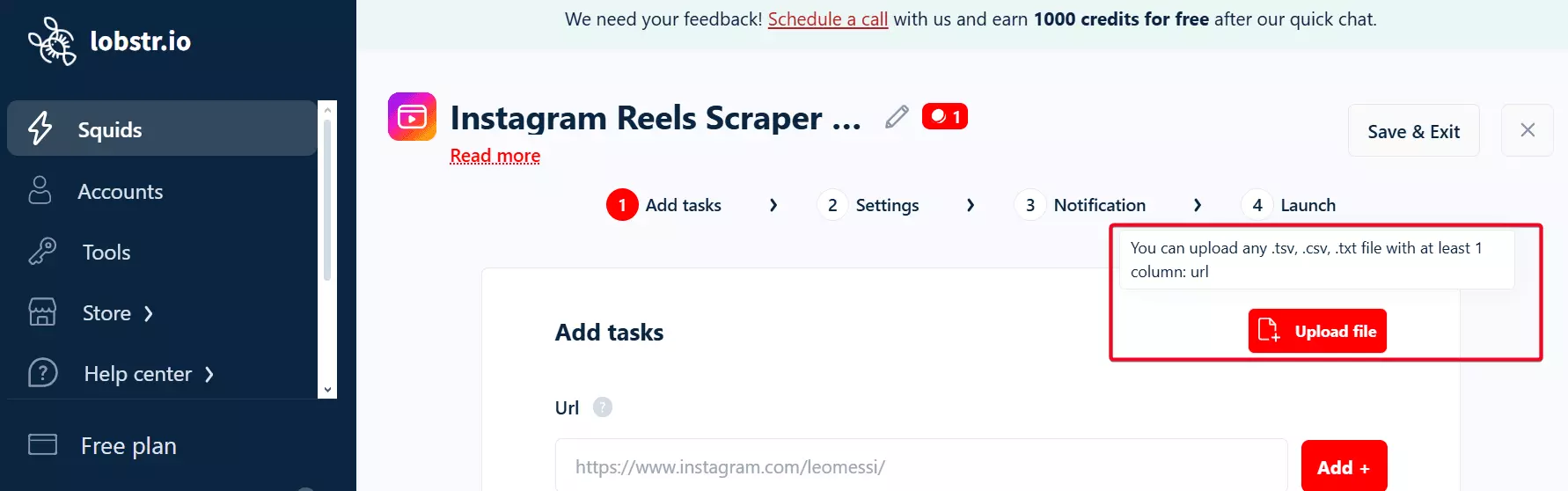
It also runs without a login, so bans aren't part of the equation.
Ease of use
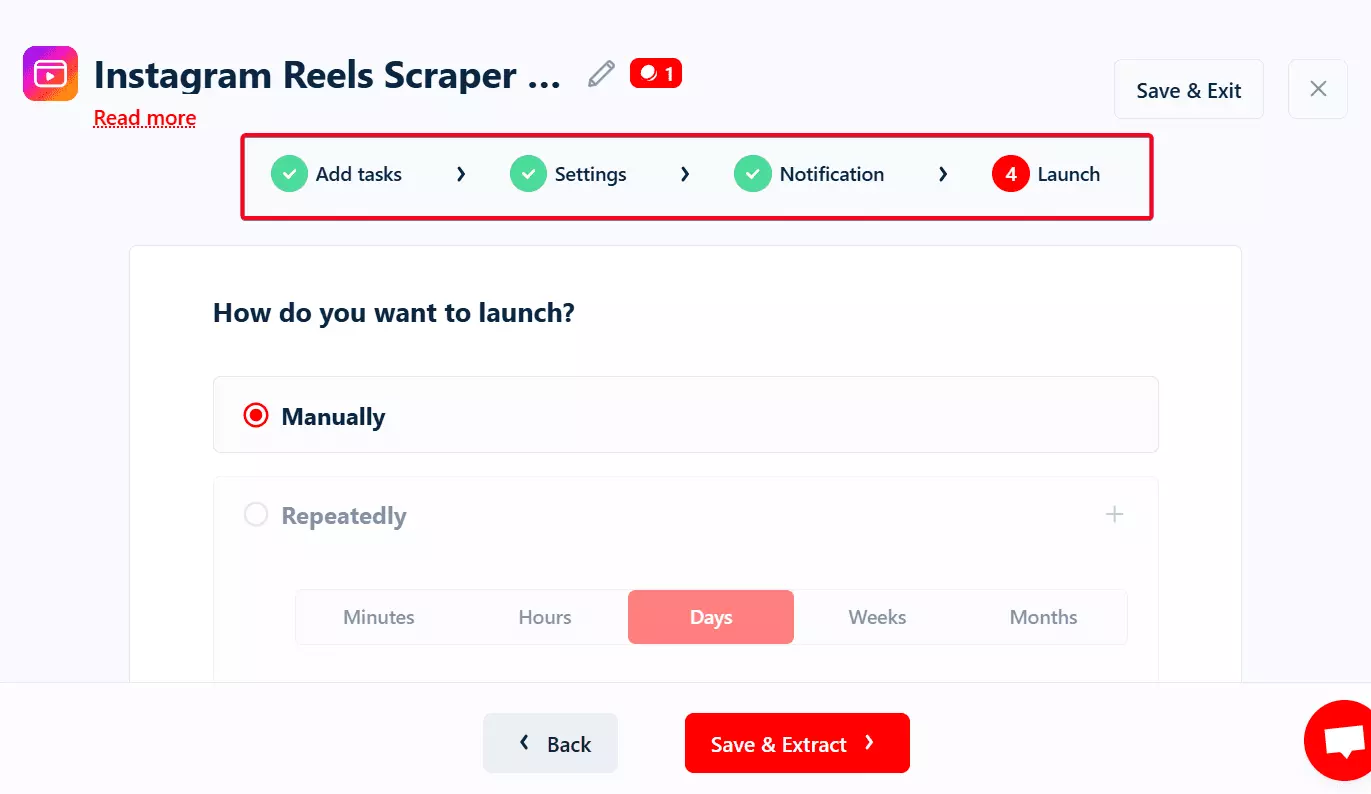
Lobstr.io keeps the workflow simple. The UI is clean, and the controls are exactly where you'd expect.
It doesn't really matter if you're just scraping 100 Reels or 100k Reels — you'll do it in just 4 steps.
Export options and integration
Exporting is straightforward. You can download everything as a CSV and move on.
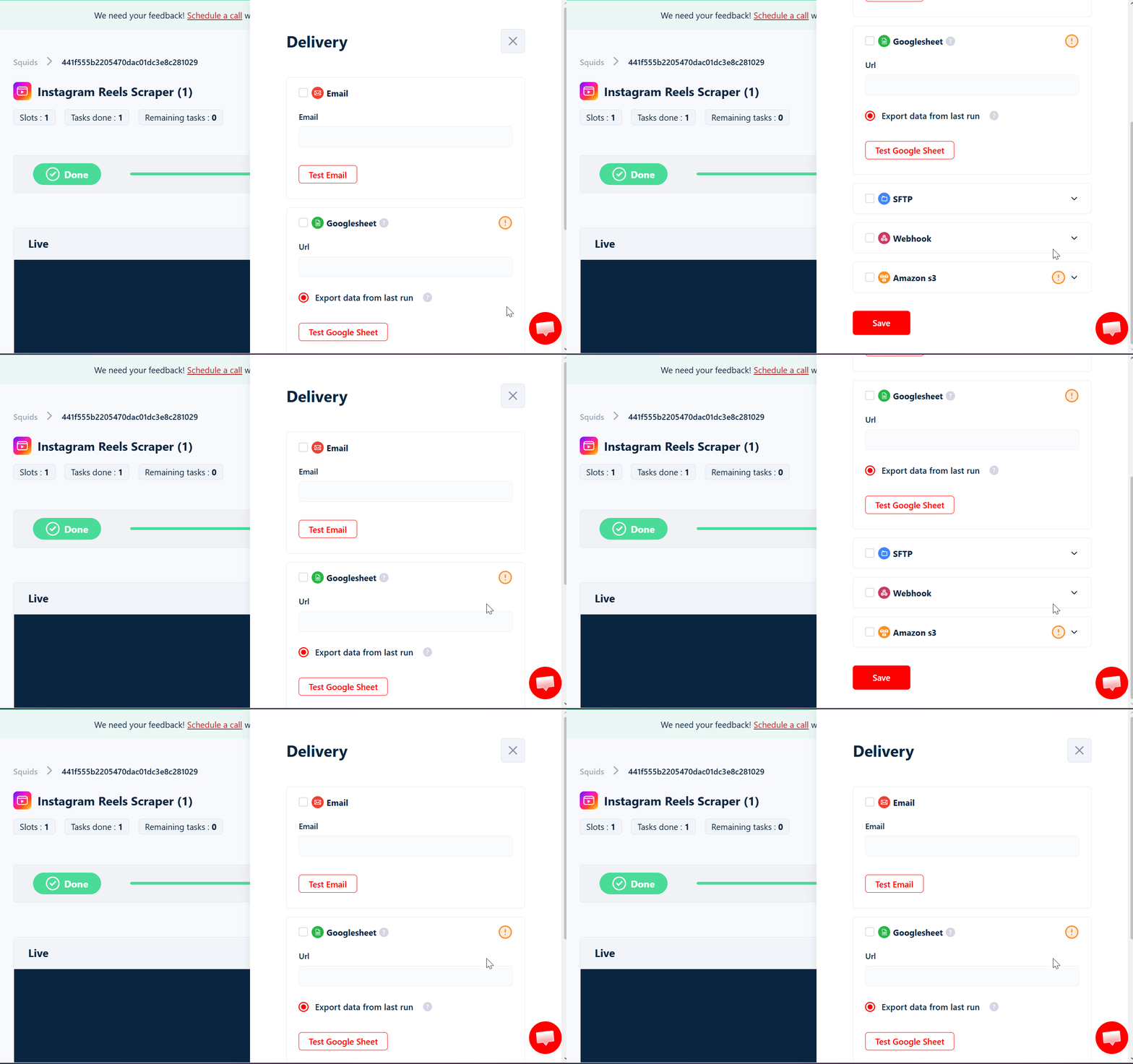
You can also set up automated delivery to platforms like Google Sheets, Amazon S3, SFTP, or email.
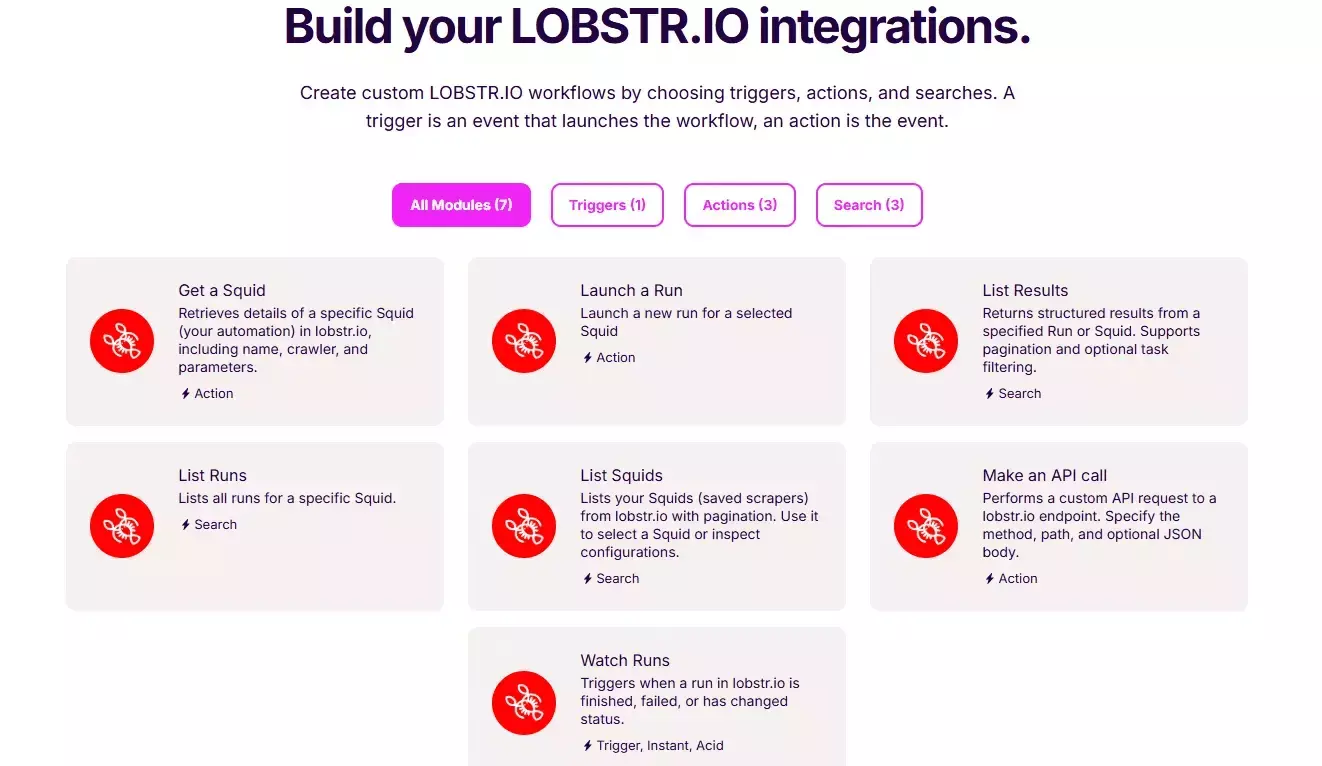
In addition, it supports advanced workflows through Make.com integration.
This lets you connect with over 3,000 third-party apps and services.
Speed
When it comes to speed, Lobstr.io isn't the fastest option from the list. By default, Lobstr.io scrapes 23 Reels per minute.
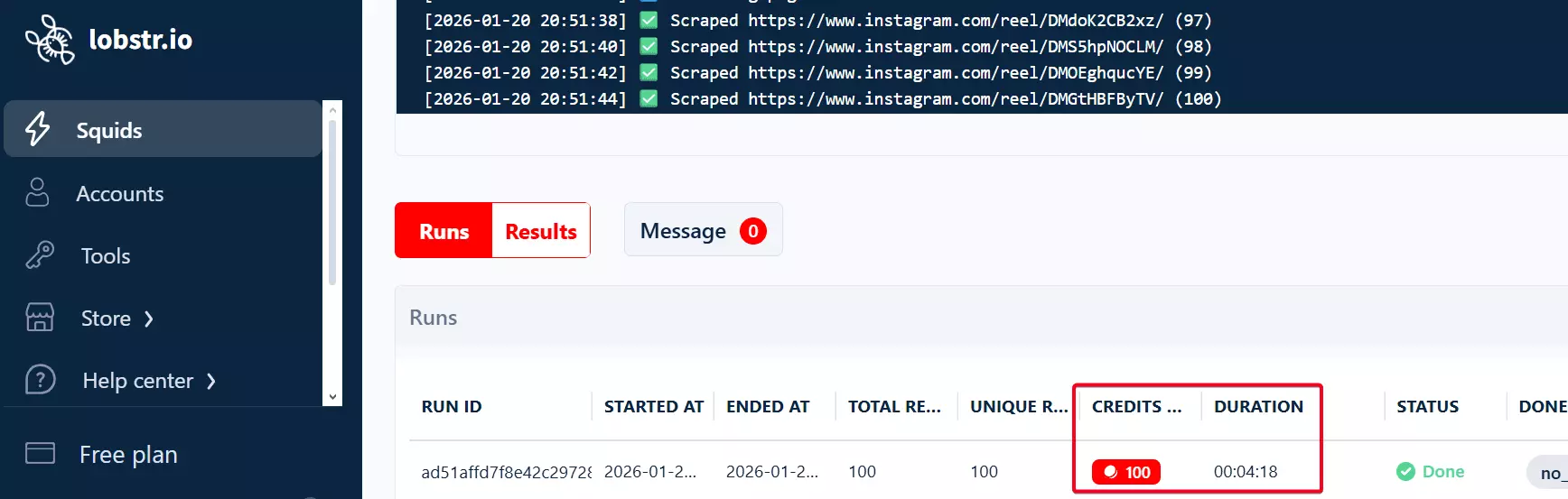
But that's intentional. The focus here is stability, not pushing the limits and hoping nothing breaks.
Slots.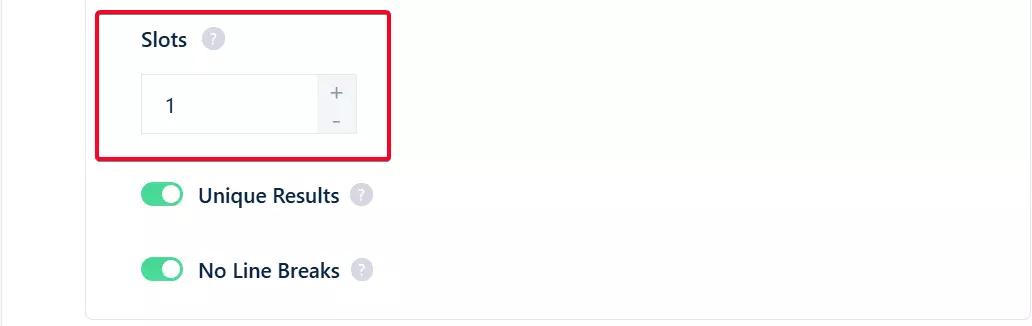
Slots mean higher scraping speed.Multiple instances of the scraper will run at once, each taking different tasks from your list.
Customer support
Lobstr.io's customer support is available via live chat pop-up on the website.
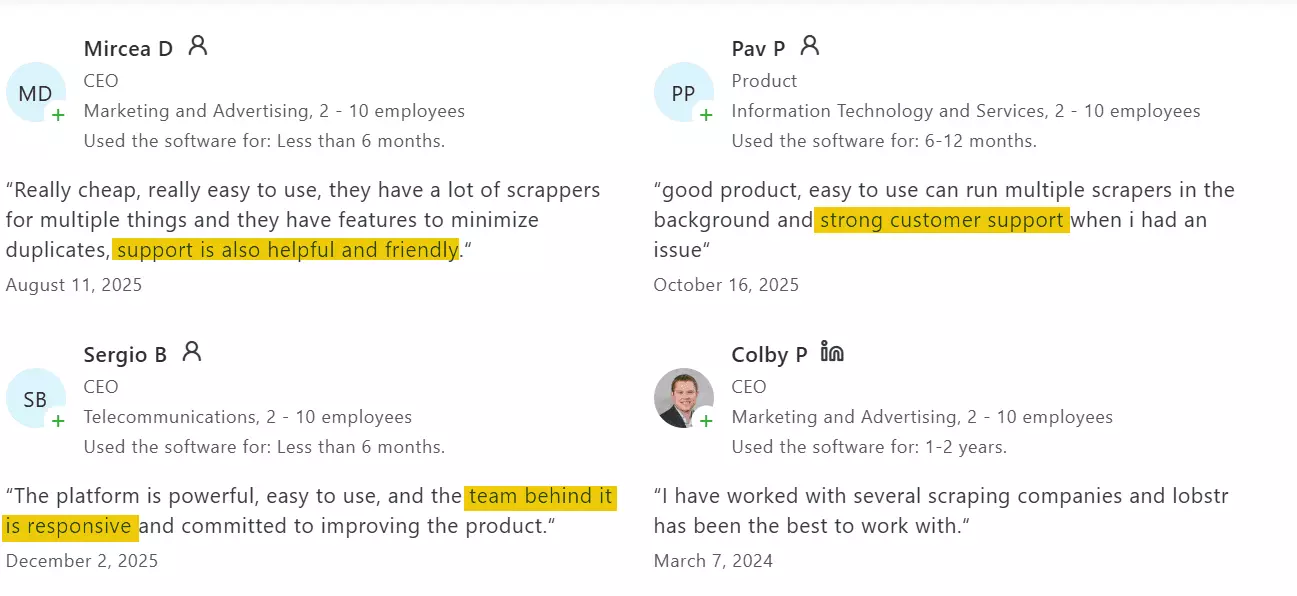
Customer support is one of the most praised aspects of Lobstr.io. It's known for being technically solid, responsive, and genuinely helpful.
Best for
Lobstr.io is best if you need accurate, fresh Reels data without second-guessing the results. Data quality stays consistent.
It's also the most affordable option on this list.
And when it comes to scale, it handles the load well. Large scraping jobs run without breaking or quietly dropping data.
2. Apify
User rating: 4.8/5
| Pros | Cons |
|---|---|
| 40+ data points for each Reel | Questionable accuracy and data quality |
| Slightly more data points | Expensive |
| Zero risk of account ban, no login required | No CSV import |
| Developer friendly API and SDK | |
| Multiple export formats |
Key features
- Scrape individual Reels or all Reels from public profiles
- 40+ meaningful data points for each Reel
- Includes metadata, owner details, engagement metrics, and content details
- Allows you to skip pinned posts
- No Instagram account login required
- No-code friendly
- Cloud-based, no local install needed
- Supports bulk scraping of multiple Reel URLs
- Export data to JSON, CSV, Excel, or Google Sheets
- Automation via Webhooks, Make, or Zapier
Data
Apify provides data points across post metadata, captions, audio, engagement, creator profiles, comments, locations and tagged users.
Here's a snapshot of the full set of data it can pull from each Reel.
| 🆔 Reel ID | 🔗 Reel URL / Post URL | 🧩 Shortcode | 📌 Post type / Product type |
|---|---|---|---|
| 👤 Owner username | 👤 Owner full name | ✅ Owner verified | 🖼️ Owner profile picture URL |
| ❤️ Likes count | 💬 Comments count | 🔁 Shares count | 👁️ Video views / play count |
| 🔖 Saves count | 🙈 Likes hidden / Views hidden | 🚫 Comments disabled | 📍 Is pinned / Sponsored |
| ✍️ Caption | 🏷️ Hashtags | 📣 Mentions | 🤝 Co-authors / Tagged users |
| ♿ Accessibility caption | 🌐 Language | 📝 Transcript | 🕒 Timestamp |
| 🎵 Audio ID | 🎶 Song name | 🎤 Artist name | 🔊 Original audio / Trending / Explicit |
| 🎬 Video URL | ⬇️ Downloaded video URL | ⏱️ Video duration | 📐 Dimensions (W × H) |
| 🖼️ Display URL / Thumbnail | 🖼️ Images | 🧾 Native ID | 🏷️ Post metadata flags |
| 💬 Latest comments (sample) | 👤 Comment username | 🕒 Comment timestamp | 🔁 Replies count / Pinned / Verified |
| 📍 Location name | 🧭 Location ID | 📫 Location address | 🌍 Latitude / Longitude |
| 👥 Tagged user username | 👤 Tagged full name | ✅ Tagged verified | 🖼️ Tagged profile picture URL |
Apify offers slightly more data than Lobstr.io like share count and video transcript extraction as an add-on.
Video downloading is also available as an add-on.
That said, downloaded files only live on Apify's servers for three days, which can feel restrictive if you need longer access.
While digging through user reviews and reports, a pattern started to show.
Multiple users reported missing and incomplete data.
Some also noticed a mismatch between scraped data and what's shown on Instagram.
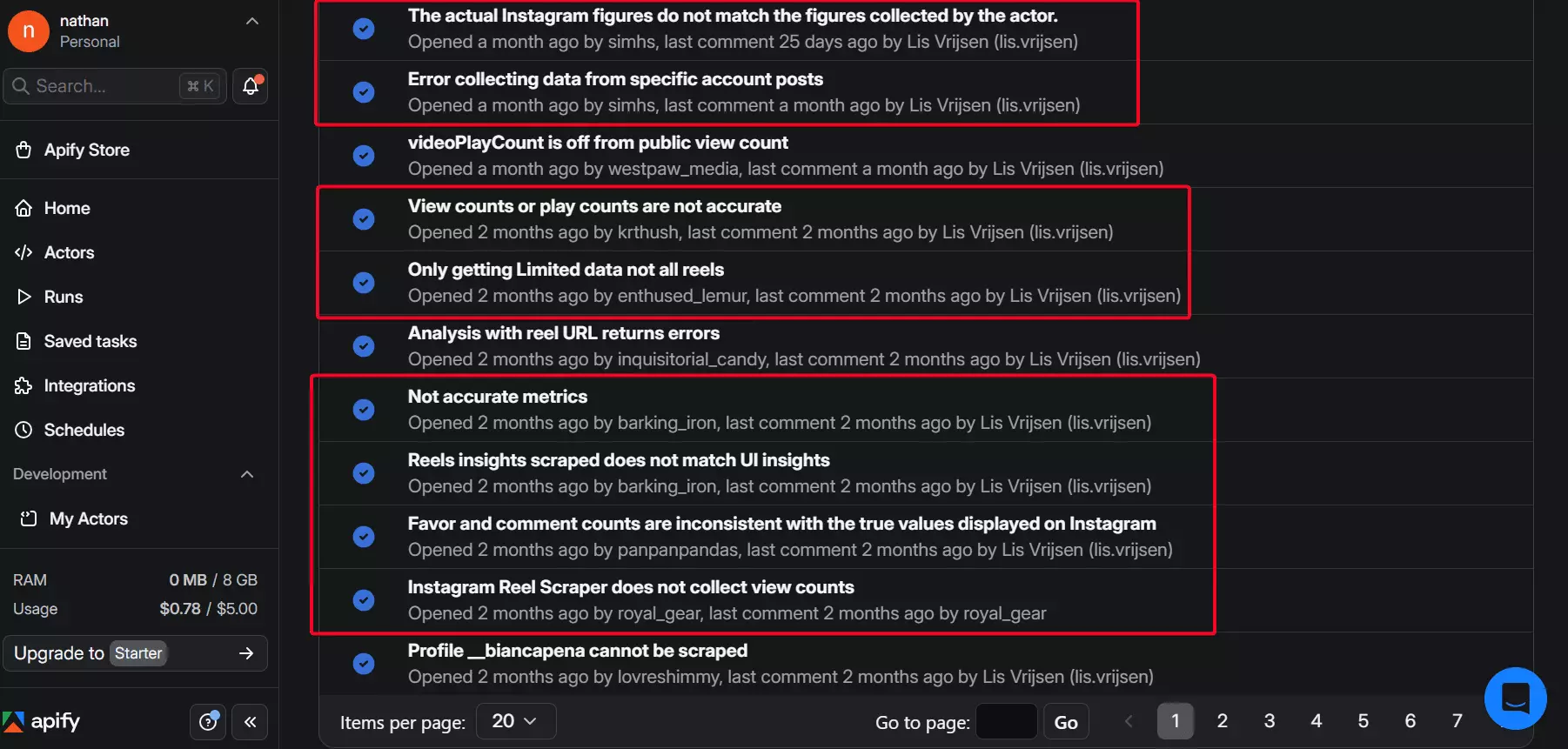
That tells me the data quality isn't fully reliable.
I checked this myself and noticed Apify didn't return the freshest Reels. The most recent Reels from the account were missing.
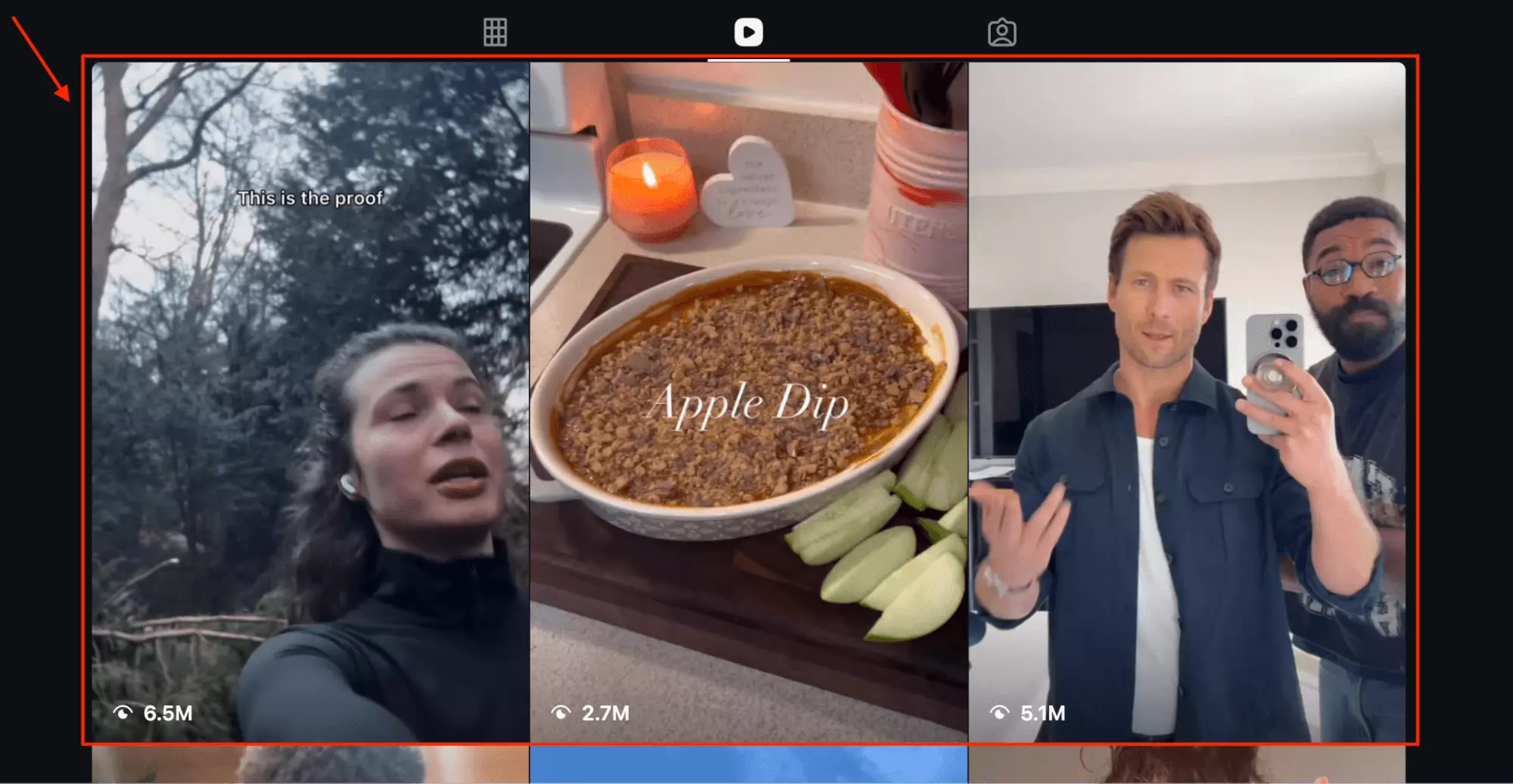
In comparison, Lobstr.io consistently pulled in the most up-to-date content.
If you want to see it and compare it with Lobstr.io, I've put a link below.
Lastly, the default output structure is messy.
Although the dataset is exhaustive, it's based on a raw JSON schema that doesn't translate cleanly into CSV.
The result is hundreds of columns with unclear labels.
Pricing
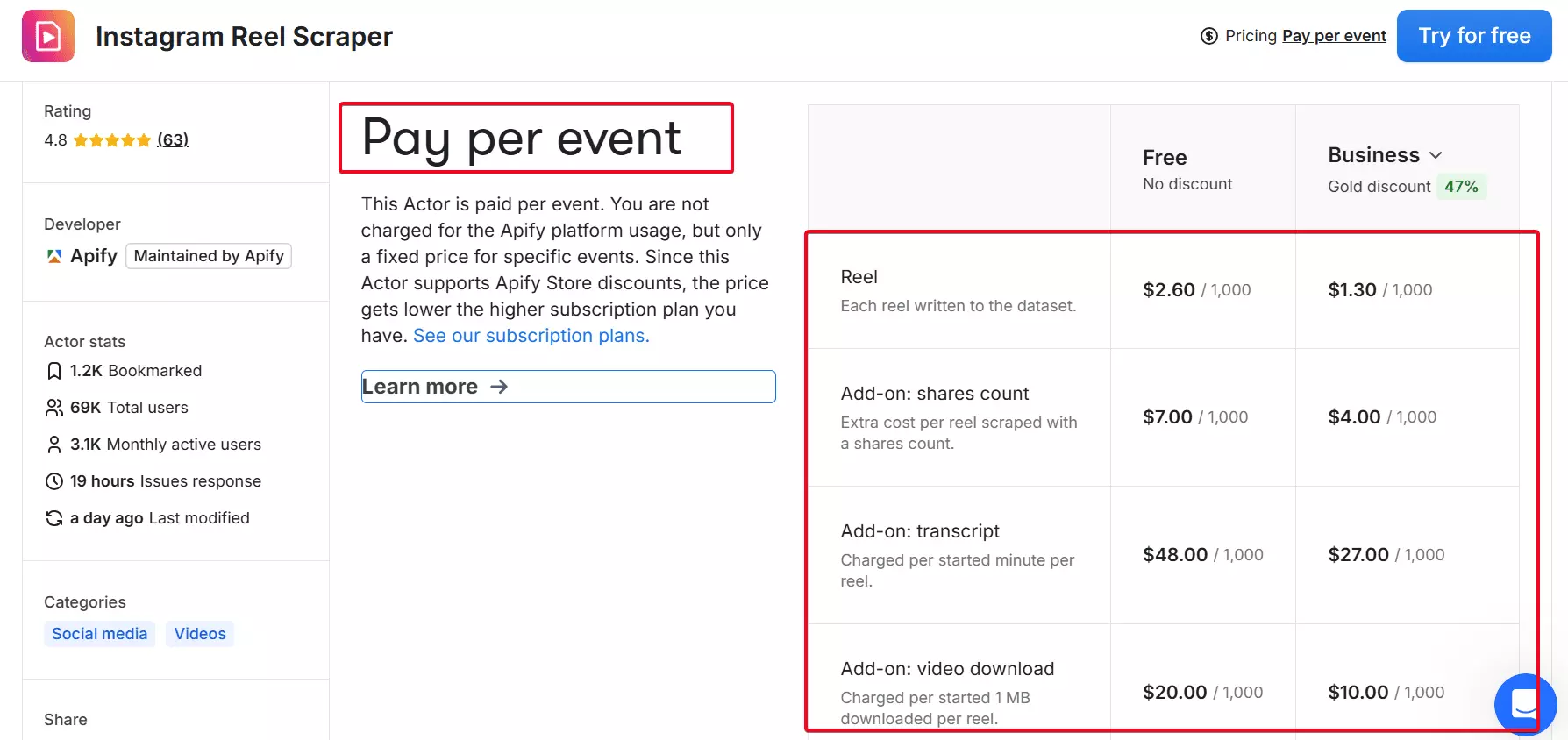
Apify Instagram Reels Scraper uses a pay-per-event pricing model.
Here's a quick breakdown:
- $2.6 per 1,000 Reels
- Drops to $1.3 per 1,000 Reels at scale
- Add-on: Shares count – $7.00 / 1,000 Reels
- Add-on: Transcript – $48.00 / 1,000 minutes
⚠️ Heads up about transcript costs
While reviewing sample outputs on Apify's page, I noticed something…off.
energy terminals and then. That's it.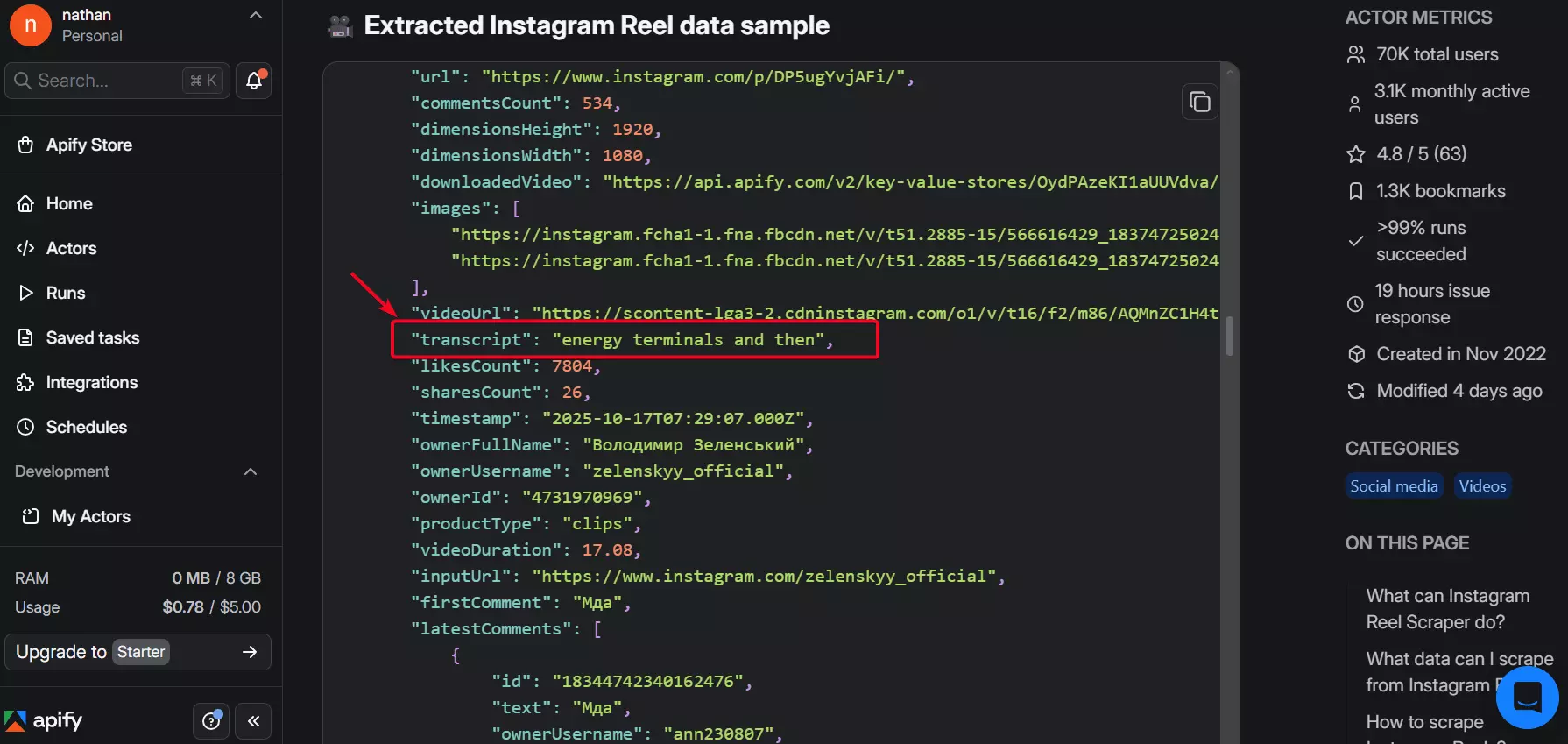
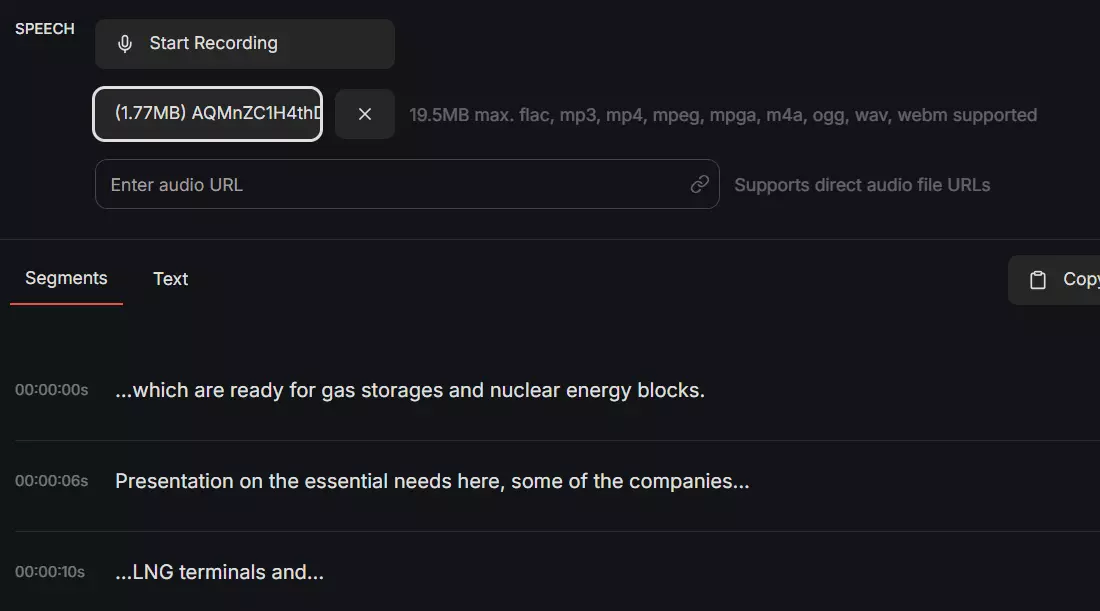
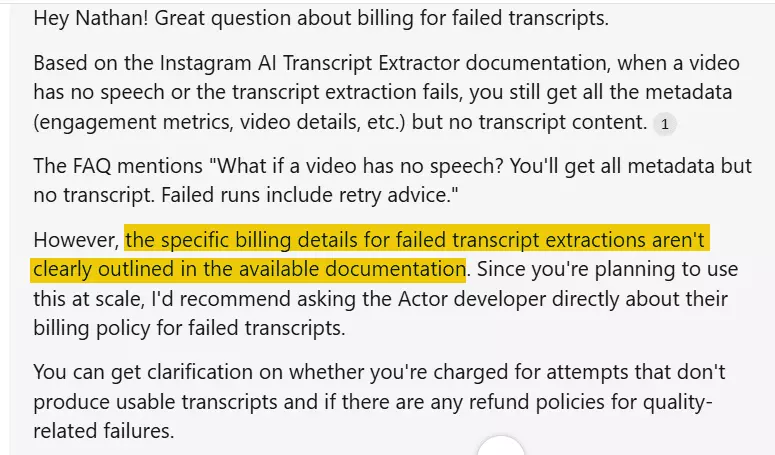
I was curious whether I'd still be charged if a transcript failed, so I reached out to ask.
Their answer – you may still be billed.
There's no clear refund policy, even if the transcript is unusable.
So yeah, be careful with the transcript add-on. At scale, it gets expensive fast.
Lobstr.io doesn't offer built-in transcription or video downloading, but both are easy to set up at a lower cost, and often with better accuracy.
Here's a step-by-step tutorial:
Scalability and safety
Apify lets you scrape multiple profile URLs in one go.
There's no CSV upload, but you can paste in a batch of links using the bulk input field.
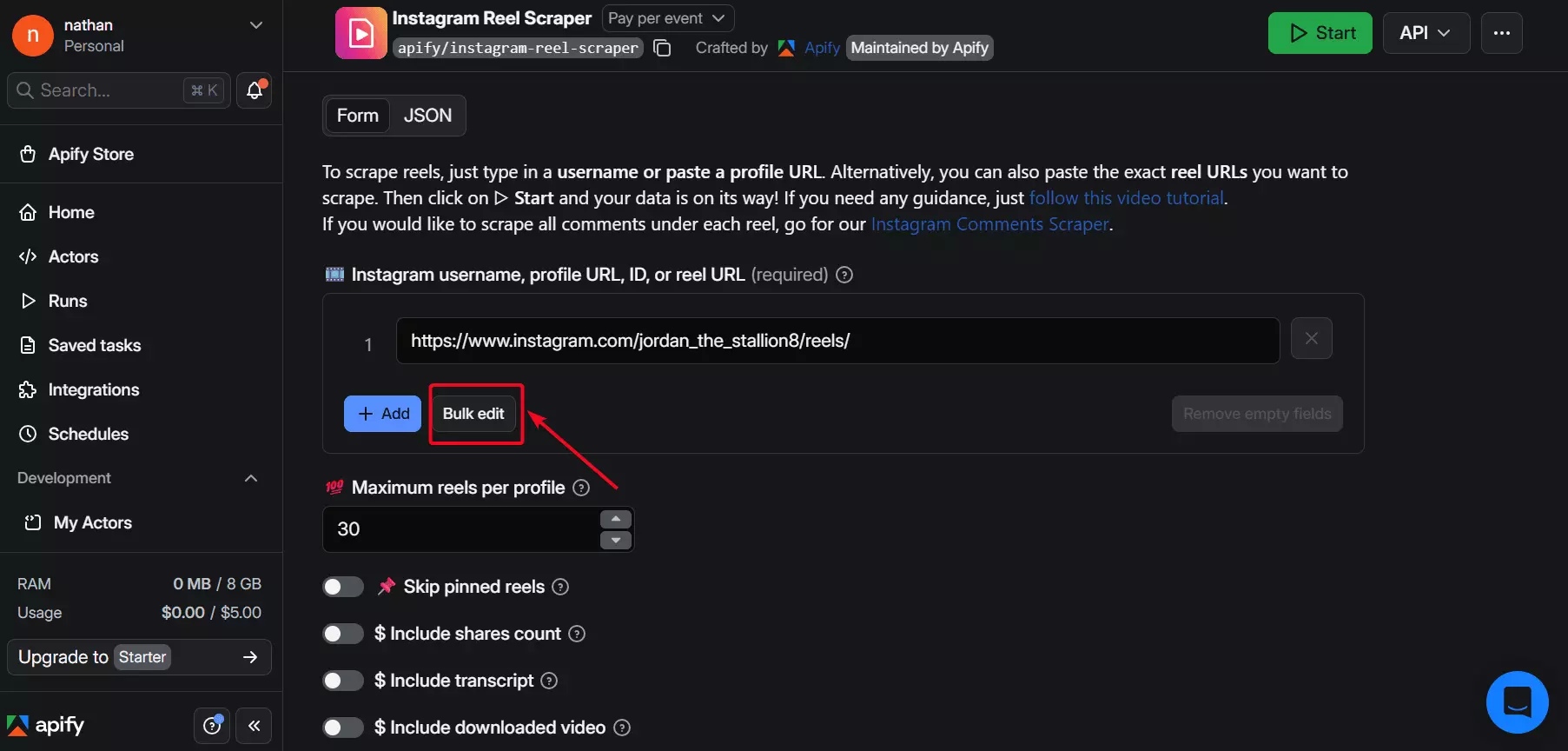
Once you start pushing larger datasets, though, things get less predictable.
At scale, runs can become unstable and data output isn't always consistent.
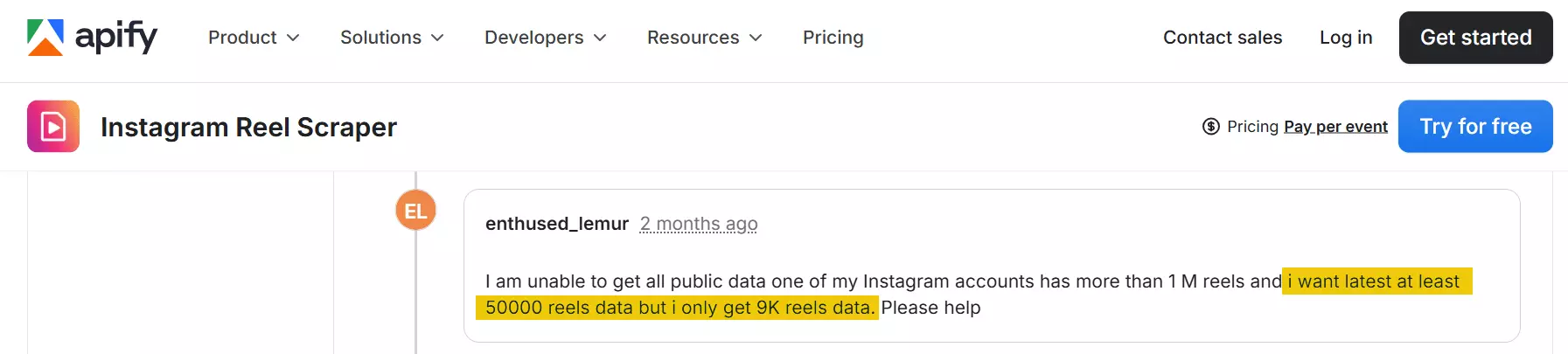
It's usable for small to moderate workloads, but large jobs tend to expose its limits.
When it comes to safety, you don't have to log in with your Instagram account.
So there's really no risk of getting flagged or banned.
Ease of use
Apify's run setup is straightforward. You can launch scrapes with minimal clicking.
For the basic "link → run → results" loop, it feels predictable.
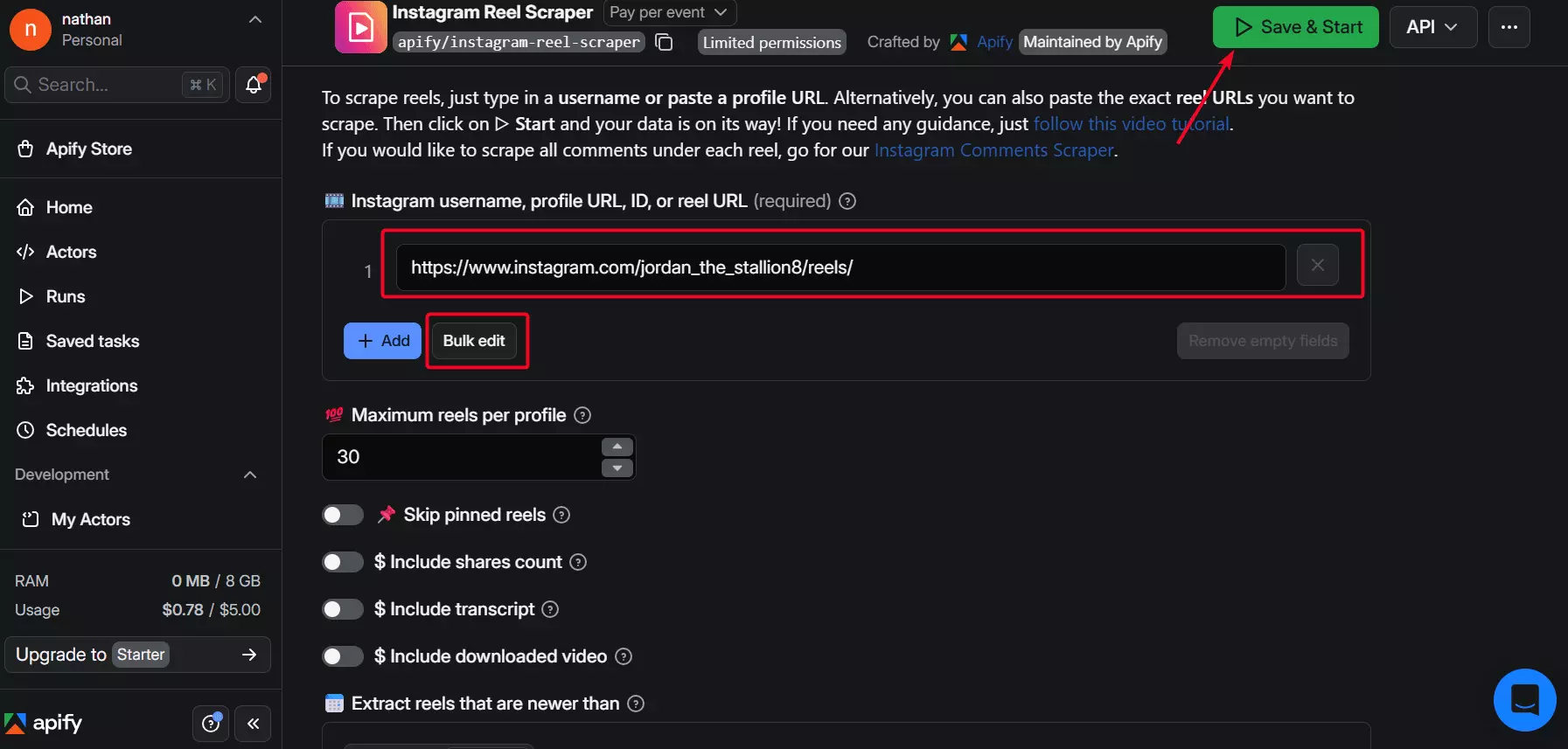
However, some features aren't as intuitive.
For example, unlike Lobstr.io, scheduling is a separate layer, not a workflow step.
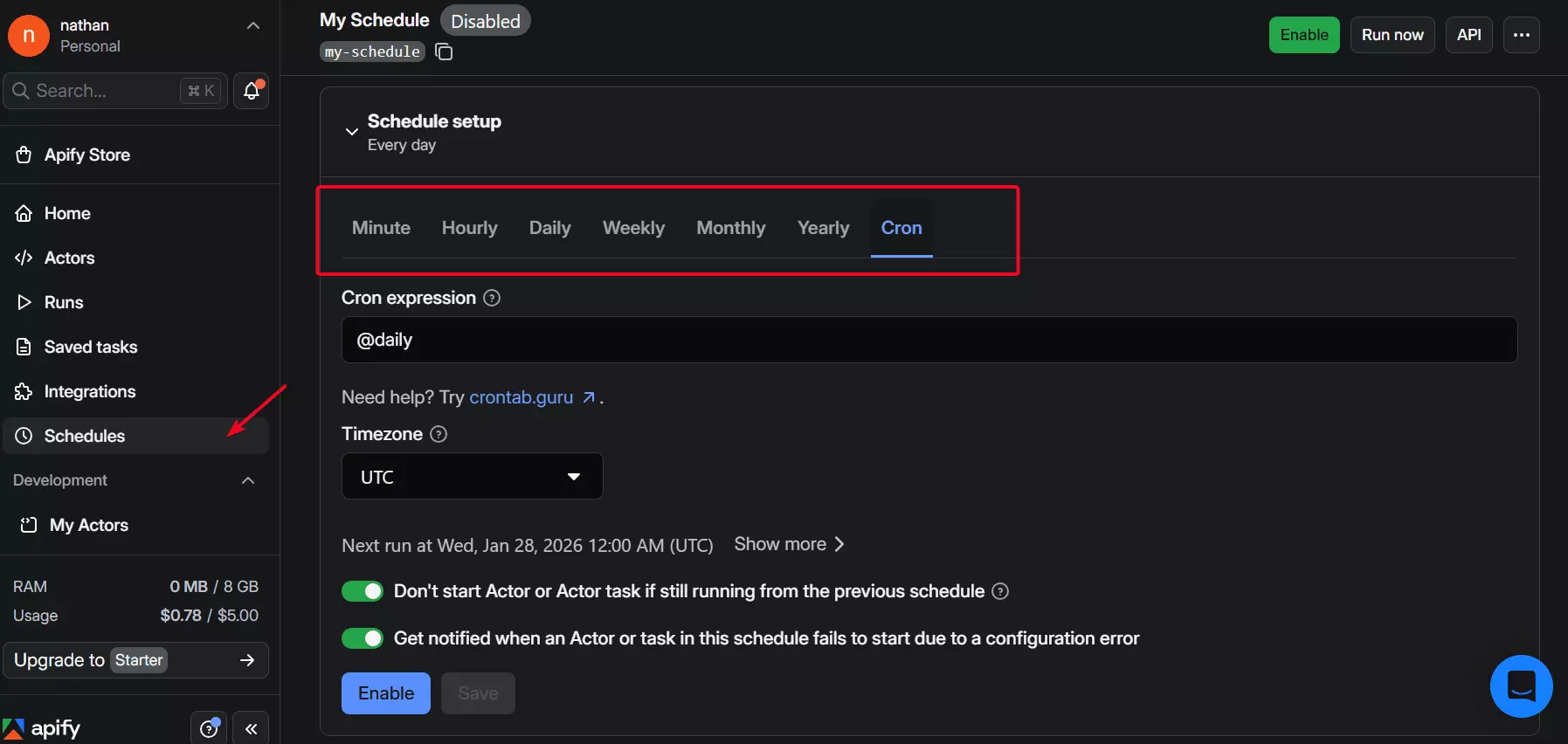
Cron feature — which is really cool.It offers flexibility beyond presets.
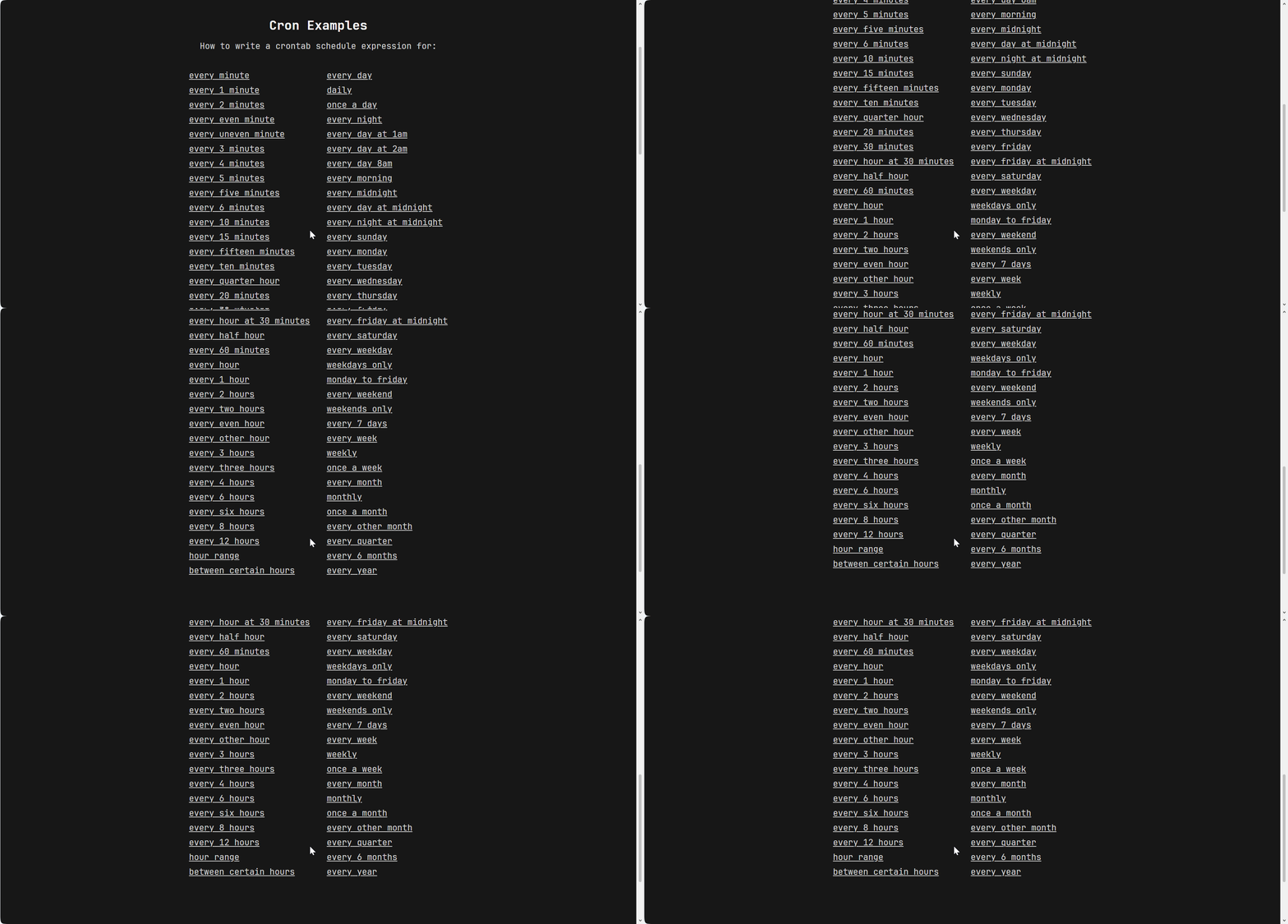
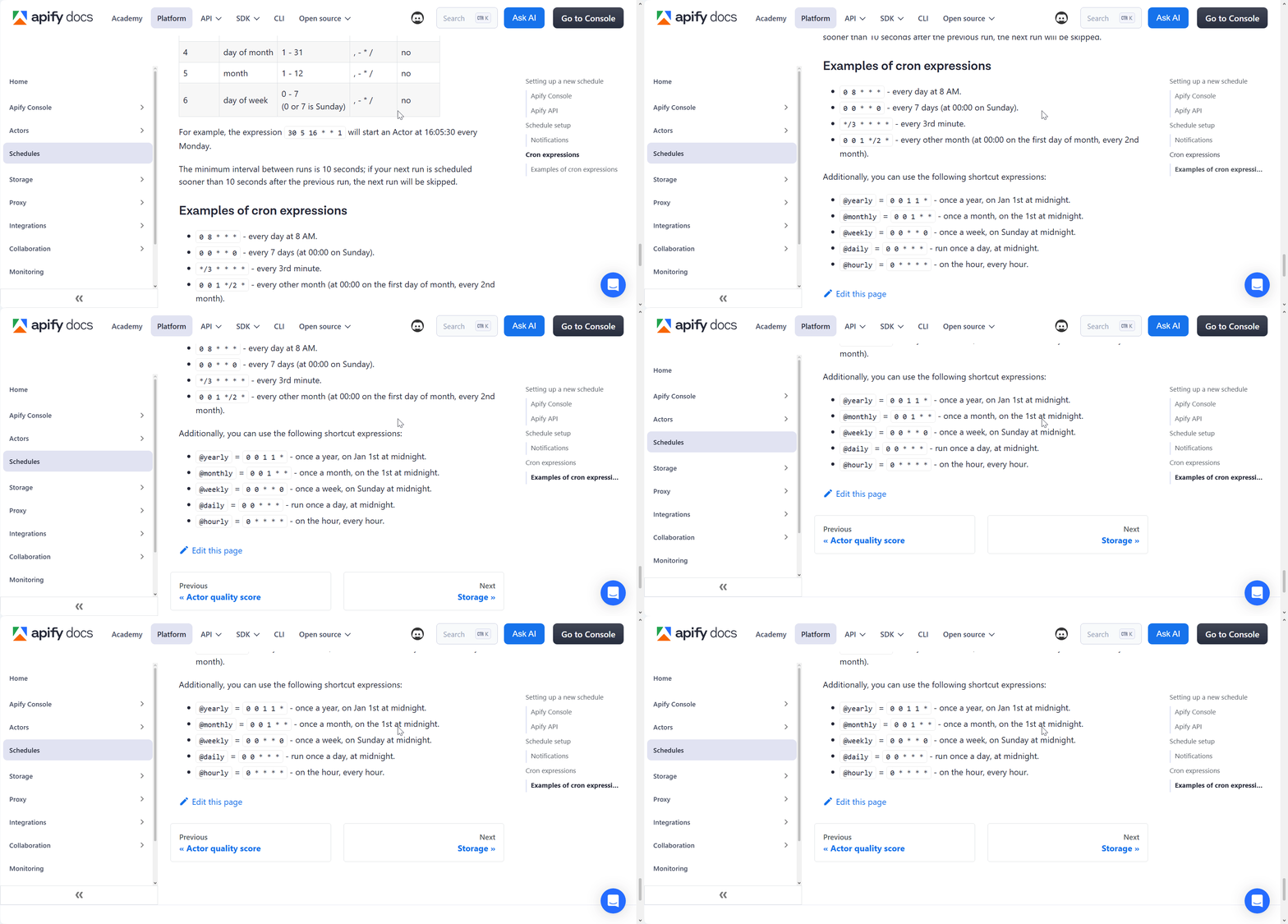
The trade-off is that you'll need to work with Cron expressions.
It's approachable, but a bit nerdy — and easier to misconfigure at first.
Export options and integration
Apify lets you export your results in CSV, Excel, and more.
Compared to Lobstr.io, Apify gives more export options.
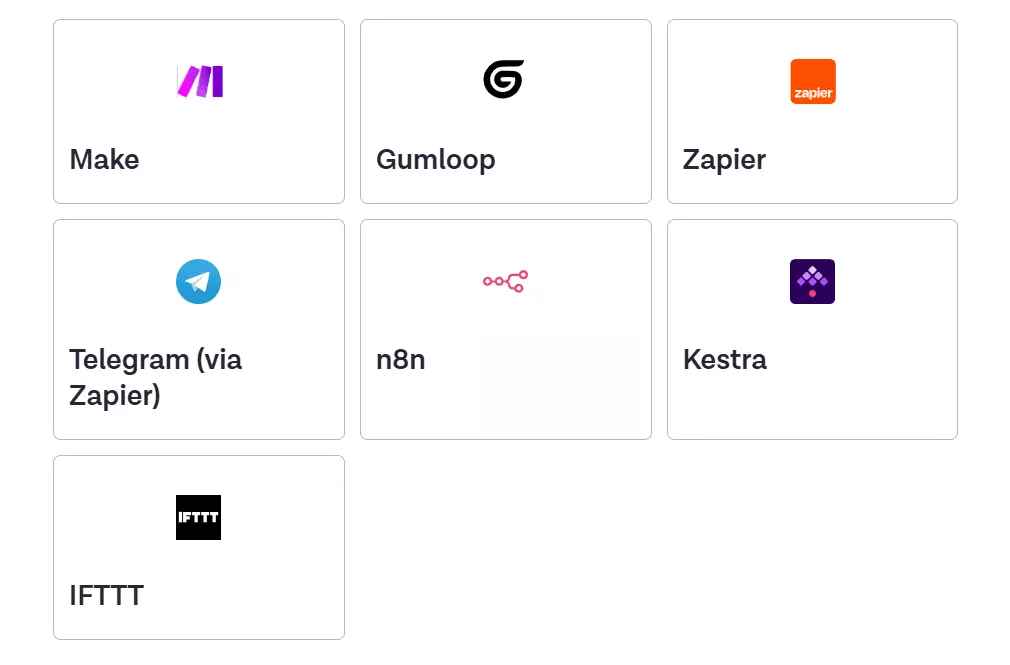
It also integrates natively with tools like Make, Zapier, and n8n, making it easy to plug your scraper into automation flows or AI pipelines.
Speed
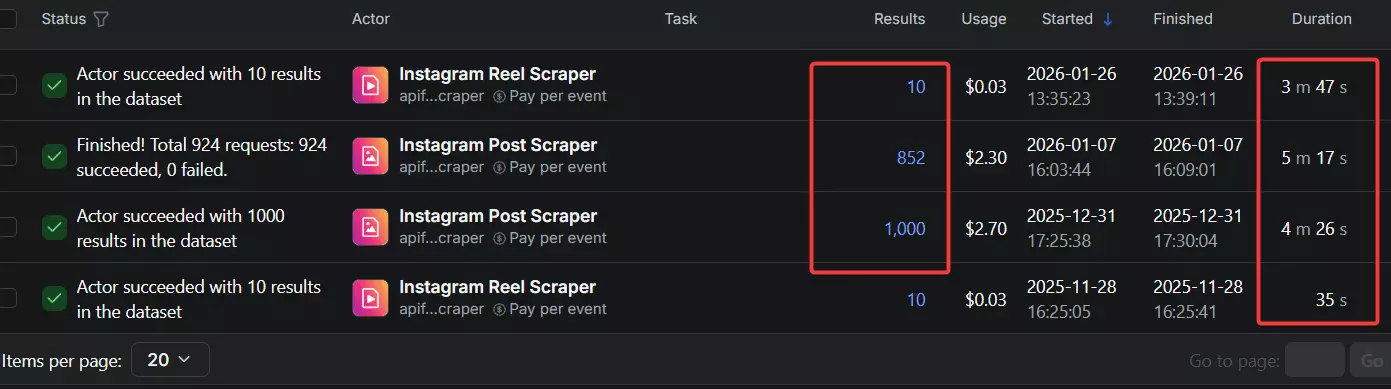
Apify is generally fast. On average, it scrapes around 120–200 results per minute.
But the problem is consistency.
Identical jobs can run at wildly different speeds, making performance hard to predict and even harder to rely on.
Customer support
Apify offers multiple support channels including live chat, ticketing, and Discord community.
Most reviews about the customer support are positive.
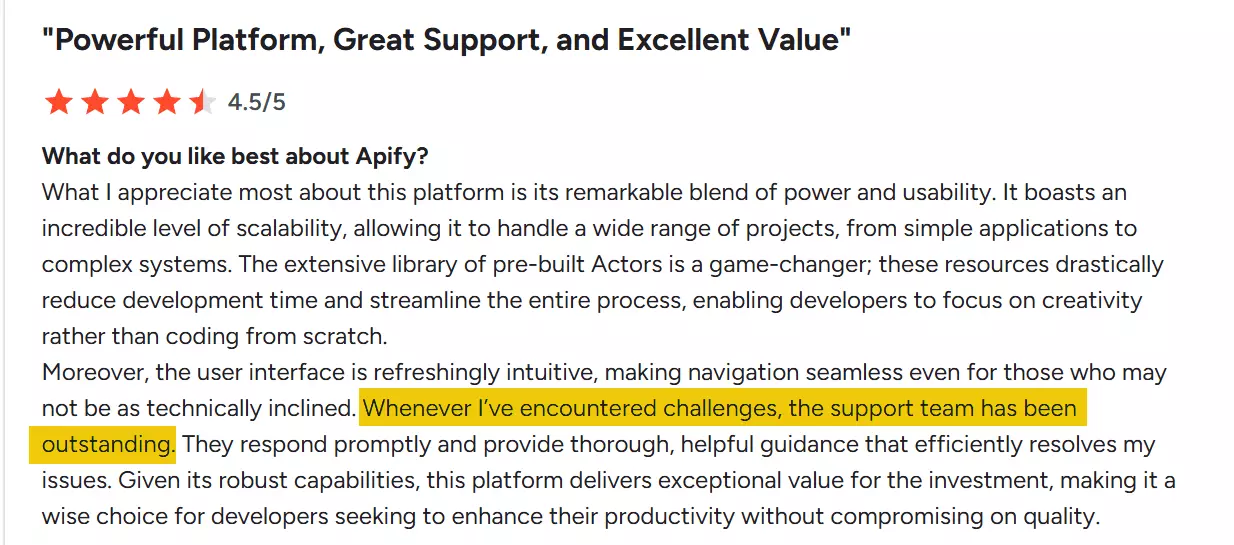
Create new issue) instead of live chat as the live chat team is not technically trained.Best for
Apify works best for short-run scraping tasks that need to plug into larger workflows.
Its strength is integration. With support for CRMs, AI tools, and automation platforms like Zapier, Make, and n8n, it fits well into complex stacks.
However, it's not built for large-scale scraping. Costs climb quickly, add-ons can be unreliable, and speed isn't consistent enough to trust at scale.
3. Bright Data
User rating: 4.8/5
| Pros | Cons |
|---|---|
| 40+ data points for each Reel | Less intuitive ease of use |
| No login required | Fewer audio data points |
| Highly scalable | Too expensive |
| Multiple native integrations available | |
| Fast speed |
Key features
- Extract single Reels or entire collections from public profiles
- 40+ valuable data points per Reel
- Covers metadata, creator info, engagement stats, and content details
- Works without needing to log into an Instagram account
- No-code friendly via web interface, with API access
- Cloud-based, no local install needed
- Export data to JSON and CSV
Data
Bright Data provides data points like media content, engagement metrics, author info, and post details including tags, video length, and more.
Here's a breakdown of the full dataset available for each Reel:
| 🔗 Reel URL | 🆔 Shortcode | 🆔 Post ID / Content ID | 🧩 Product type |
|---|---|---|---|
| 👤 Posted by (username) | ✅ Account verified | 🖼️ Profile image URL | 🔗 User profile URL |
| 📝 Description / Caption | 🏷️ Hashtags | 👥 Tagged users | 🤝 Co-author producers |
| ❤️ Likes | 💬 Comments count | 👁️ Views | ▶️ Video play count |
| 🕒 Date posted | ⏱️ Video length | 🎬 Video URL | 🖼️ Thumbnail URL |
| 🎵 Audio URL | 📊 Posts count (creator) | 👥 Followers | ➕ Following |
| 💬 Top comments (sample) | 👤 Commenting username | 🕒 Comment date | 🔁 Comment replies count |
| 🖼️ Commenter avatar URL | ❤️ Comment likes | 💬 Replies (nested) | 📌 Paid partnership |
| 🤝 Partnership details | ⚠️ Error | 🧪 Error code | 🔗 Failed URL |
| 🕒 Scraped at (timestamp) | 🧾 Input URL | 📥 Input account stats | 🔎 Discovery input |
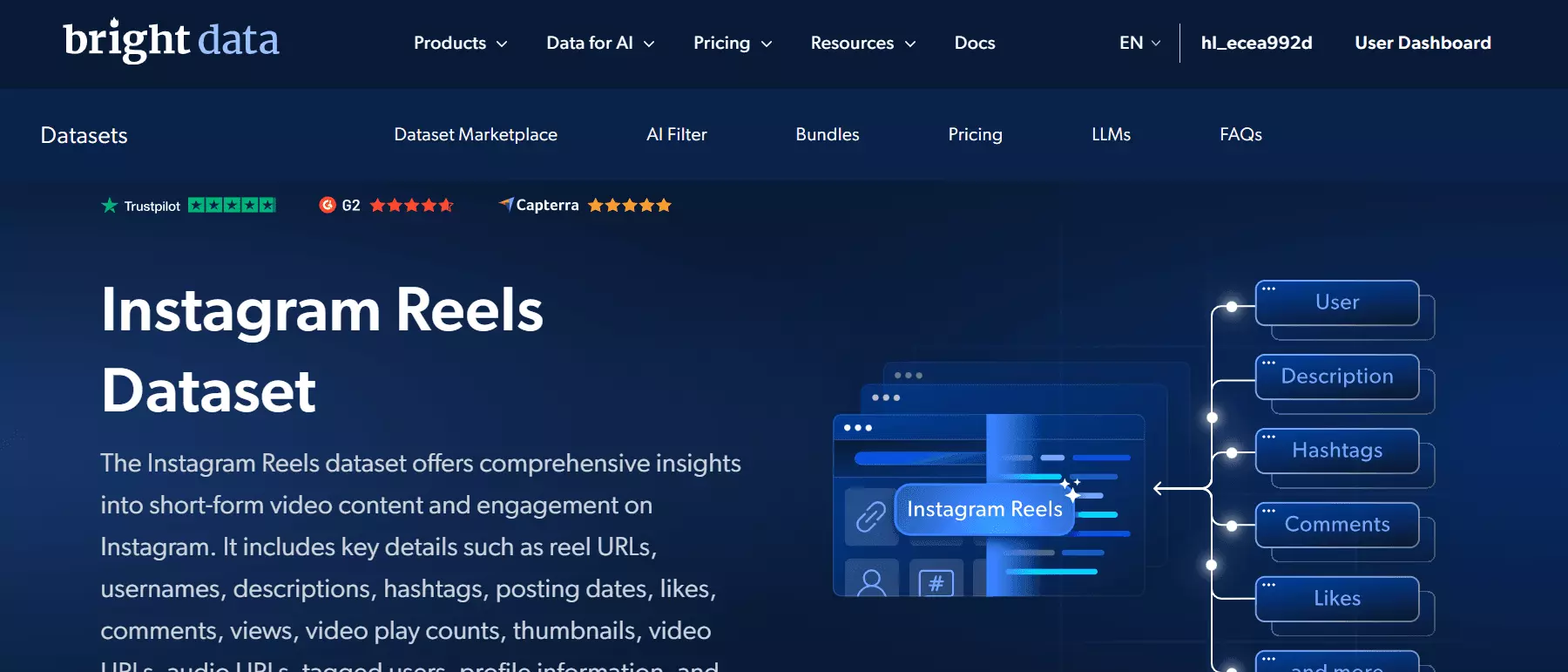
However, it offers slightly less overall data, particularly when it comes to audio metadata.
song_name, artist_name, uses_original_audio, and should_mute_audio.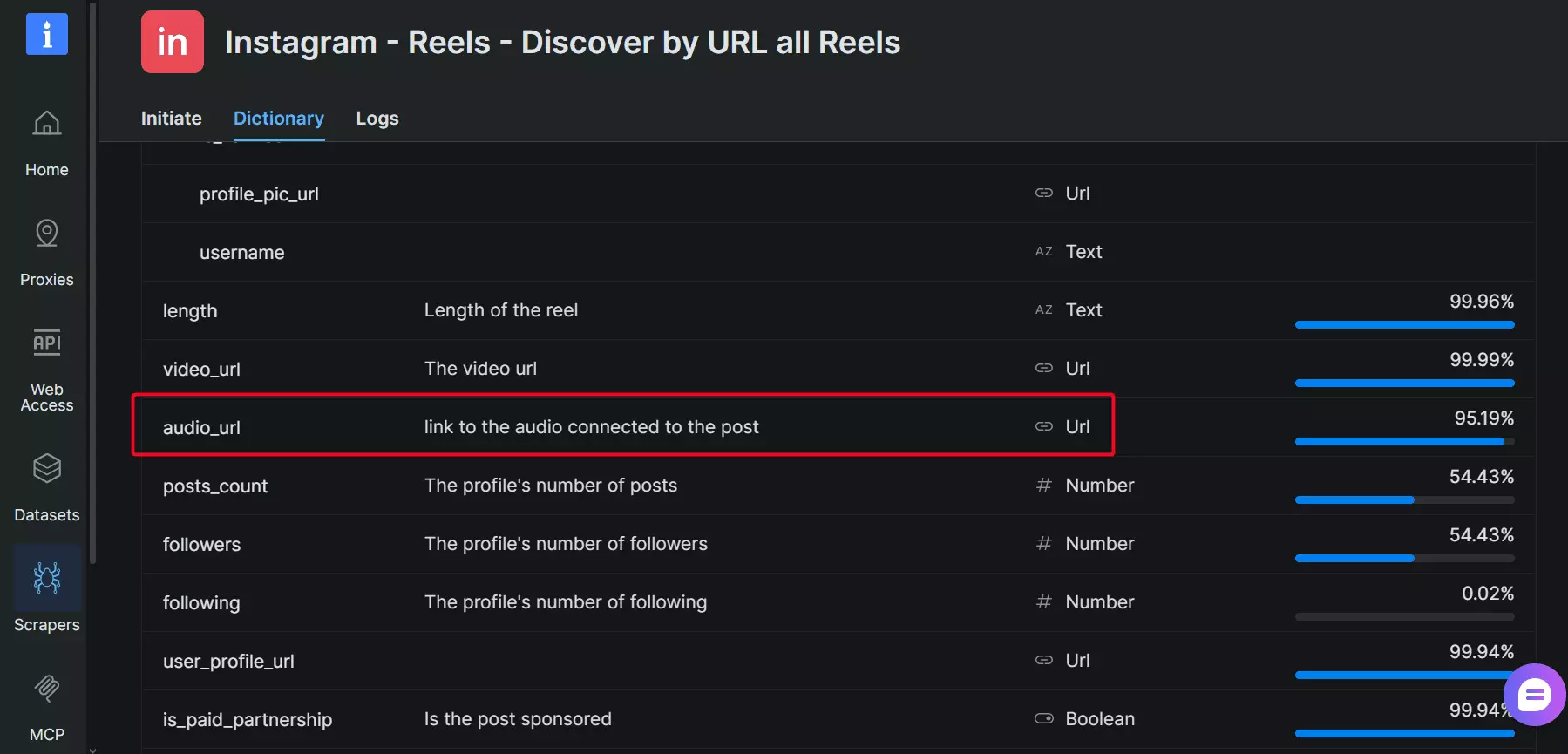
Pricing
Bright Data offers pay-as-you-go with no commitment, or subscribe for lower rates with a monthly plan.
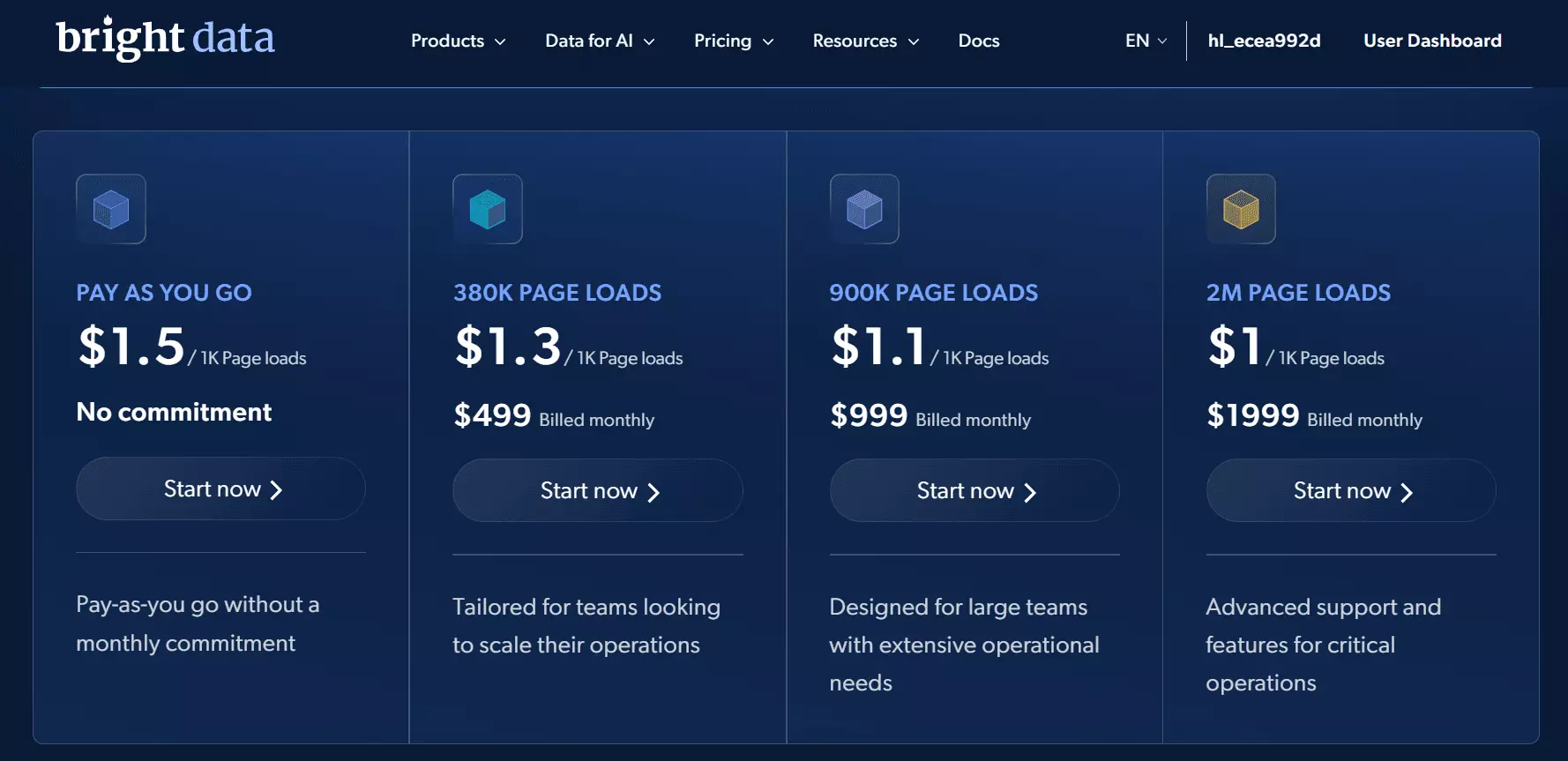
- Free trial allows you to scrape 1,000+ Reels
- $1.3 per 1,000 Reels
- Drops to $1 per 1,000 Reels at scale
Scalability and safety
There are no hard limits on the number of profiles or Reels you can scrape.
You can upload lists of URLs or a CSV file with a large list of profile URLs to get started.
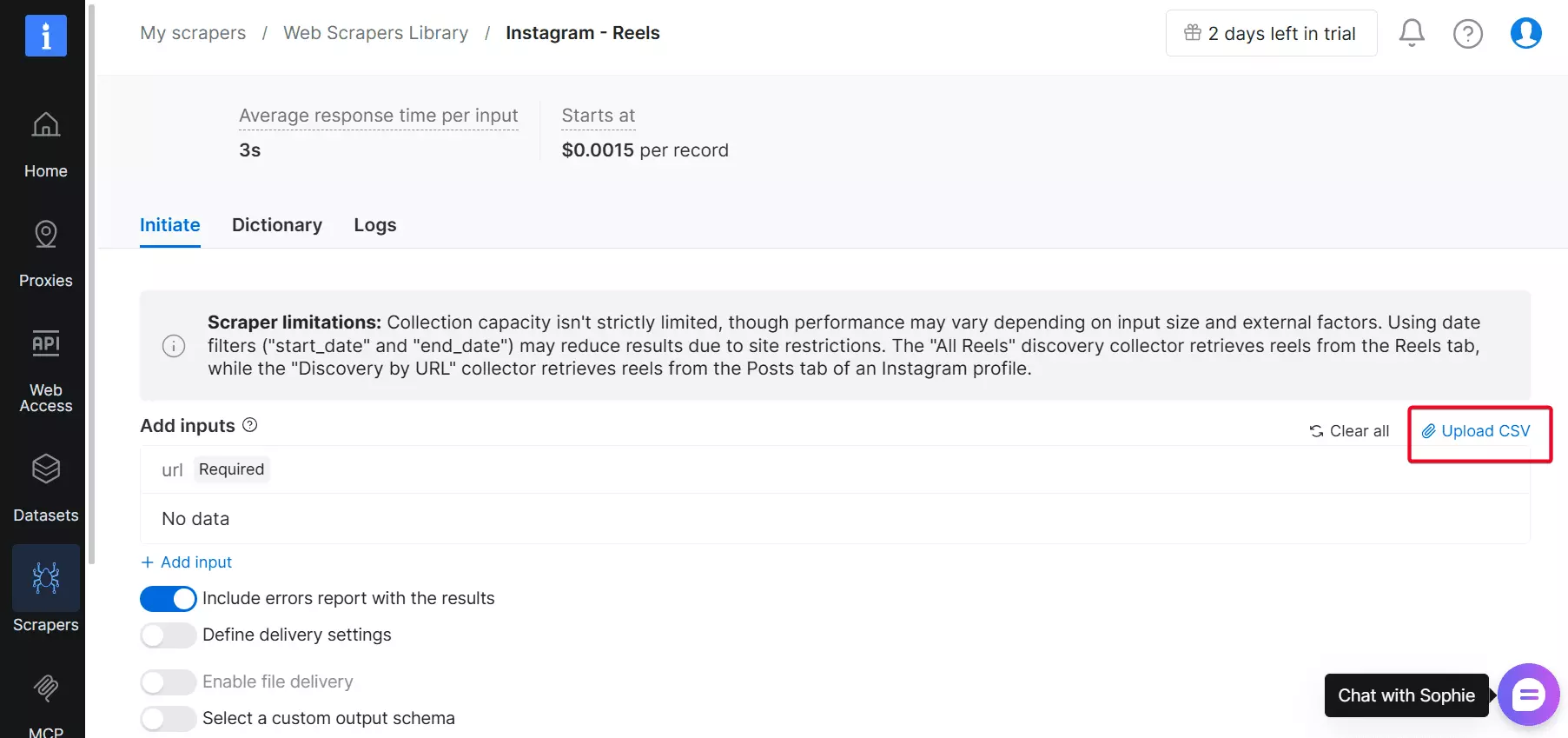
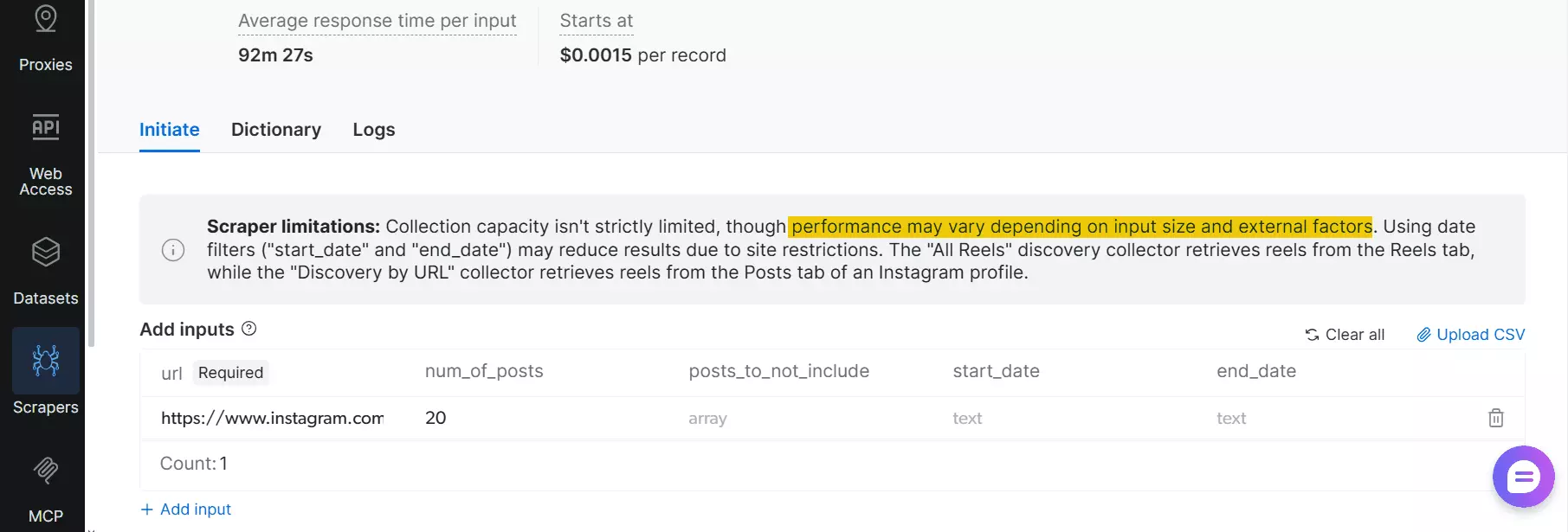
But scalability isn't consistent in practice.
Performance and output can vary depending on input size, filters, and external factors, which means large runs may not always return consistent results.
From a safety standpoint, it runs without requiring a login.
Ease of use
Bright Data isn't built with beginners in mind.
It's primarily an API-focused platform, and while it does offer a no-code scraper, that feels more like a side feature than the main product.
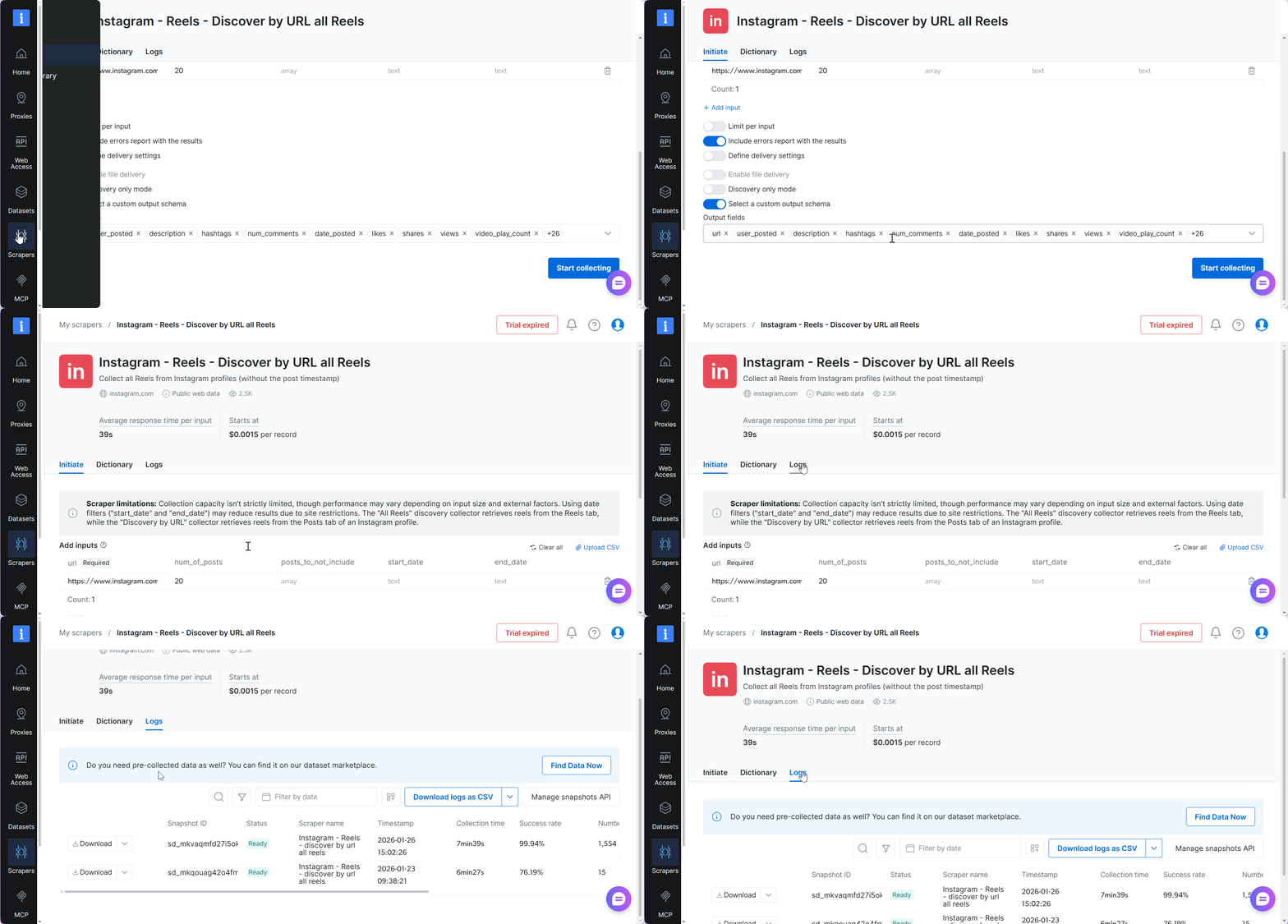
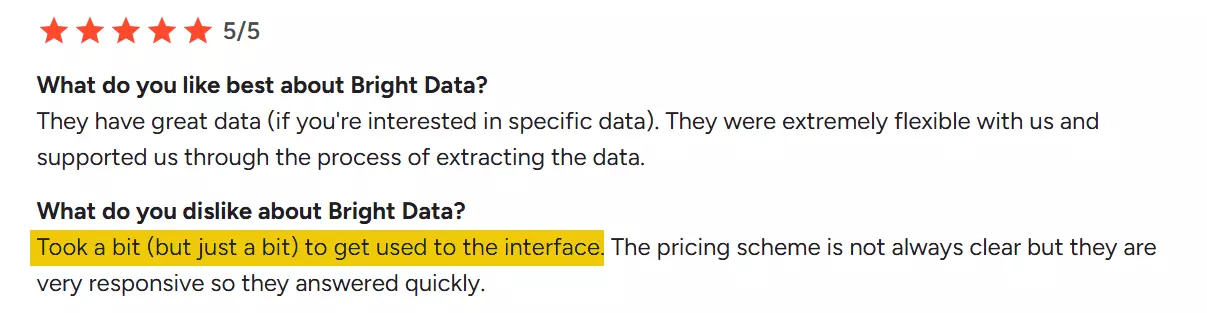
The interface is functional and gets the job done, but it's less intuitive compared to the other no-code tools.
That shows up in automation too — there's no scheduling on the no-code scraper.
Every scrape has to be triggered manually.
Export options and integration
You can export your dataset as CSV.
If you need automation, you can send it to Google Drive, Dropbox, Amazon S3, or SFTP.
Speed
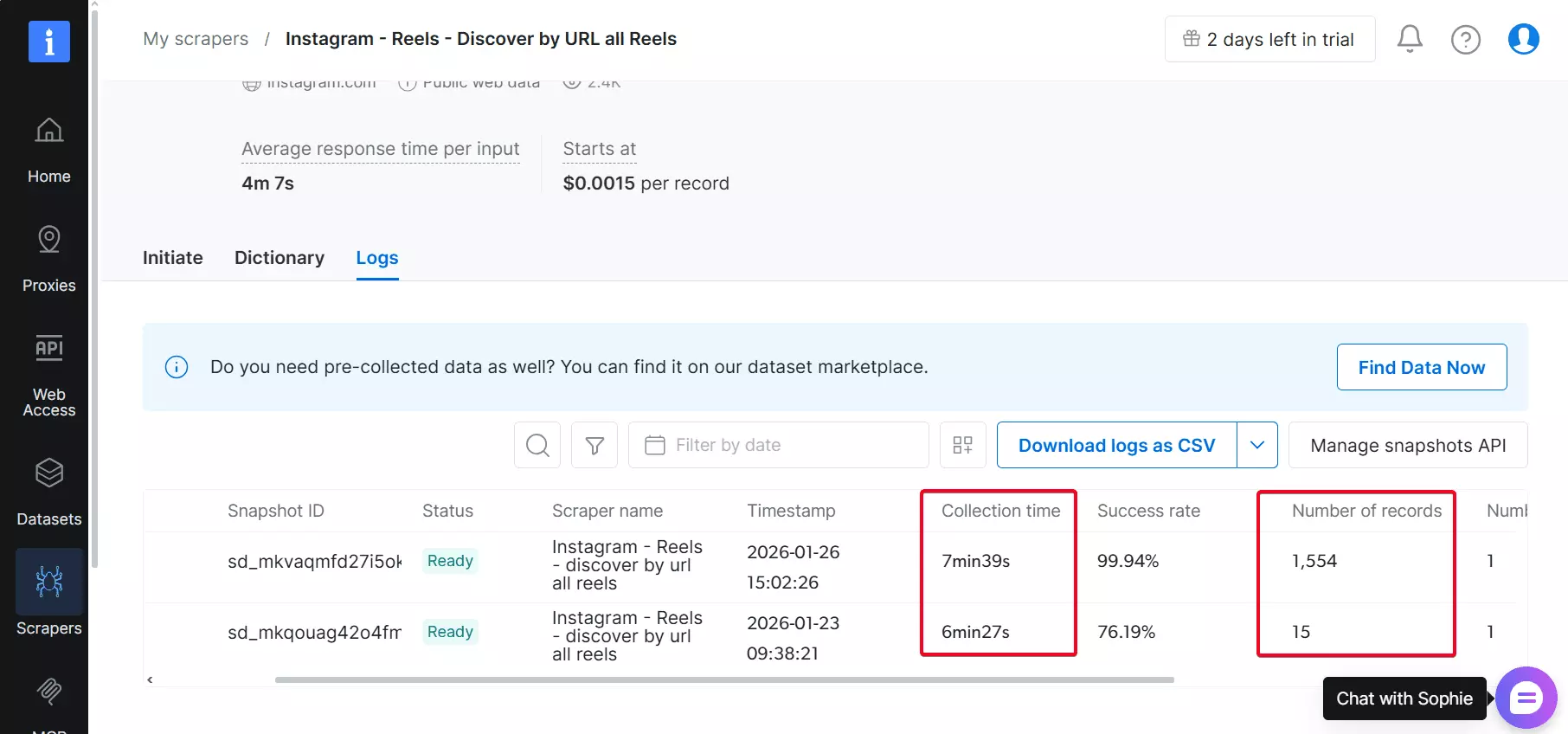
Bright Data's speed looks really promising. On average, it delivers 200+ results per minute.
But consistency is something to watch. Performance may vary.
Customer support
Customer support is accessible through a live chat window directly on the platform.
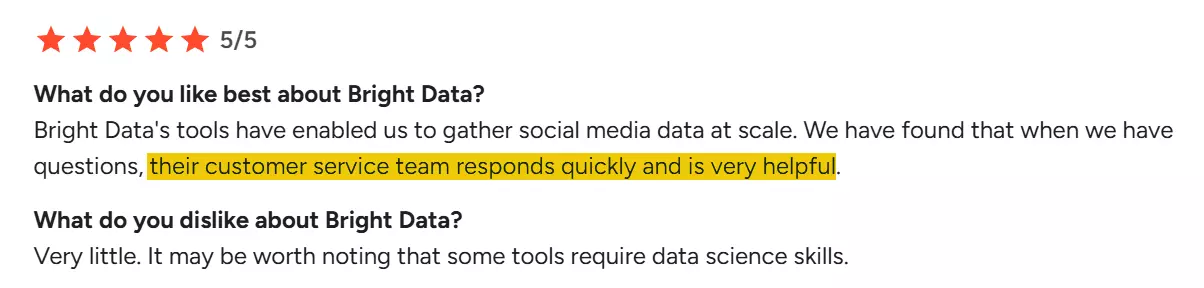
Many users highlight fast responses and helpful guidance.
Best for
Bright Data is best suited if you are a developer.
It's an API-first platform, and while a no-code option exists, it's clearly secondary and less intuitive than other tools on this list.
Scalability can be unreliable, and large runs may not return predictable results.
The monthly commitments are also expensive.
One useful extra is access to pre-collected datasets, which you can download instantly without running a scraper.
Alright, these are the best Instagram Reels scrapers for now, at least until the next update.
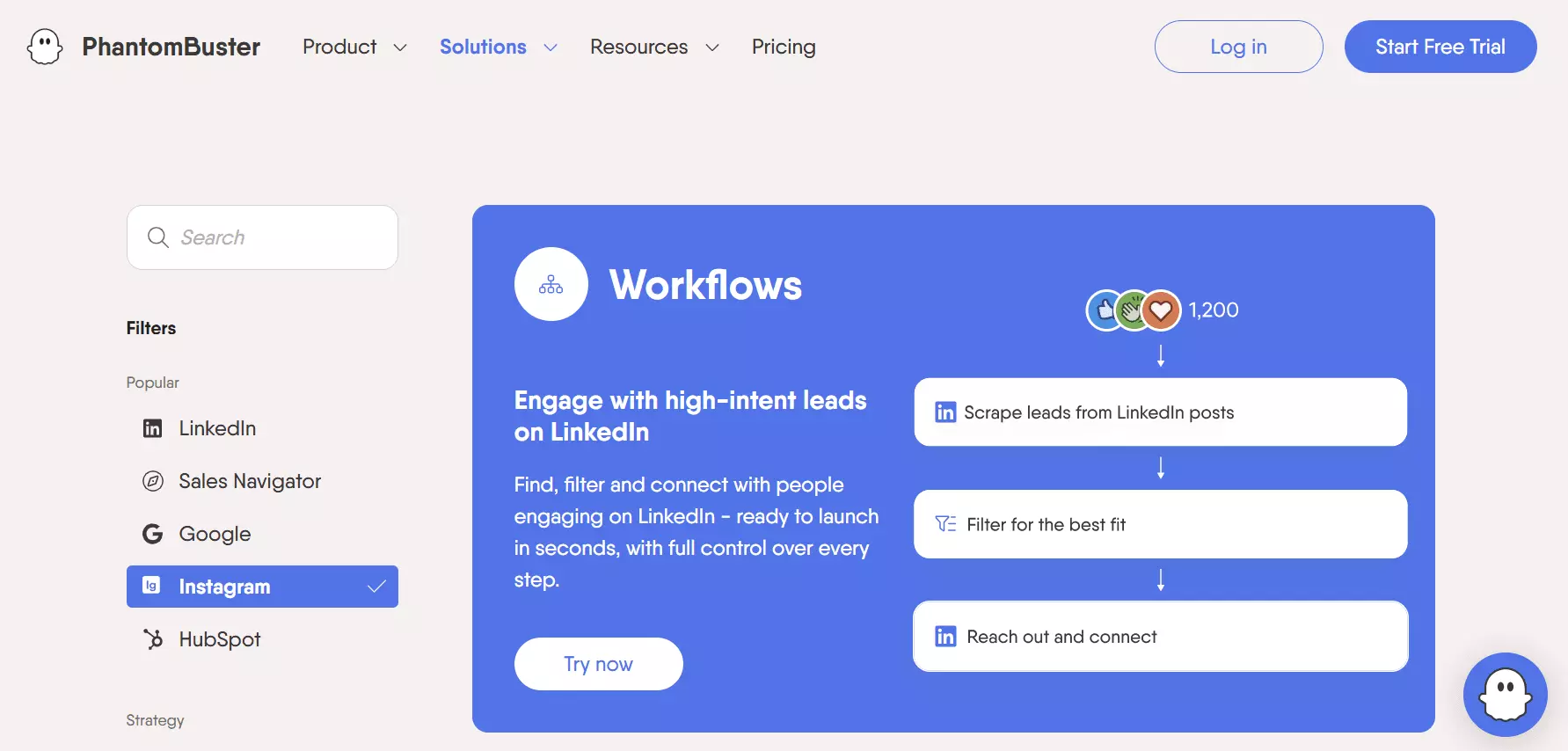
But there's one tool that kept showing up in blog posts and AI suggestions, Phantombuster.
So... why didn't it make the list?
Why I didn't include Phantombuster in the "best" list
Most AI tools and Google recommended Phantombuster as the best no-code Instagram Reel scraper.
Well, Phantombuster is mainly great for automation, you can chain multiple Phantoms to build custom workflows.
But when it comes to high-volume data scraping, especially for Instagram Reels, it's not built for that.
First of all, it doesn't offer a dedicated template for Reels.
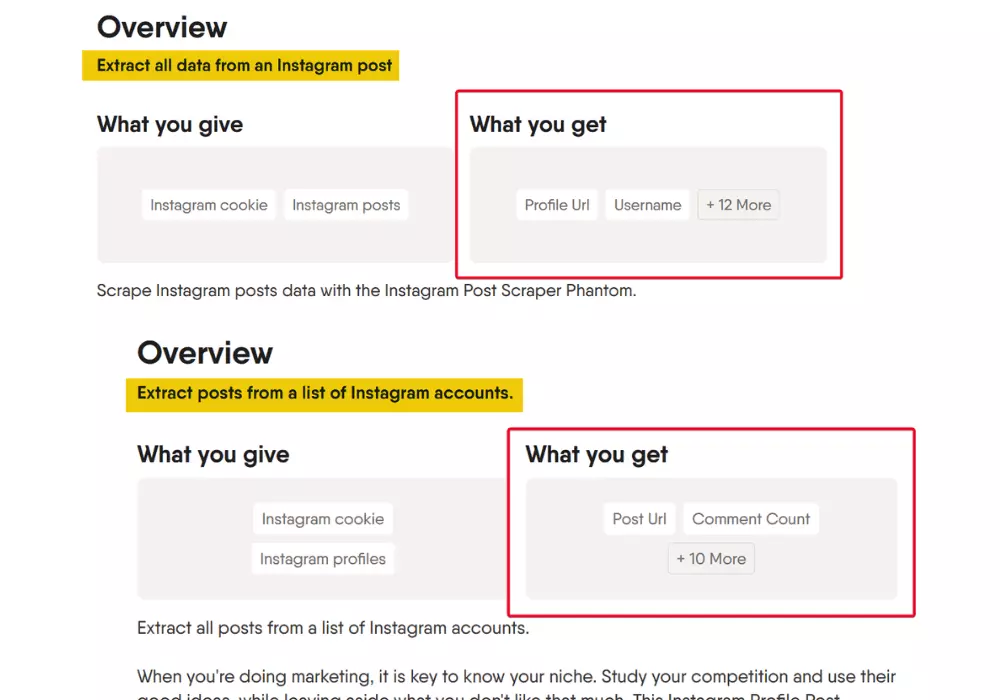
You can use the Instagram Post Scraper, but it only gives you 14 data points. Worse, the Instagram Profile Post Extractor returns just 12.
More importantly, it requires a login via session cookie. So if Instagram detects automated activity, your account could be restricted or banned.
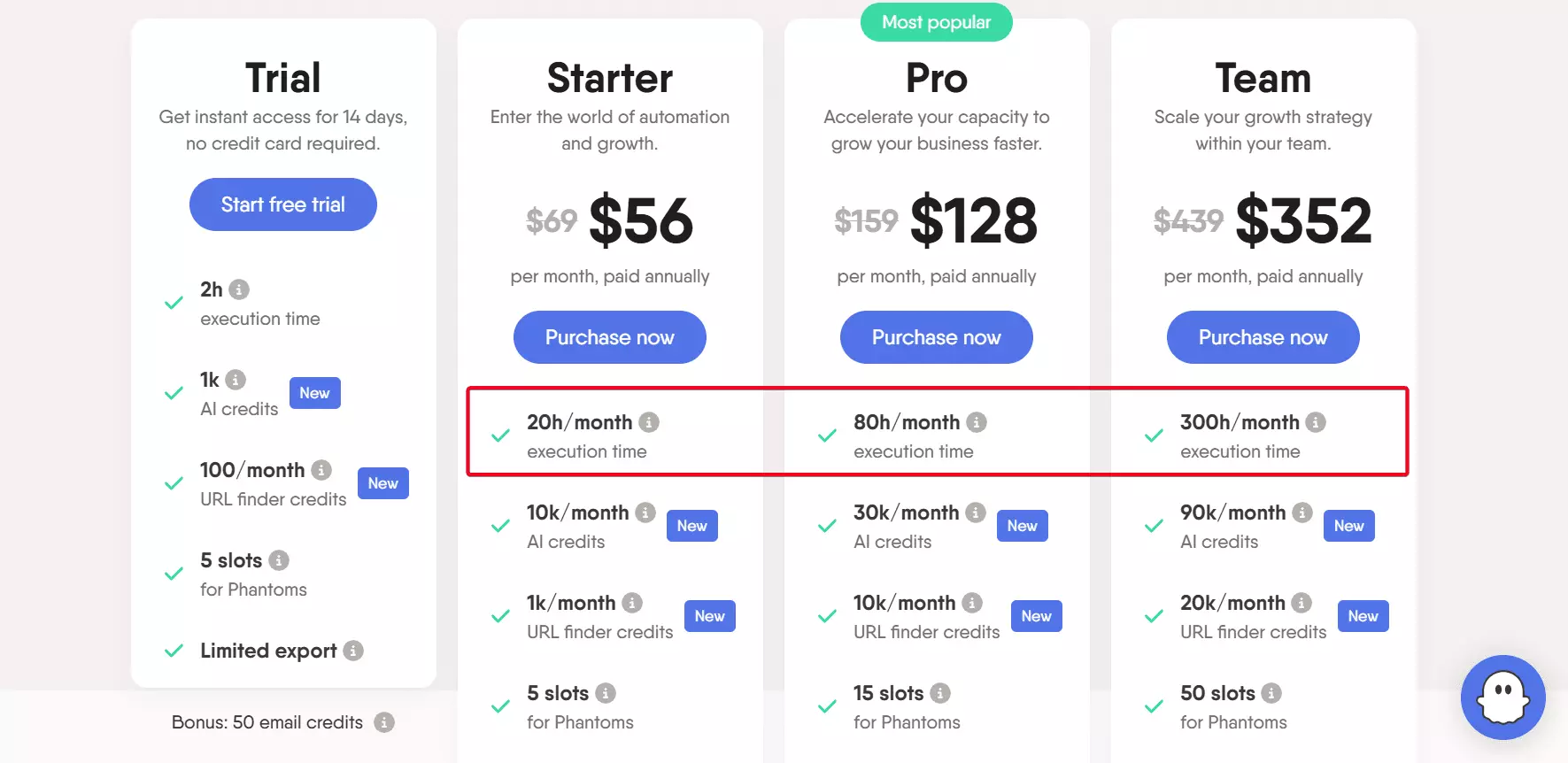
Besides, Phantombuster is slow enough to make pricing feel worse.
I tested the "Instagram Post Scraper," and it managed under 10 posts per minute.
Since Phantombuster charges based on execution time, the longer the scrape takes, the more it costs you.
Still have questions? Here are a few final things to keep in mind.
FAQs
Can I scrape large scale Instagram Reels using browser extensions?
Not reliably. They're built for small tasks and often crash with large volumes.
Scraping fails if the browser is inactive, like when you switch tabs, minimize, or your device goes to sleep.
Can I scrape private accounts?
No. These scrapers only collect data from public profiles.
You can collect publicly available Reels, but private or age-restricted content won't be scraped.
Can I use the Instagram Reels scraper for competitive analysis?
Yes. It helps track public Reels data from influencers or brands for market research, social media analysis, and Instagram data-driven decisions.